Where blurry and uneven product images come from
Blur in a shop usually starts with a small upload. The single product image, the catalogue image and the gallery thumbnail are all generated from one file, and a classic theme renders them at its own widths. A source narrower than the displayed size is enlarged, and fine detail softens.
Unevenness has a different cause. With the catalogue crop left uncropped, products photographed in different shapes appear at different heights in the shop loop. A theme switch or a change to the image dimensions keeps the old thumbnails until they are regenerated, so stale crops can outlive the corrected settings.
Packshots for the shop loop, angles for the gallery
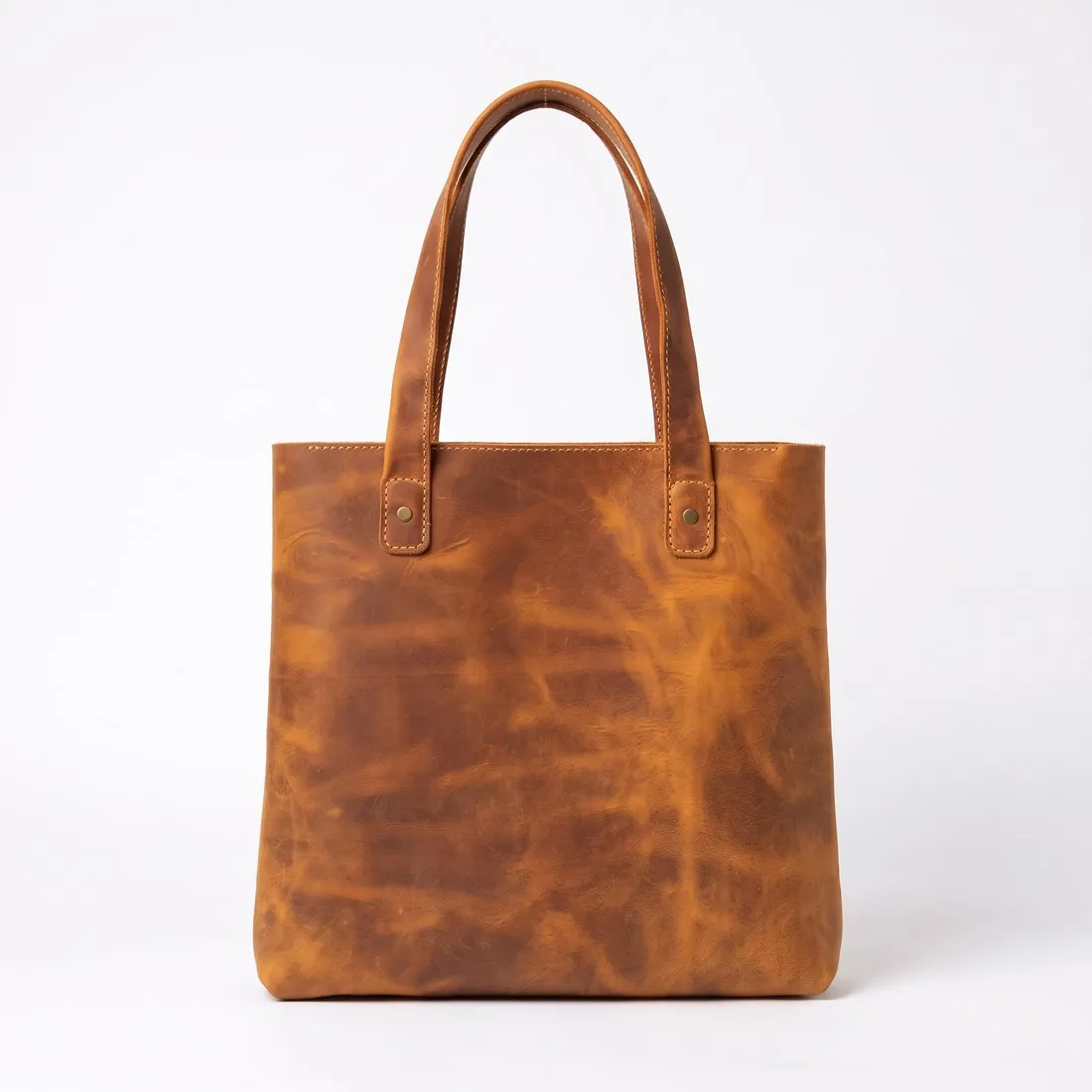
The packshot studio delivers the product alone on white, centred and filling most of the frame, which is what a shop loop needs when many items sit side by side. Ordered square, every product meets the square catalogue crop without losing an edge, and the scale stays consistent from one card to the next.
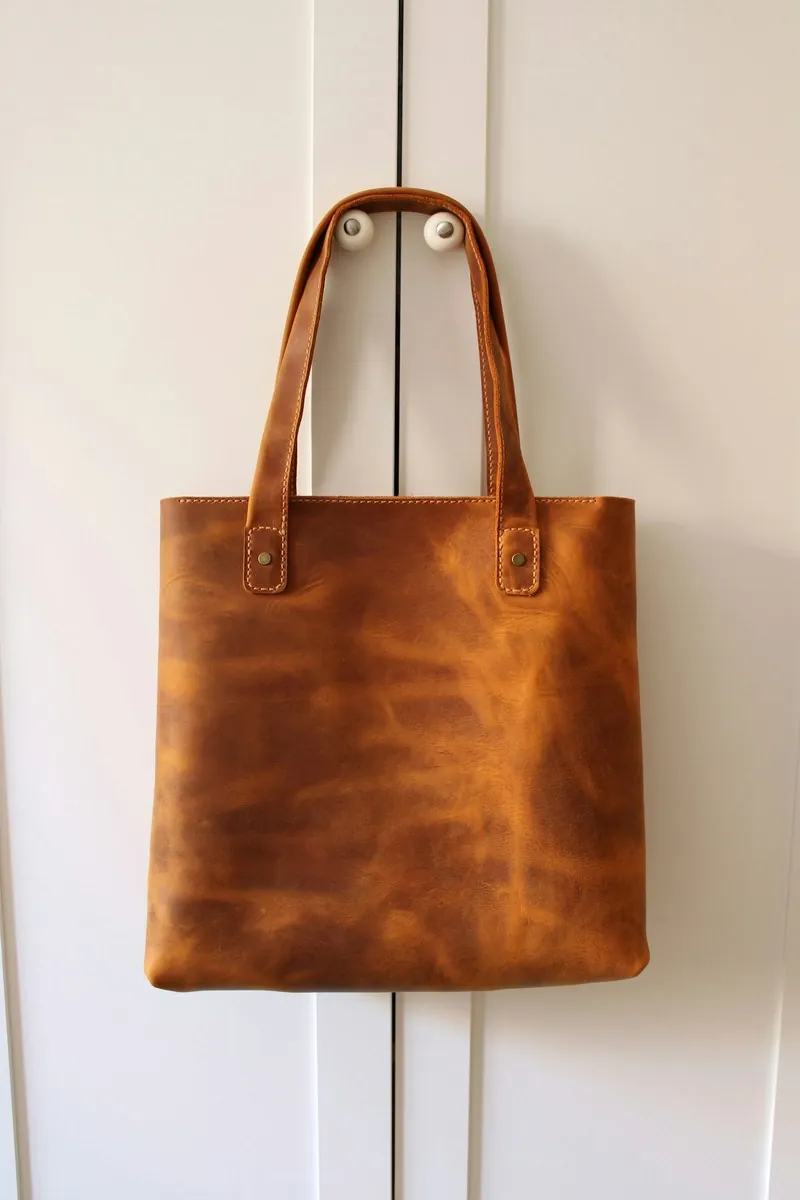
For the gallery beneath the single product image, the same upload can return a three-quarter, side or top-down view. Larger images are preferred for products with fine detail; Detail shot answers that by framing a close-up of a clasp, a seam or a printed label, and Product studio adds a marble, wood or linen scene.
Settings to fix before the first upload
Decide the catalogue crop first, square or a custom ratio, then order every packshot in that shape; regenerating thumbnails later costs time on a large shop. In the Storefront theme the zoom effect relies on a single product image of a stated size, and 2K output from Herofab is above it.
The published rules give a minimum upload size and no weight ceiling, so this shop system has no preset in the free resizer or compressor. The image size checker tests that minimum in the browser. Herofab images go up as delivered, since none of the sizes offered at download is set for this platform.