
Slow category pages and blocked product syncs
With few fixed size rules, problems tend to come from the file itself. A high-resolution PNG with a transparent background may load slowly on category pages, where many thumbnails appear together. Heavy images are compressed automatically, so an oversized upload is reduced by the store rather than shown as it was made.
The second risk sits outside the store. A copyright watermark can stop a product from uploading to a third-party marketplace or advertising service connected to the shop. A gallery that mixes portrait and landscape pictures also breaks the request for one aspect ratio and orientation across a product's images.
From the category thumbnail to each variation
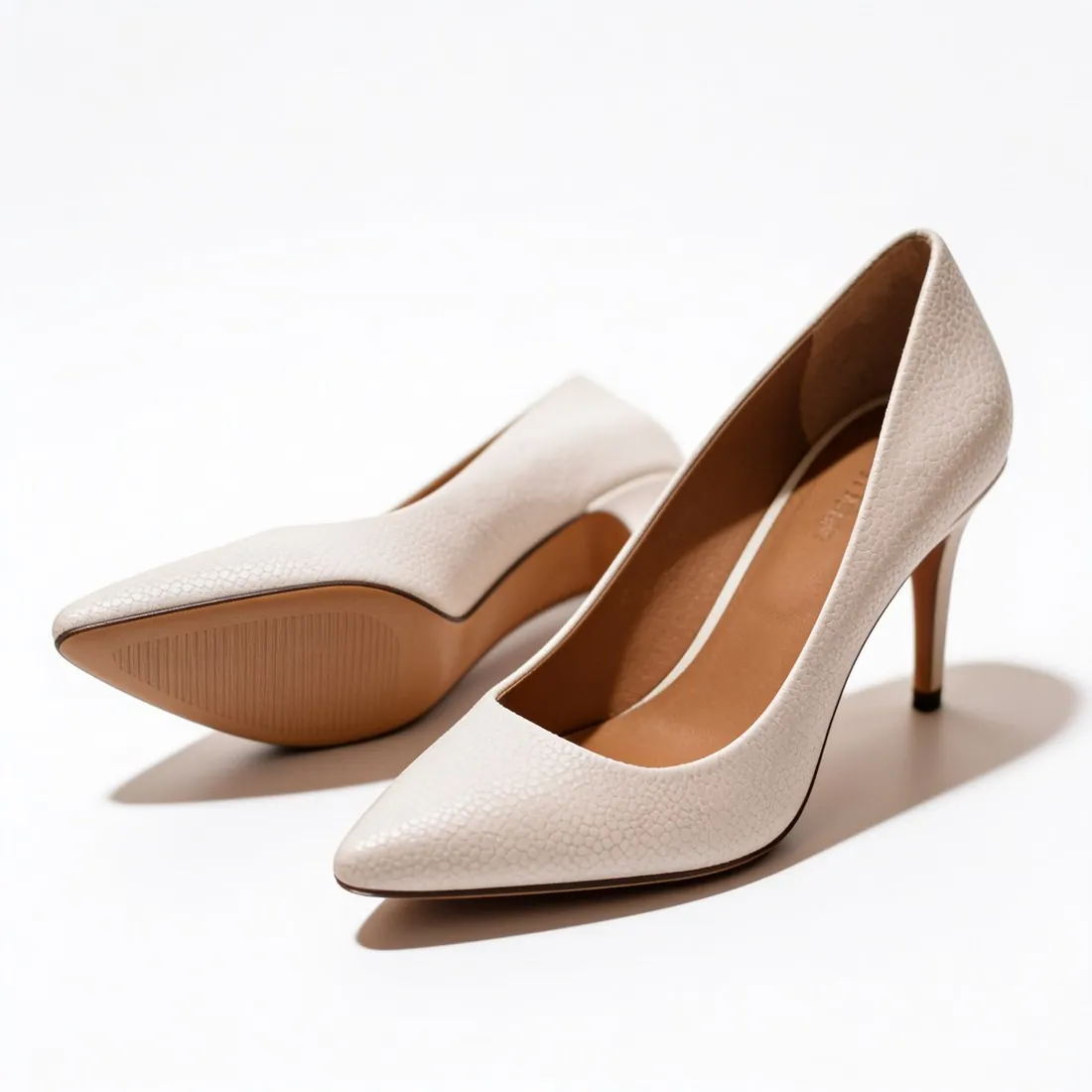
The first image doubles as the category thumbnail, and the packshot studio makes it: the product alone on solid white, centred and readable at small size. A solid ground avoids the transparent-PNG case, and images made on a plan or with a credit pack carry no watermark that could hold back a product sync.
Each variation takes one image. Colour variants recolours an approved packshot into further shades while the framing stays the same, so switching variations does not move the product. Further gallery images, a three-quarter or top-down view or a scene on wood or linen, are ordered in the shape of the first picture.
One shape for the gallery, chosen at the order
Square and upright three-by-four appear in both the store's list of appealing proportions and Herofab's formats, so the shape is fixed when the first image is ordered and every later image follows it. Square 2K output is above the suggested minimum, and the JPG download is the lighter file.
This store has no preset in the free resizer or compressor. The image size checker tests format and weight against the published limits in the browser. A transparent cut-out from Remove background is useful elsewhere, but for category pages a packshot on white is the lighter choice.