Ratio, pieced images and captions: where listings slip
The rules ask all images to keep the same aspect ratio, so a square packshot mixed with upright scenes among the main images breaks the set even when each file is valid alone. Pieced-together images are to be avoided, as are random ads and excessive decorations, and any cut-out or retouching has to look natural.
The six main images also have assigned jobs: at least one for goods display, one for functional selling points or size, and one for the SKU, beside the two marketing images. Six versions of the same front view leave those roles open. Images in the detailed description, finally, need English captions.
Packshot, scene and SKU images from one photo each
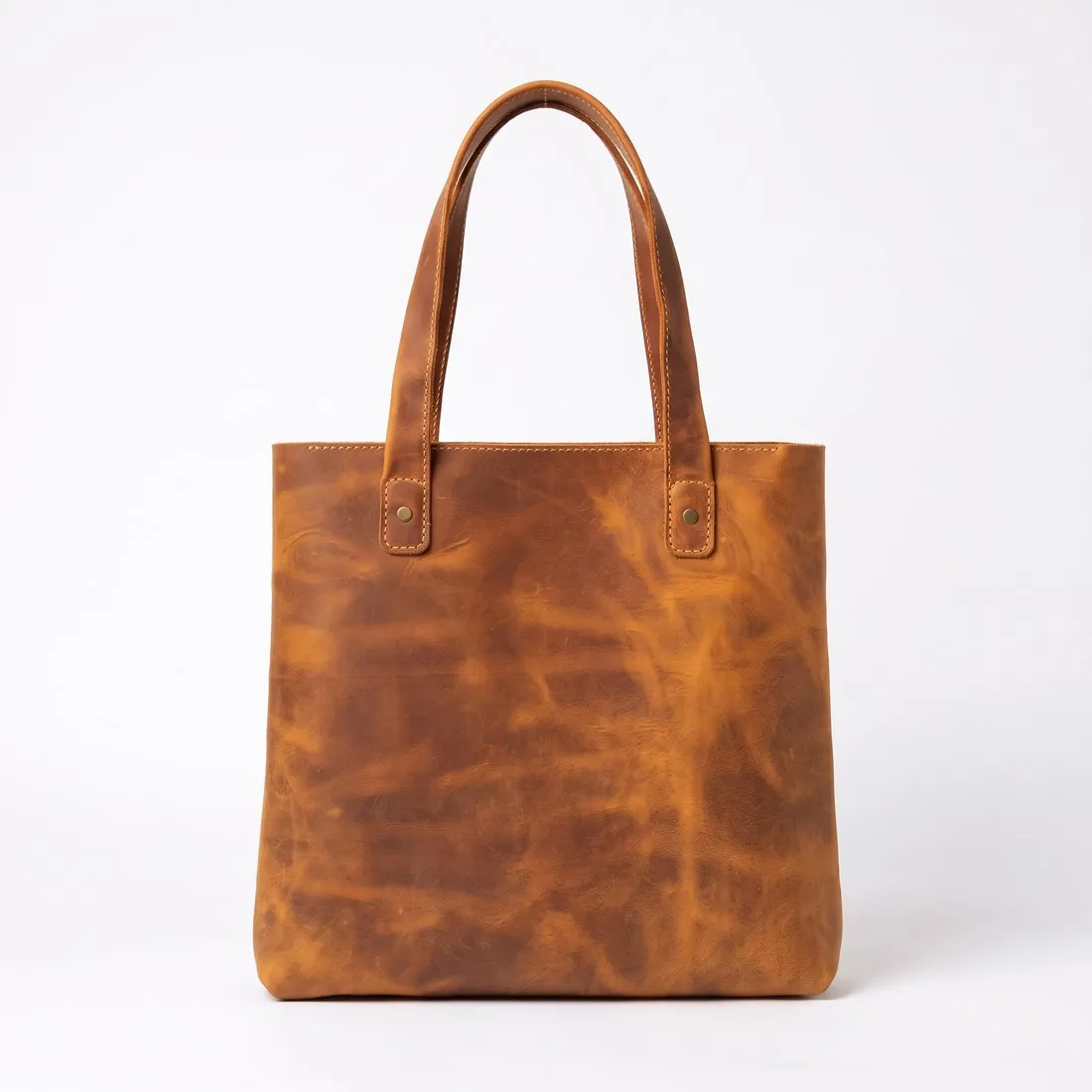
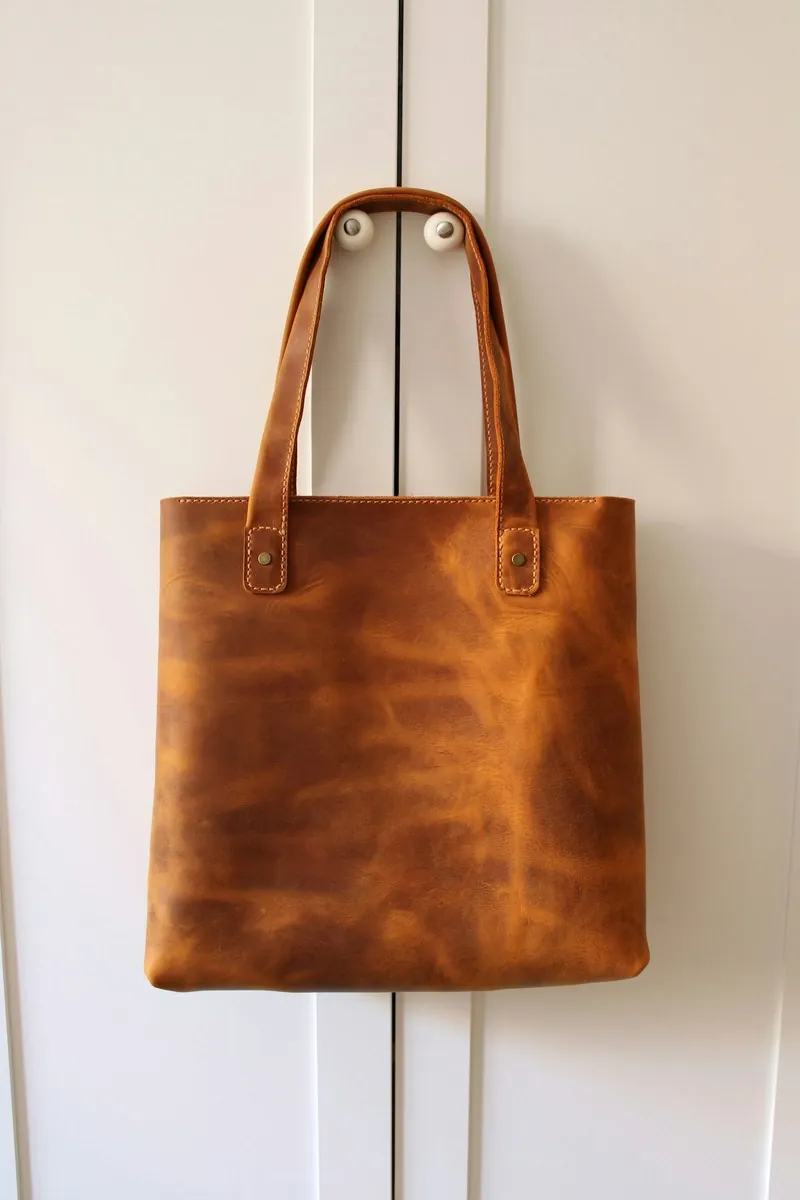
Goods display and the white marketing image are Packshot studio's front view on studio white, made square. The scene marketing image comes from Product studio in three-by-four, on a plain studio colour or in a home or outdoor scene. Each SKU gets its own packshot from its own source photo, so every SKU image shows the colour that was photographed.
The functional or size image is where generated pictures help least. Herofab adds no text, arrows or measurements, and Product studio is briefed to add no parts, so a photo of the product in use or a size drawing by the seller fills that role. Detail shot can frame a closure, a seam or the hardware as a further view.
One shape for the main set, JPG under the limit
Before generating, one shape is chosen for the six main images, square or three-by-four, and every main image is made in it; both shapes exceed their minimums in 2K. The two marketing images keep the shapes stated for them, square for the white one and three-by-four for the scene. No Herofab download size is set for this marketplace.
A free compressor preset saves files as JPG under the weight limit. If it must reduce pixels, it keeps the shorter side at the smaller of the two stated minimums, so a square file reduced that far can fall below the square minimum; the result line shows the new size. Transparent areas turn white, and the embedded AI marker is not carried over.