Two of three criteria, and two upload routes
The image policy uses an unusual test: every image must meet two of three criteria, a width, a height and a weight ceiling, while Seller Portal itself requires uploads of at least the stated width and height. A wide banner that is long enough but too shallow meets only part of that.
The data feed adds its own conditions. An image link must lead directly to the image, not to a coded site, and the feed lists JPG, JPEG and GIF without PNG. A primary image showing a person, a body part or a model, or a collage, is excluded whichever route the image takes.
A packshot primary and six further positions
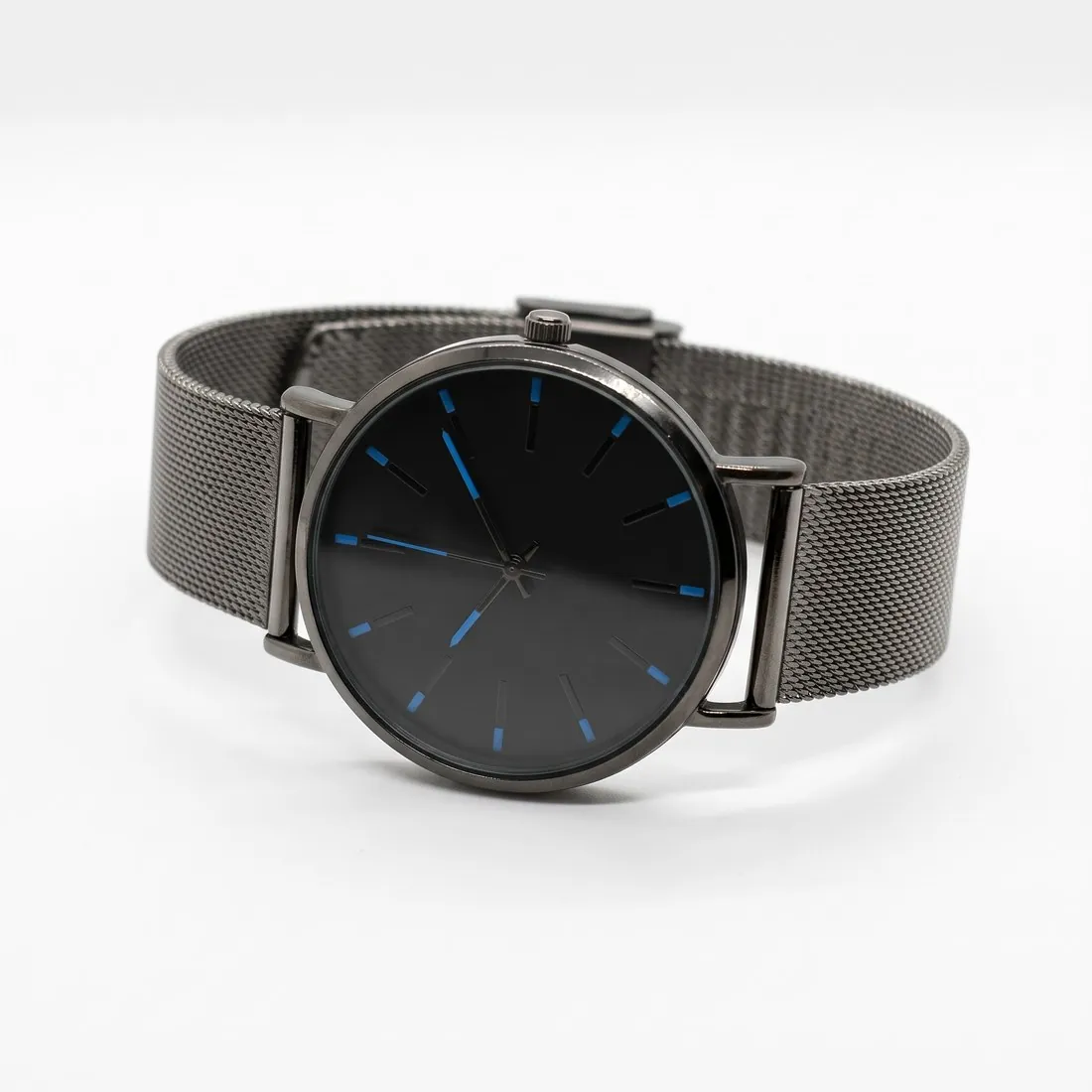
The packshot studio makes the primary image: the product alone on a white studio background with no people or hands, even when the source photo shows a hand holding the item. It is briefed to keep the shape, colours and every logo and label, which matters where images must not contradict the specifications.
Six positions remain after the primary. Three-quarter, side and top-down views come from the same source, and Detail shot frames close-ups of a logo, a closure or other hardware. Where a product is sold in several colours, Colour variants gives each colour an image of its own instead of a collage.
Checker and compressor presets for Seller Portal
The product photo checker preset reads the background colour from the edges of a photo and reports its exact value; the rules ask for an appropriate background and name no pixel value. Size, weight and format are checked in the same report, inside the browser.
The compressor preset saves a JPG under the Seller Portal weight limit and stops reducing pixels at the minimum width and height. JPG is also on the feed's list, so one file serves both routes. The new file does not keep the AI marker embedded in Herofab images.