How Packshot studio renders a product on white
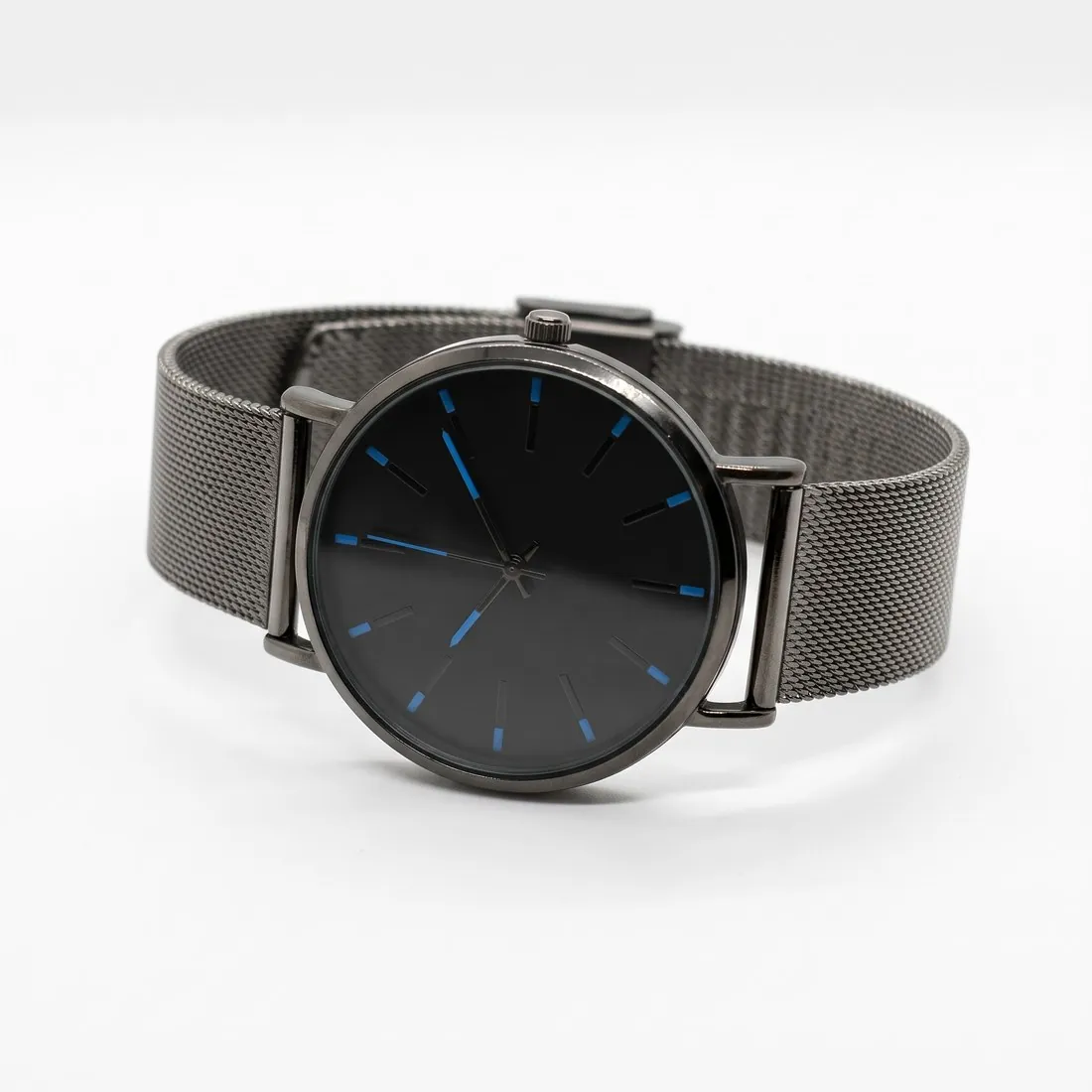
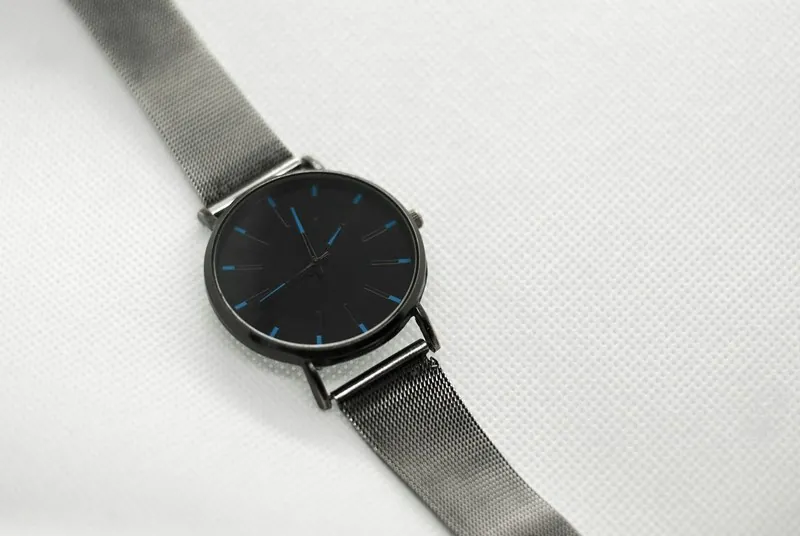
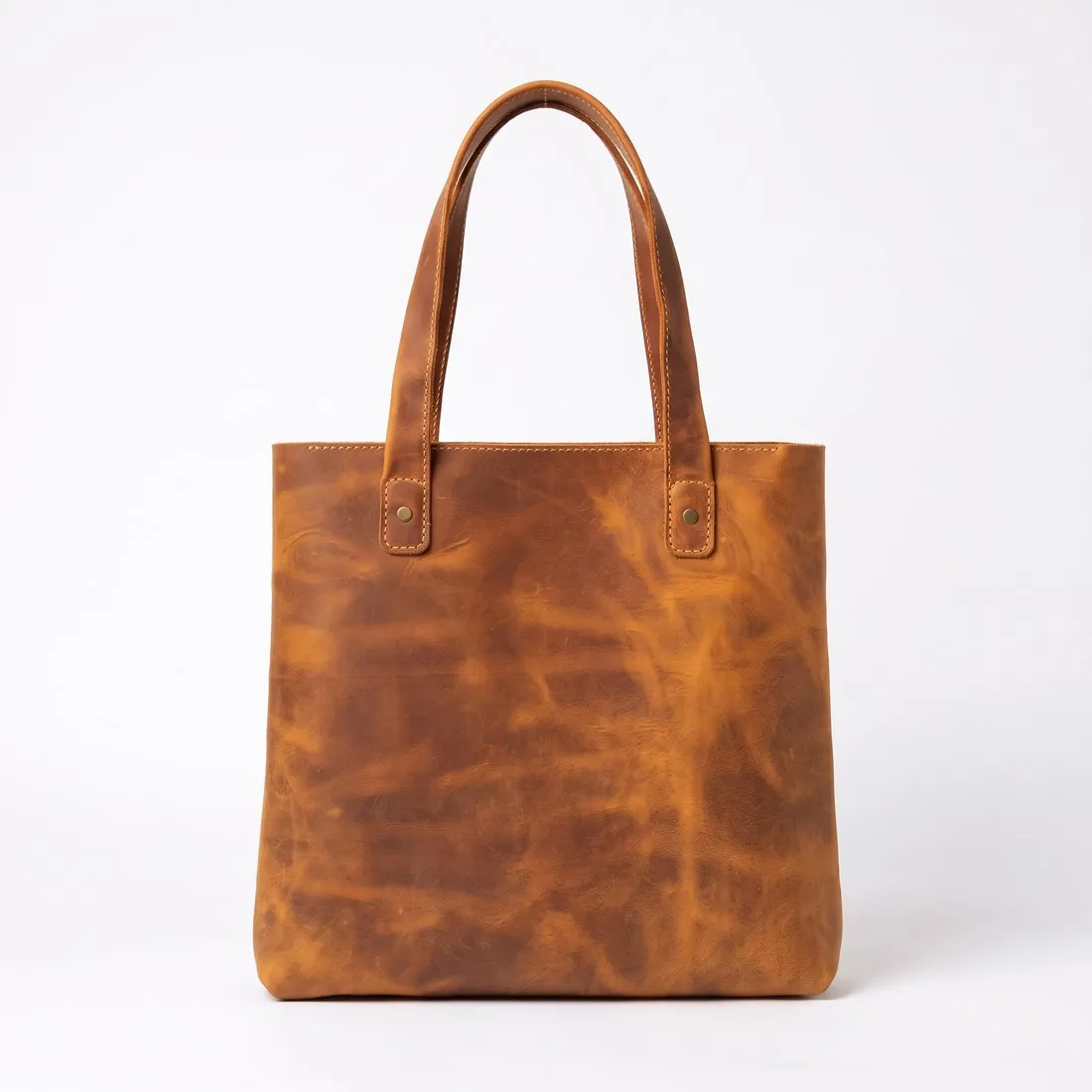
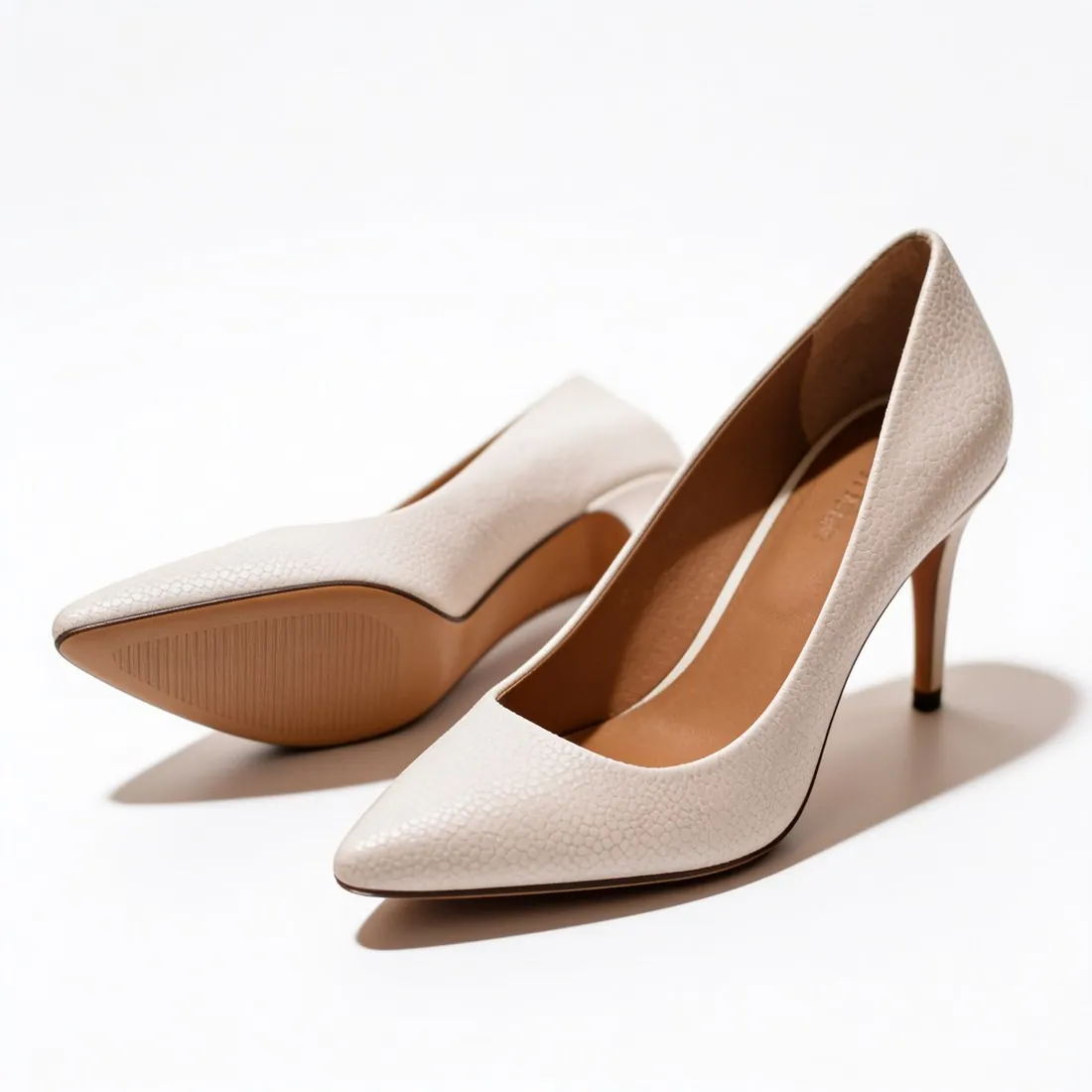
Packshot studio is Product studio opened on its white studio scene. The product in the photo is rendered again on a clean, seamless white background under even studio light: once, centred and filling most of the frame. Two choices shape the result: the camera angle, and what lies beneath the product, which is a soft contact shadow, a subtle mirror reflection or no visible shadow.
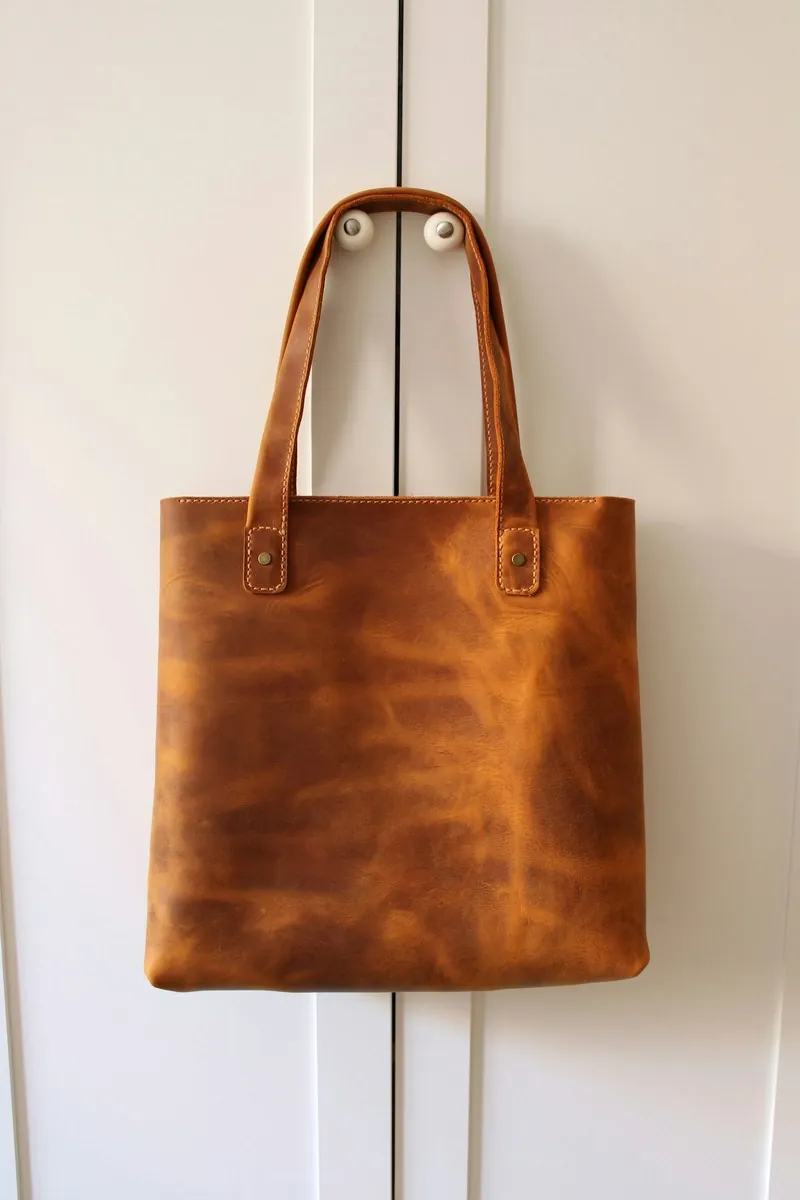
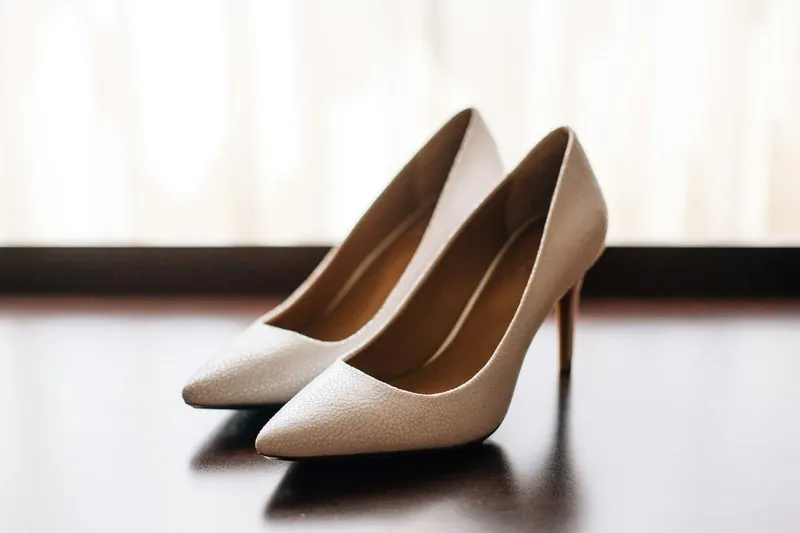
The product is rendered again under studio light, and the brief sets the light of the original photo aside: it treats shadows, highlights, reflections and colour casts in the source as light, not as part of the product. It asks for every material in its true colour, and for repeated identical parts, such as rivets and buckles, in the same colour and finish wherever they appear.
When a packshot on white fits, and when another image does
A packshot on white serves one purpose: the image in which the product stands alone and has to read at thumbnail size. For several product types the brief says how the product is to stand. A pair of shoes is shown as a matching left and right shoe, one slightly in front of the other. Glasses are shown open, with both temples unfolded. A bag stands upright with its natural volume.
When the photo is already evenly lit and only the surroundings are in the way, Remove background cuts the product out without redrawing it and sets it on solid white. Clothing has its own packshot format in Ghost mannequin. For the further images of a listing, Product studio offers styled scenes, from marble, wood or concrete surfaces and pedestals to home, kitchen, office and outdoor settings.
What to check in a packshot before publishing
The white of the studio scene is drawn by the image model: a clean, evenly lit white, not a measured colour value. When the image is sized for a sales channel that requires pure white, the background is brought to pure white in that step. The free White background checker reads the pixels along the edges of a finished file and reports how many are exactly pure white.
Then look at the frame. The product should be whole, with no part cut by the border; the tool has no setting for the margin or for the position of the product. The free Product photo checker measures how much of the frame the product fills and whether it touches an edge. Last, compare the product with the object itself: lettering at full size, the number of parts and the colour of the metal.