Language: EN
Start free

Detail shots, from the photo you have.

Detail shot frames a close-up of the part buyers zoom into — the collar, the fabric, a print, the hardware or the stitching — from a product photo or an image Herofab delivered, and is briefed to keep it as it is in the source.

4credits per image · 4K +1
Start free

Updated

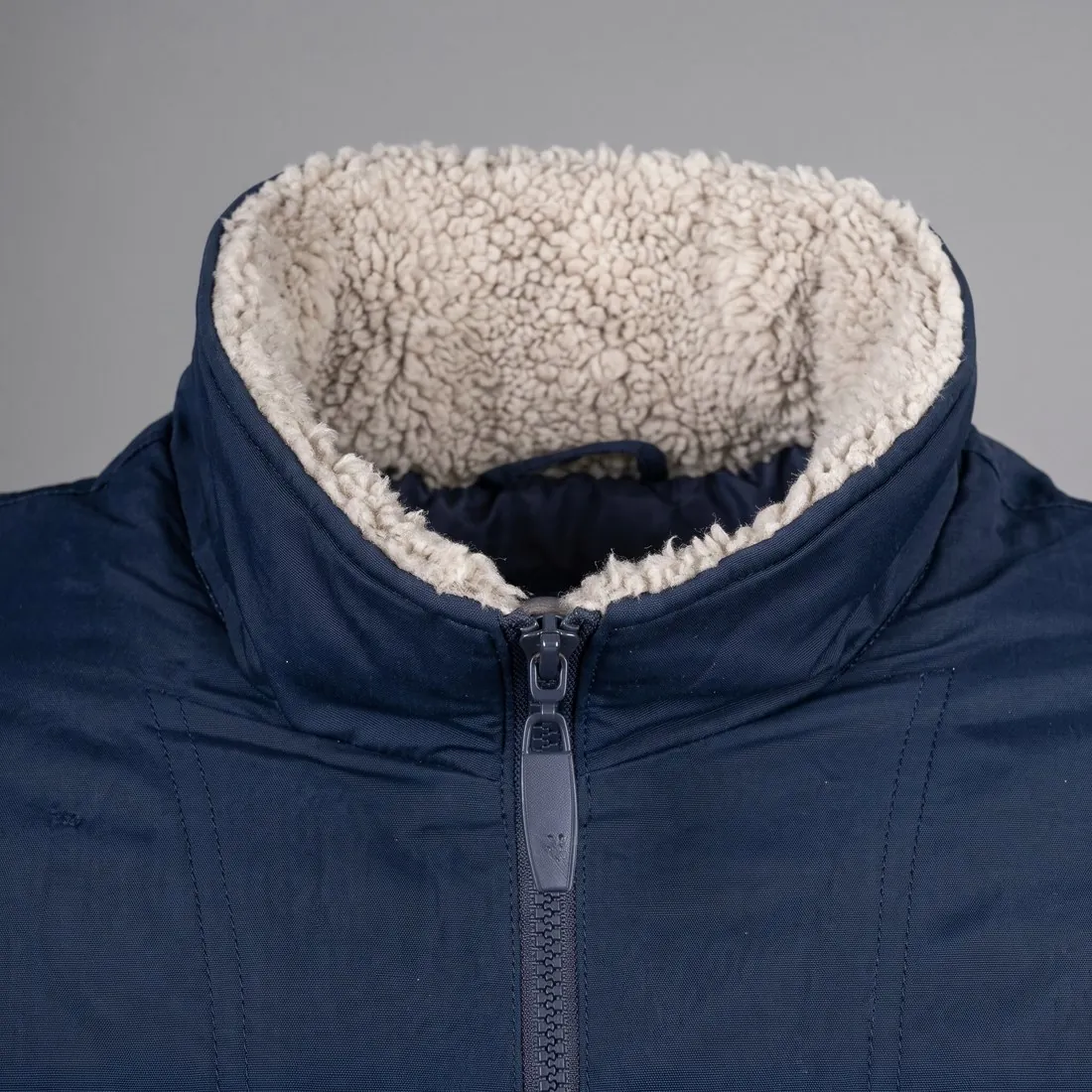
Close-up of the navy jacket's cream sherpa-lined collar and zip pull · Detail shot
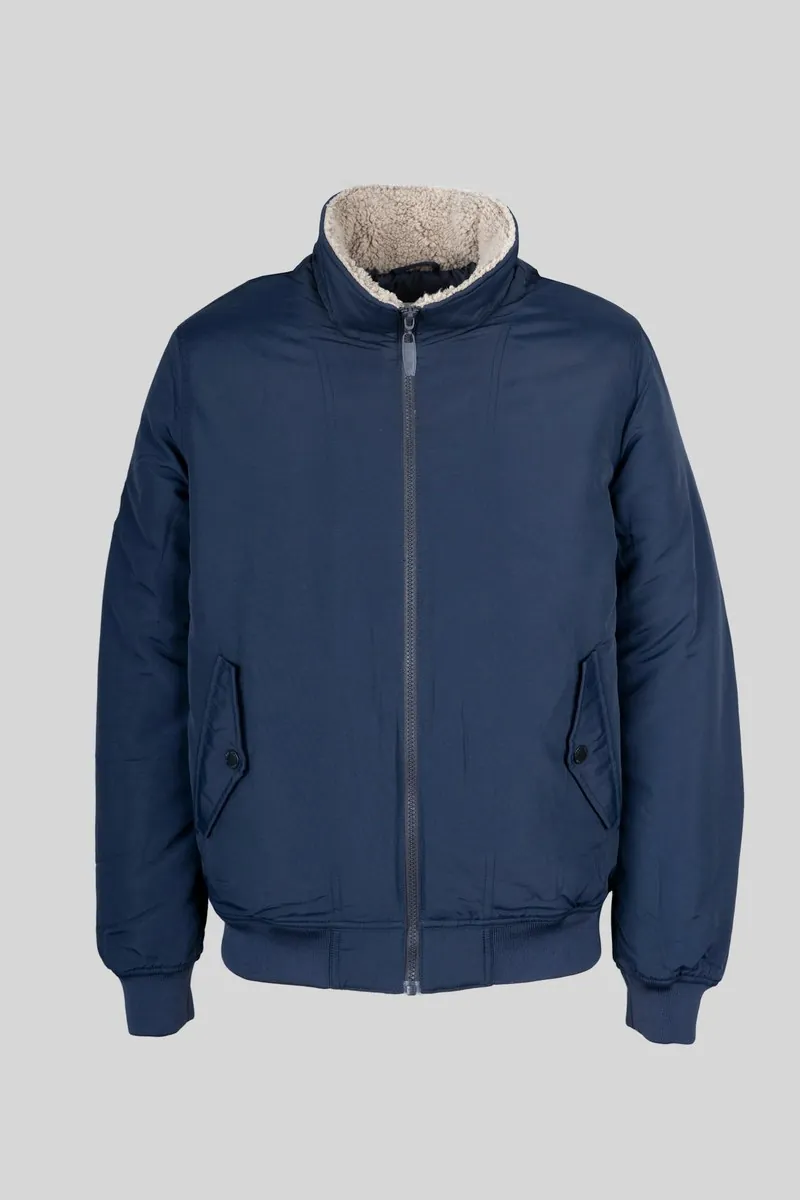
Source photo: Jacket on a hanger. Made with Herofab · Detail shot

How it works

  1. 1

    Upload the image

    A product photo, or any image Herofab delivered — including one on a model.

  2. 2

    Choose the detail

    Leave the choice to Herofab, or pick the collar, the fabric, a print or logo, a cuff, the hem, a closure, the stitching, the sole, a stone setting or a clasp.

  3. 3

    Receive the close-up

    Delivered in 2K, or 4K for one extra credit — then download it in any of 20 marketplace sizes at no extra credit.

Examples by product

Real results, by product type.

Made with this tool from the photo beside it.

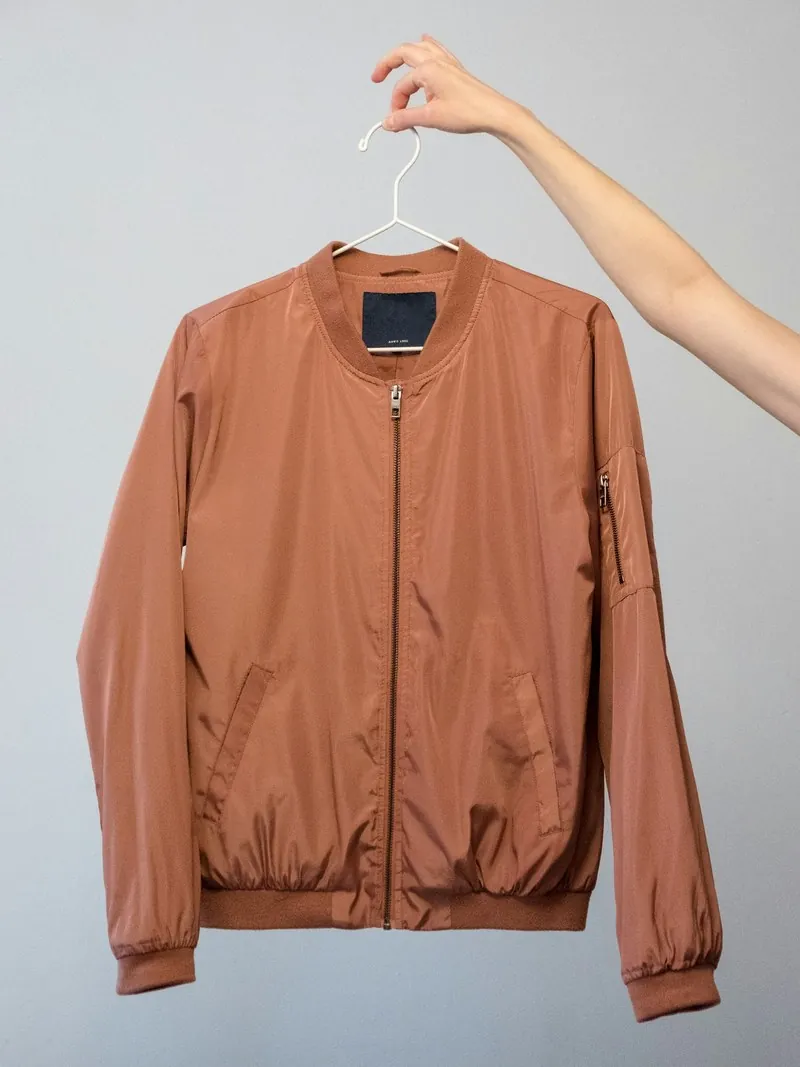
Source photo: Jacket on a hanger
Source photo · Jacket on a hanger
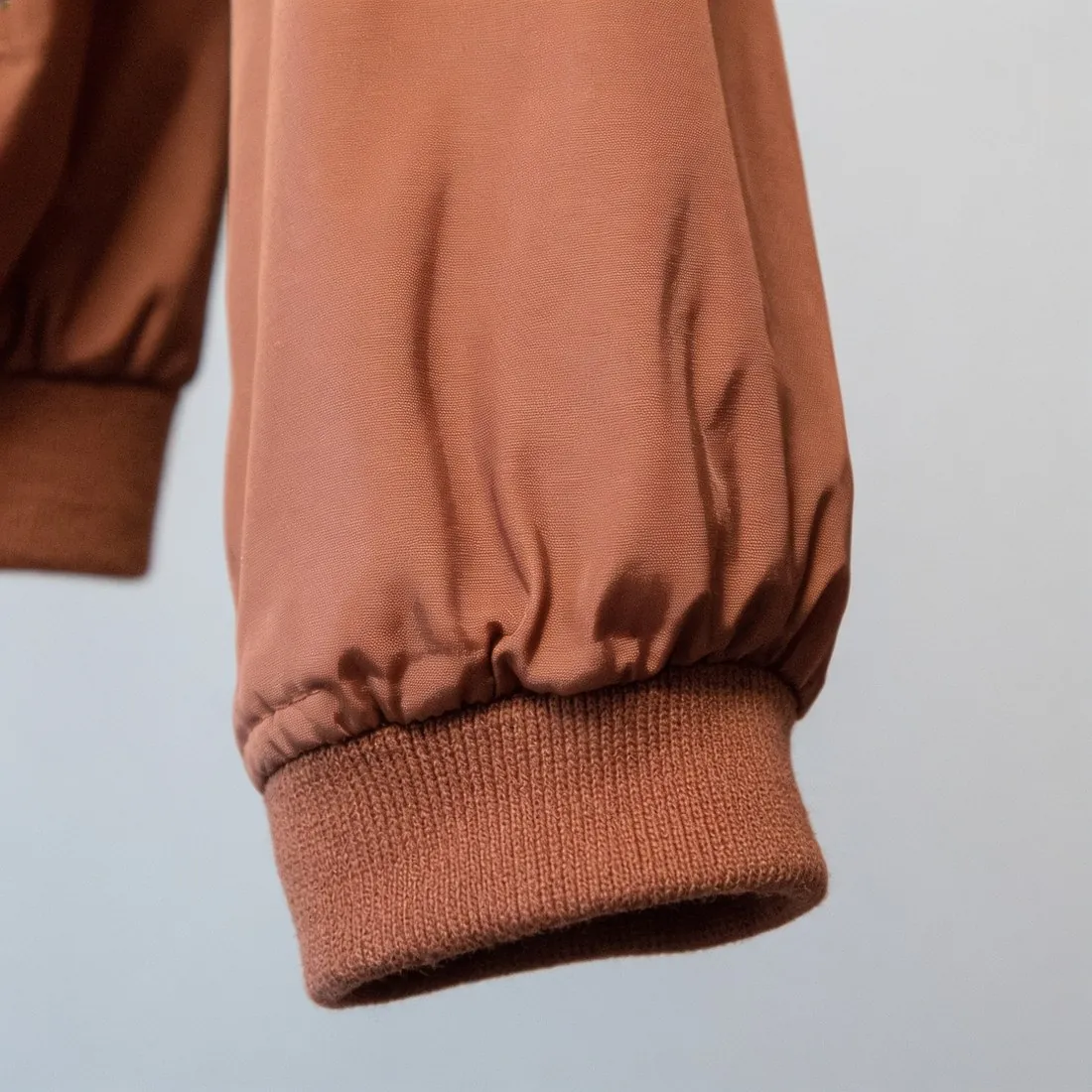
Close-up of the terracotta bomber jacket's ribbed sleeve cuff · Detail shot

Source photos: Bulbul Ahmed (Unsplash License) · Tobias Tullius (Unsplash License)

Options

What you can set.

Every option below is part of the Herofab studio.

Source
A product photo, or an image delivered by Herofab
Details
Automatic, collar or neckline, fabric texture, print or logo, cuff or sleeve, hem, closure or hardware, stitching, sole or heel, stone setting, clasp
Formats
1:1, 4:5 or 3:4 · 2K or 4K
Marketplace sizing
20 marketplace sizes at download, without cropping or extra credits

How Detail shot frames a close-up without inventing detail

Detail shot makes a close-up of one area of a product from an image that already exists. The brief describes it as the same camera moving closer to the same product under the same light: the chosen area fills most of the frame, centred and in sharp focus, while the rest of the product may continue beyond the edges. The area is left to the tool or picked from ten: the collar or neckline, the fabric surface, a print or logo, a cuff, the hem, a closure and its hardware, the stitching, a sole or heel, a stone setting or a clasp.

What defines the tool is a ban on invention. The brief asks for only what is already visible in that area of the source, with the same colours, material, weave, stitching, print, lettering and hardware in the same shapes, count and positions, and it rules out added stitches, buttons, rivets, stones, texture, text or decoration. Where the source is too small to show fine texture, the tool is told to stay true to how the source looks. The close-up is still a new rendering, not an enlargement of the source pixels.

When a close-up is the right image, and when it is not

A detail shot answers the questions a buyer cannot settle from a full view: how a collar is built, what the surface of the fabric looks like, how a zip, a buckle or a clasp is finished, how a stone is set. The source can be the seller's own product photo or an image Herofab delivered, such as a try-on, a ghost mannequin or a product studio image. Each request frames one area and delivers one photograph, so a second detail of the same product is a second request from the same source.

A close-up is not always the right image. When buyers should be able to zoom into the whole picture, Upscale raises the resolution of the image and does not redraw it. When the whole product should appear in a new setting, Product studio places it in a studio or styled scene. When the fabric itself should change, Fabric studio takes the garment photo and a photo of the new fabric. Detail shot has no scene, backdrop or angle setting: the brief asks for the same product under the same light, so the close-up takes its light from the source.

Comparing the close-up with the source before publishing

Place the close-up beside the source and compare by counting. Stitch rows, buttons, zip teeth, rivets, stones and prongs should be the same in number and in the same places; for these areas the brief names the stitch length and thread colour, the shape, finish and position of hardware, and the cut, colour and placement of stones as things to keep. Lettering is the strictest test. A print, logo or label is briefed to stay legible with the same spelling, font, weight and colour, so read it letter by letter and generate again if a letter has changed.

Then confirm that the close-up shows the area that was asked for. If that area is not visible in the source, the brief tells the tool to frame the most distinctive visible detail and not to draw a part the source does not show, so a sole requested from a front view can come back as a different detail. Texture is the other limit. A fabric close-up is briefed to keep the weave, knit or grain at the scale of the source, not coarser, finer or different, and a small or soft source leaves the tool little to read.

Questions

Detail shot, answered.

What does “automatic” choose?

The most distinctive detail of the product in the image. Choose the detail yourself when one part matters most, such as a logo or a clasp.

Can it show a detail that is not in my photo?

No. The close-up is made from what the source shows. A part that is hidden, folded away or too small to make out cannot be reproduced faithfully — use a sharp photo in which the detail is visible.

Can I start from an image made with another tool?

Yes. The source can be your own product photo or an image Herofab delivered, such as a try-on, a ghost mannequin or a product studio image.

How do I get detail shots of a product without a close-up shoot?

Upload a sharp product photo in which the detail is visible, or an image Herofab delivered, and leave the choice to Herofab or pick the area: the collar, the fabric, a print or logo, a cuff, the hem, a closure, the stitching, the sole, a stone setting or a clasp. Detail shot frames a close-up of that part in 1:1, 4:5 or 3:4 and is briefed to keep it as it is in the source; a part that is hidden or too small to make out cannot be reproduced faithfully.

Does the model's face appear in a close-up made from an on-model image?

It is briefed not to. When a person wears or holds the product in the source, the brief keeps their skin, hair and pose as they are and leaves their face out of the frame. The close-up is framed on the chosen area of the product, so a neckline or a cuff can show the skin beside it, as it does in the source image.

Can a detail shot be delivered as a wide banner or a vertical story?

No. Detail shot offers a square and two portrait shapes and has no wide or story format. Extend frame is not a way round this: it continues the scene around an image and is not briefed to complete a product that is cut off at the edge, which is how a close-up is framed. For a banner, start from an image that shows the whole product.

How much does it cost?

4 credits per image, plus one credit for 4K. In US dollars that is $0.16 to $0.48 per image before tax, from the largest plan to the smallest credit pack. The cost is shown before you generate, and if a job fails the credits are returned. The 20 free credits at sign-up cover 5 images with this tool.

Examples by product
Glossary
Guides
Related tools
Get started

Your next collection, shot this week.

20 credits at sign-up, no card required. Images made with free credits carry a watermark. Herofab also removes the watermark from those images once credits are purchased.