Links checked early, images fetched later
When a product is submitted, only the image URL is checked; the image itself is downloaded and processed later, when the product is actually created. A link therefore has to stay public and unchanged until then, not only until the form is sent. Authentication, IP allowlisting, expiring signatures and token-based access all rule an address out, and Imgur links are rejected.
Size runs the other way from most channels: the rules set a ceiling as well as a recommendation, and a high-resolution file is above it. Because default and additional image URLs are global content shared across every OnCommerce site, one oversized or wrong file is repeated on each site the product reaches.
A white default image and the additional URLs
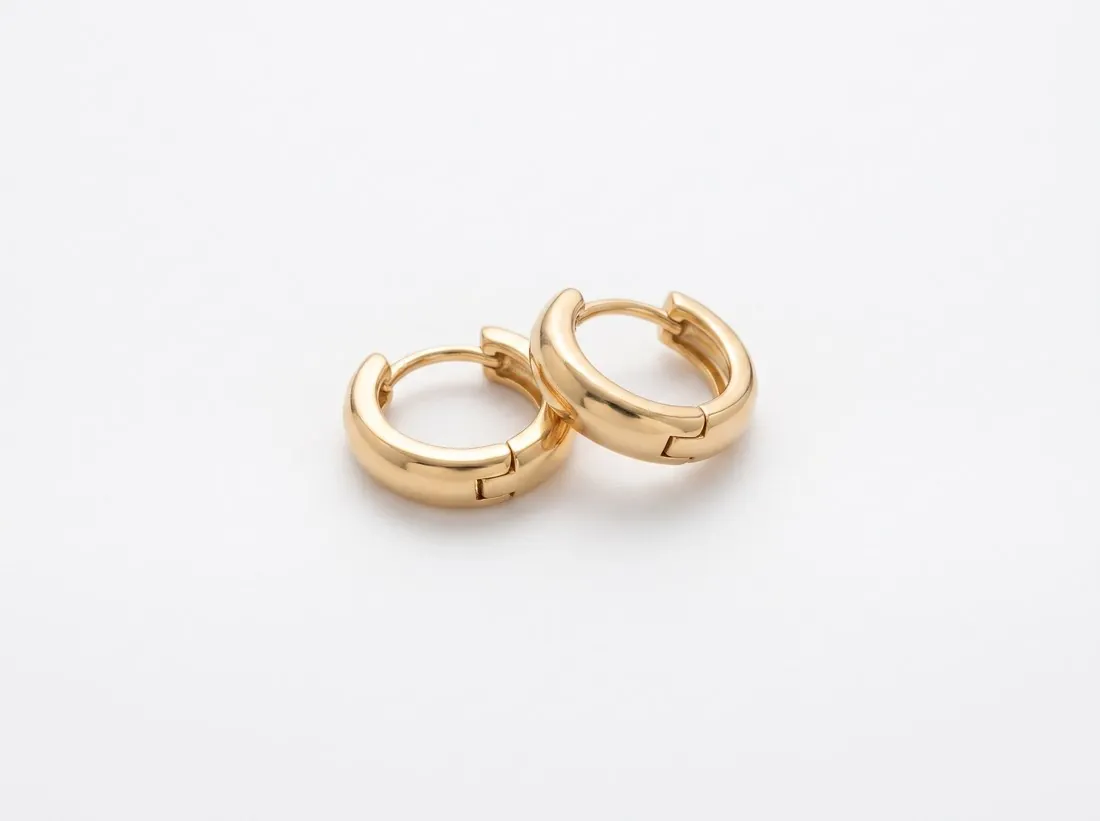
The default image is a packshot from the packshot studio: the product alone on white, as the white-where-possible rule asks. The file will be reduced to the maximum square or smaller, and a product that fills most of the frame stays legible after that reduction.
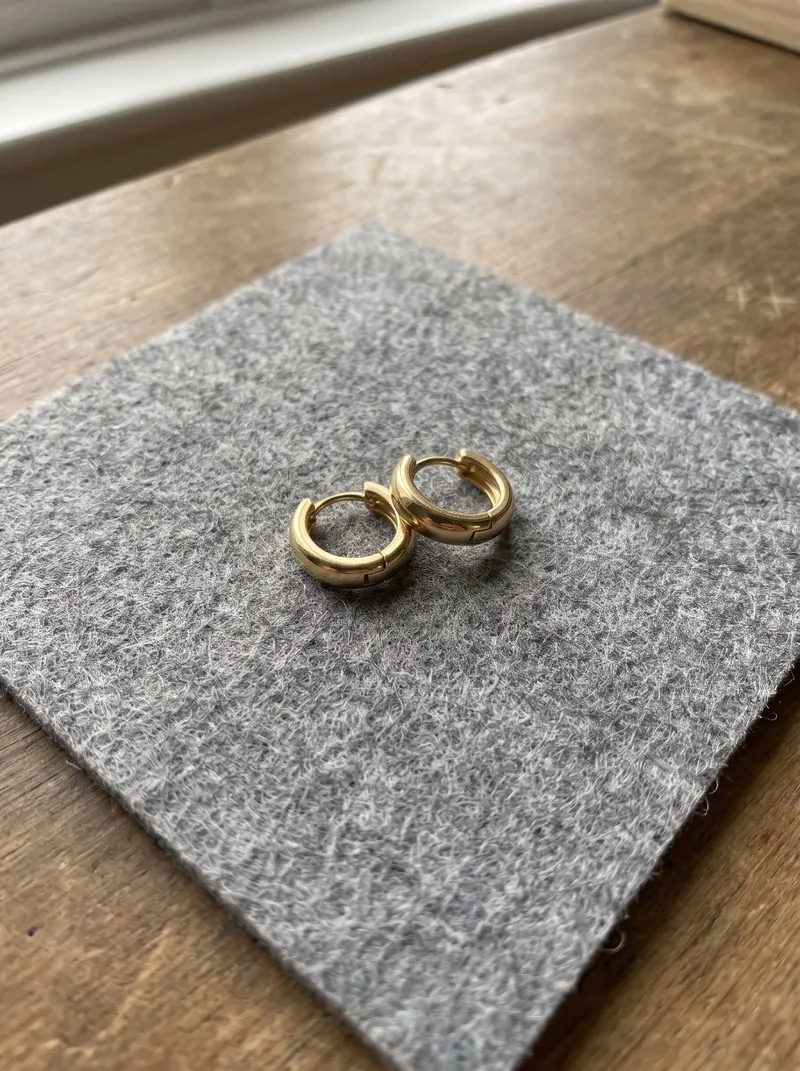
The additional image URLs take three-quarter, side and top-down views and Detail shot close-ups from the same source photo. Product pages may not contain nude, obscene or discriminatory content; packshots show the product once, without people, hands or mannequins.
Three free presets: checker, resizer, compressor
The product photo checker preset reads the background colour from a band along the edges and reports its exact value, with size, weight and format in the same report. The resizer preset scales a square packshot down to the maximum square; a square source needs no padding, so nothing is added around the product.
A file written by the resizer is new, and the AI marker embedded in Herofab images is not carried over. The compressor preset brings a heavy file from another source under the weight limit. Host the resized file publicly and keep its address unchanged until the product has been created.