Skroutz clothing, worn or on an invisible mannequin.
Skroutz's XML feed specification sets the file rules for product images: a minimum size measured on the product itself, a cap on image links per product, and no watermarks, bezels or No Image templates. Virtual try-on and Ghost mannequin deliver an on-model view and a plain garment view from one photo.
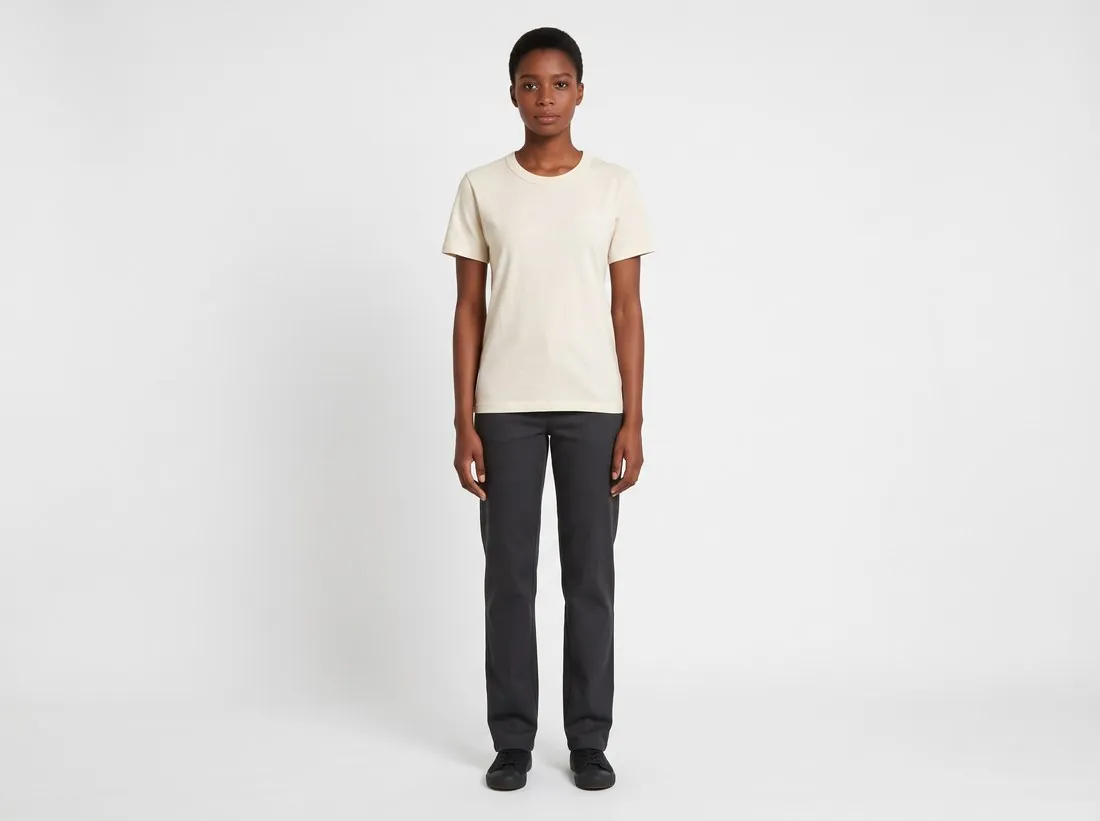
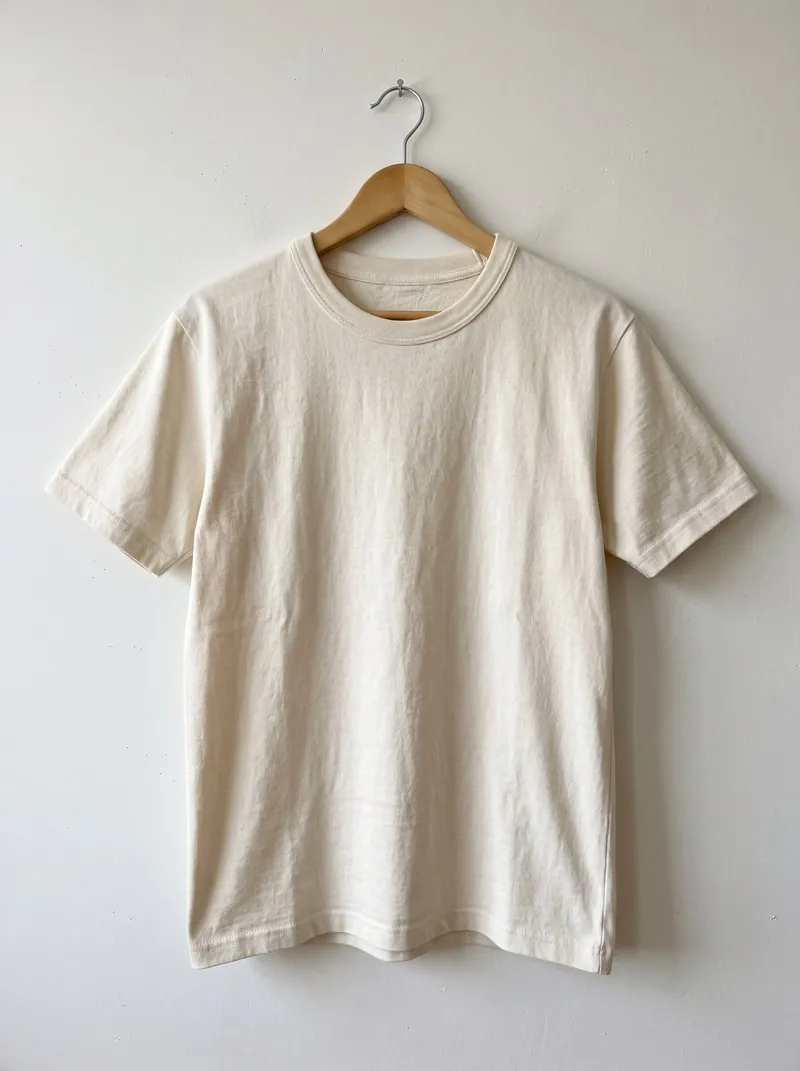
How a Skroutz clothing set comes together.
- 1
Worn by a model, on a plain ground
Virtual try-on dresses a studio model in the garment against studio white or grey, a plain ground that keeps the garment the clear subject of the photo; the location settings are for other channels.
- 2
Ghost mannequin as the plain view
Ghost mannequin delivers a plain view of the garment from the same hanger photo, with its worn shape and no mannequin, hanger or person in the picture. The feed specification sets file rules rather than views, so the choice between a model view and a ghost mannequin view is a matter of keeping a range consistent.
- 3
Size measured on the garment
Skroutz measures its minimum on the object shown, not on the whole image: at least one dimension of the garment must be larger than a thousand pixels. Crop the delivered image close to the garment before upload; a 2K image keeps it well above that figure.
What Skroutz asks for.
Source: Skroutz Developers — XML Feed; Skroutz Partner Support — Mandatory Product Information; Information about fashion; Men's & Women's Clothes; XML structure. Checked 12 October 2026.
- Minimum
- The object shown in the image must have at least one dimension larger than 1,000 pixels
- Background
- White or monochromatic background; avoid lifestyle images with a colourful background
- Zoom
- High-resolution images are better; Skroutz downloads images and creates thumbnails
- Formats
- The AVIF format is not supported
- Number
- Maximum 15 unique image links per product
- Not allowed
- Watermarks, bezels and No Image template images
- Image URL
- A valid URL starting with https, publicly accessible and not URL-encoded; links to scripts that generate images should be avoided
Photographing clothing for Skroutz.
- A hanger in the source photo is not a problem: neither tool shows it in the delivered image.
- Photograph the front first, whole and straight on; the delivered views are built from it.
- Add a back photo, so that a back view of the model or the ghost mannequin completes the set; Skroutz takes up to fifteen unique image links per product.
Product photos for Skroutz, answered.
Which image should lead a Skroutz clothing listing?
The feed specification behind this page does not set which view leads. For clothing, either a model image on a plain studio background or a ghost mannequin image can lead; keep the same choice across a range so that category pages look consistent.
Does Skroutz accept AI-generated images?
The Skroutz feed specification behind this page does not address AI-generated images. Compare every image with the real garment, and confirm with Skroutz before listing generated images.
What does a Skroutz feed need from the image file?
Skroutz does not support the AVIF format and reads images by link from the product feed. Herofab delivers JPG and PNG, both outside that exclusion; the image link must start with https and be publicly accessible, which is set up on the shop's own server or platform.
How much does it cost?
5 credits per image, plus one credit for 4K. In US dollars that is $0.20 to $0.60 per image before tax, from the largest plan to the smallest credit pack. The cost is shown before you generate, and if a job fails the credits are returned. The 20 free credits at sign-up cover 4 images with this tool.
Your next collection, shot this week.
20 credits at sign-up, no card required. Images made with free credits carry a watermark. Herofab also removes the watermark from those images once credits are purchased.