Plan limits, skipped imports and heavy PNG files
The plan sets how much a product page can show: one image on the free Gold plan, five on Platinum and twenty-five on Diamond. Imports on paid plans take up to twenty-five images per listing and skip images beyond that, files that are too large and unsupported types, so a listing can arrive with fewer pictures than the import file named.
PNG is recommended for image quality, yet the weight ceiling applies to every file, and a detailed scene saved as a high-resolution PNG is the file most likely to reach it. Where a theme such as Luna has image zoom enabled, shoppers click through to a larger view, so softness in a product image is easy to see.
One, five or twenty-five images per product
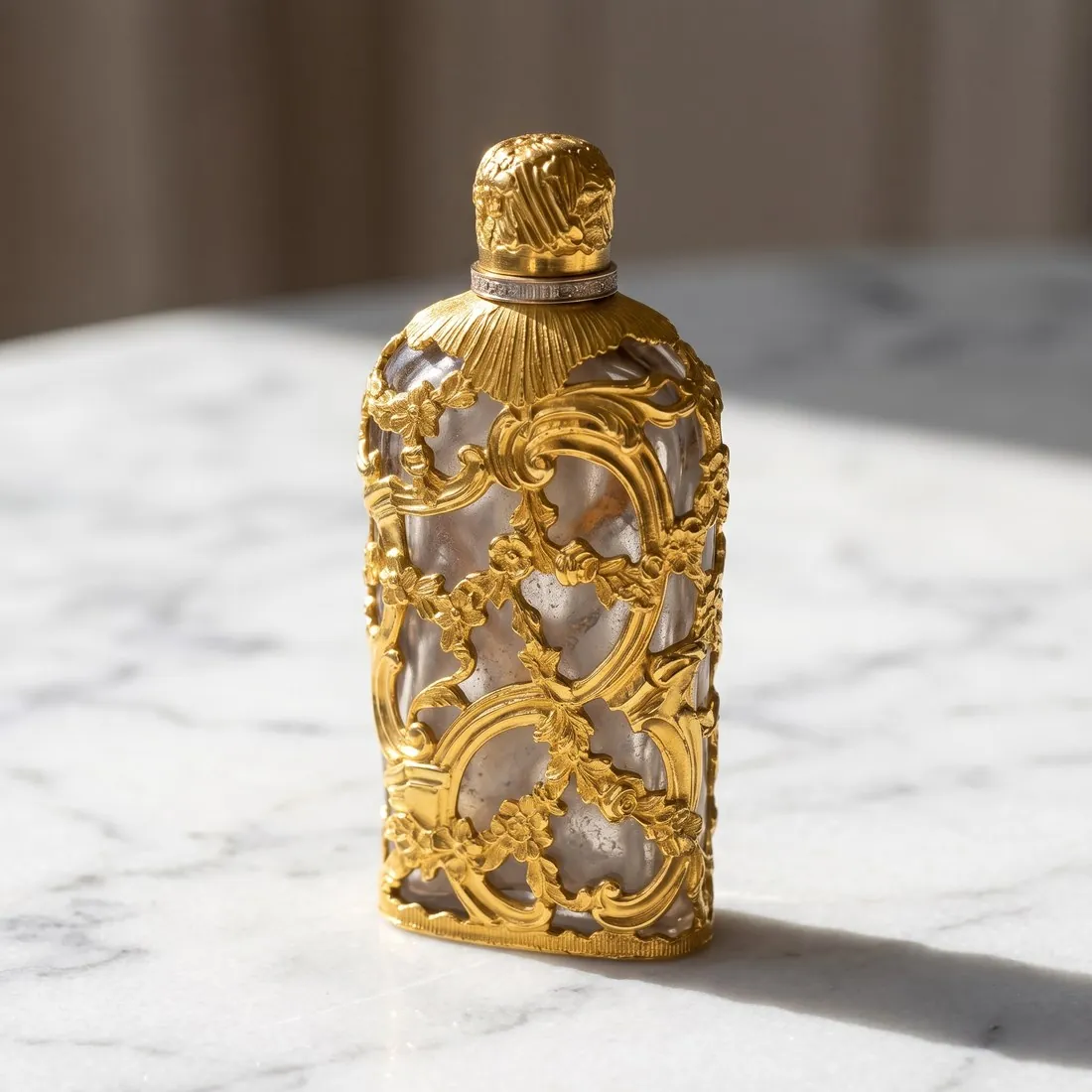
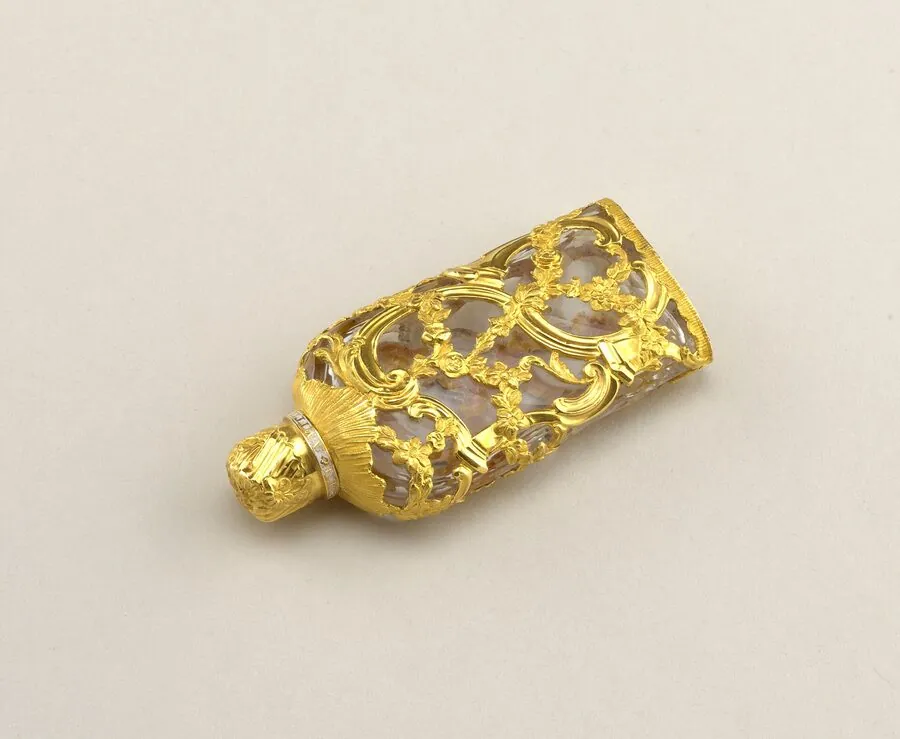
On the free plan the single image can be a product studio view at a three-quarter angle on a studio ground, showing front and side together. With five, the set can run: that view, a straight front, a side or top-down view, a Detail shot close-up and one scene on wood or linen.
With twenty-five, Colour variants adds one image per shade from the approved view, and the remaining positions take further details and scenes. Every image can come from the same source photo, so the set reads as one shoot even when the views were ordered on different days.
Compressor preset, PNG and the recommended width
Square 2K output is above the recommended width, and nothing in the rules asks for 4K, which only adds weight. The free compressor preset brings a file under the weight ceiling but always saves JPG, so it trades the recommended PNG for a lighter file.
Where PNG matters, read the weight of the download first: within the ceiling, it goes up as delivered. Any file written by the compressor or the resizer loses the AI marker embedded in Herofab images. Files meant for an import stay within .jpg, .gif or .png.