Colour loss, downscaling and a fixed gallery
Images saved in a CMYK colour space noticeably lose colour when uploaded, so a file exported for print is converted to RGB before it goes up. Anything above the size stored unscaled is scaled down on its longest edge, so very large exports lose resolution in a step the seller does not control.
The gallery itself is limited to ten images on a standalone shop and twelve on Omnichannel. A product with many colours, angles and details runs out of positions quickly, and an animated GIF is not one of the options, since GIF is supported only in the content section or the long description.
Spending ten positions on distinct views
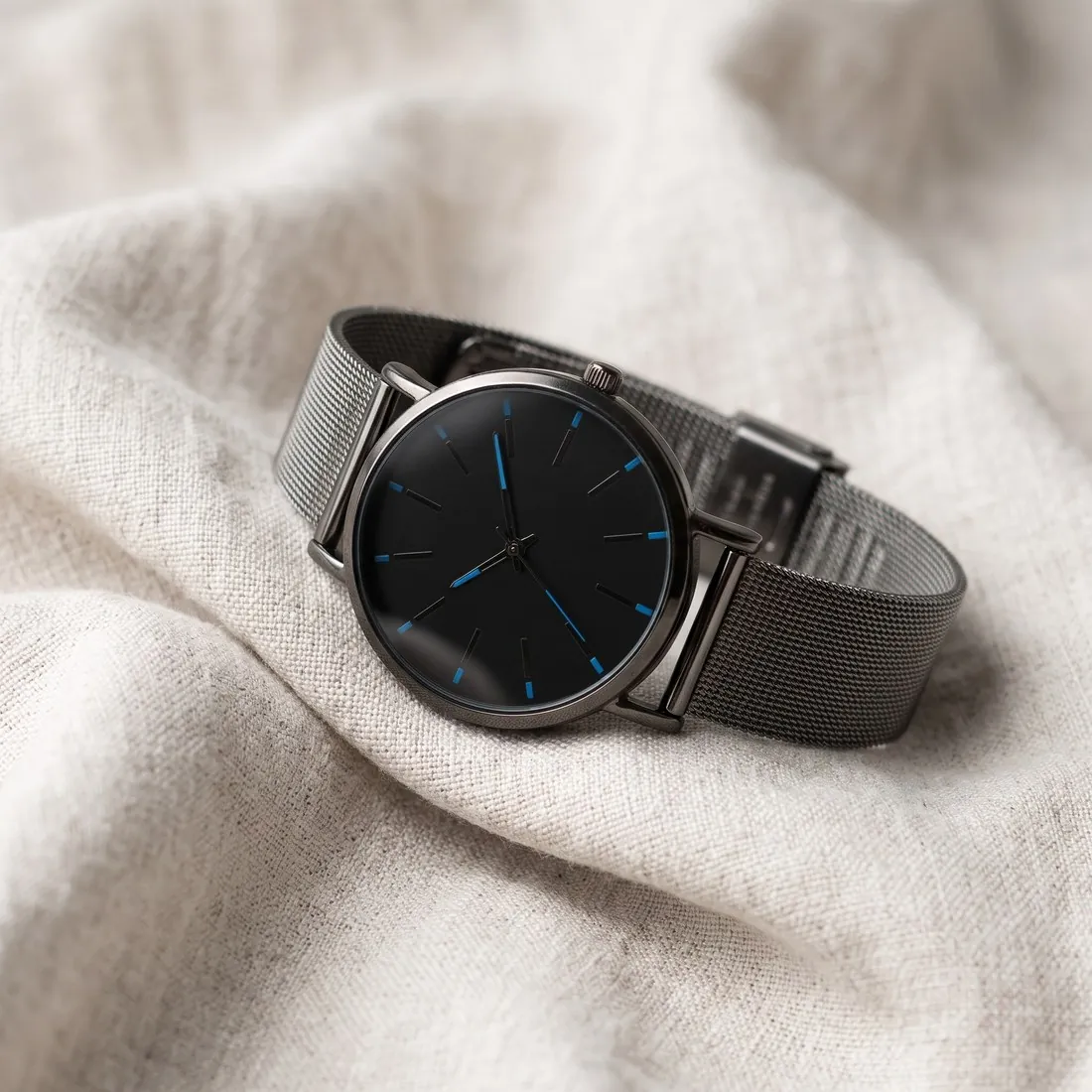
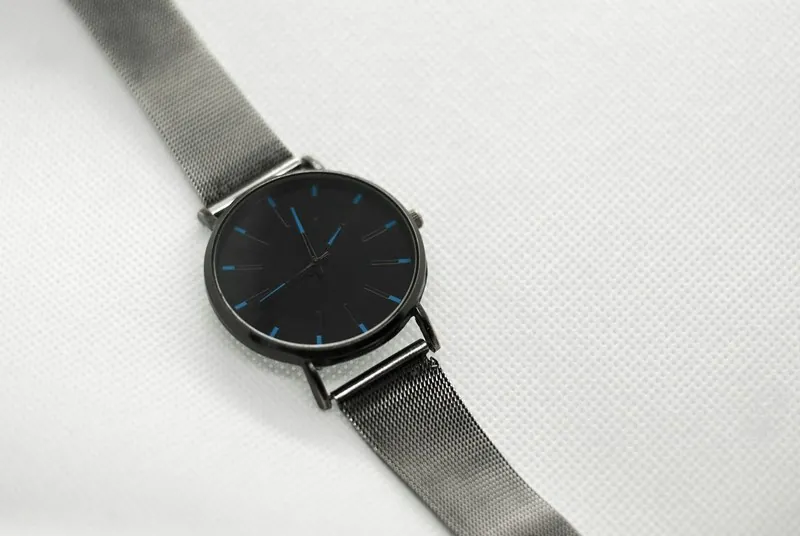
A cover on a studio ground from the product studio comes first, followed by three-quarter, side and top-down views of the same product from one source photo. Square and rectangular formats both suit the zoom recommendation, so the shape follows the product.
Detail shot fills the zoom-heavy positions with close-ups of a clasp, a stitched seam or a printed label. Each variant can take a unique image, and Colour variants keeps the framing of the approved picture so each variant image matches the cover.
Meeting the page-speed recommendation
Herofab output stays within the size stored unscaled, so no downscaling step applies. Weight is the remaining question: the recommendation for page speed is far below the per-image ceiling. The free Image compressor's one-megabyte setting saves a JPG under that figure, lowering quality first and pixel size only when needed.
The compressor writes a new file, and the AI marker embedded in Herofab images is not carried over. Open the compressed file at full size and look at fine lettering and smooth areas of colour, where JPG compression shows first. The image size checker confirms format and weight in the browser.