Language: EN
Start free

A uniform background, white or transparent.

Hood.de's photo guideline recommends a uniform white or transparent background, an item that is clearly recognisable and an image with no text, frame or logo added. Remove background delivers the seller's own photo in either form, on white or transparent as a PNG, without redrawing the item.

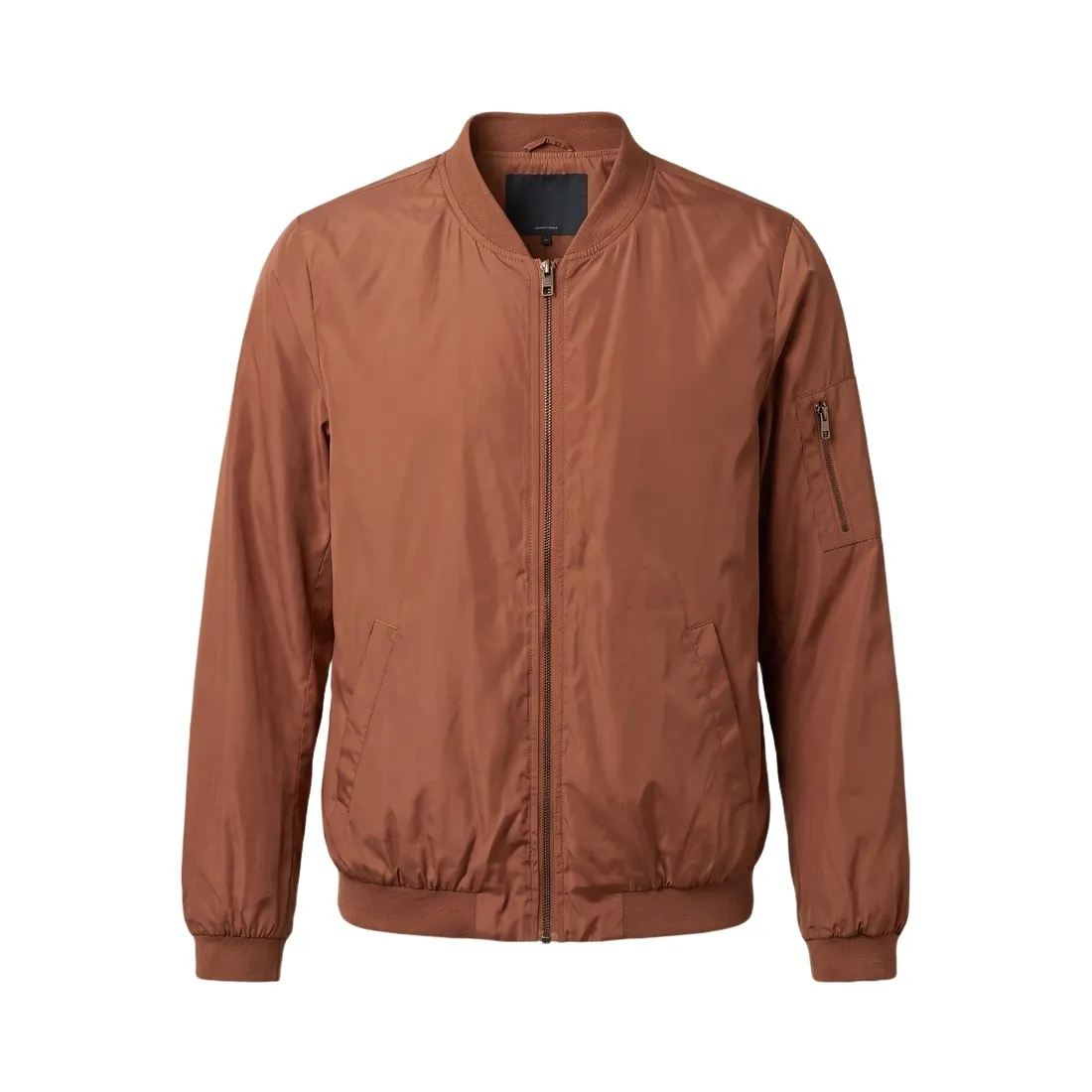
The terracotta bomber jacket as a ghost mannequin, cut out on pure white · Remove background
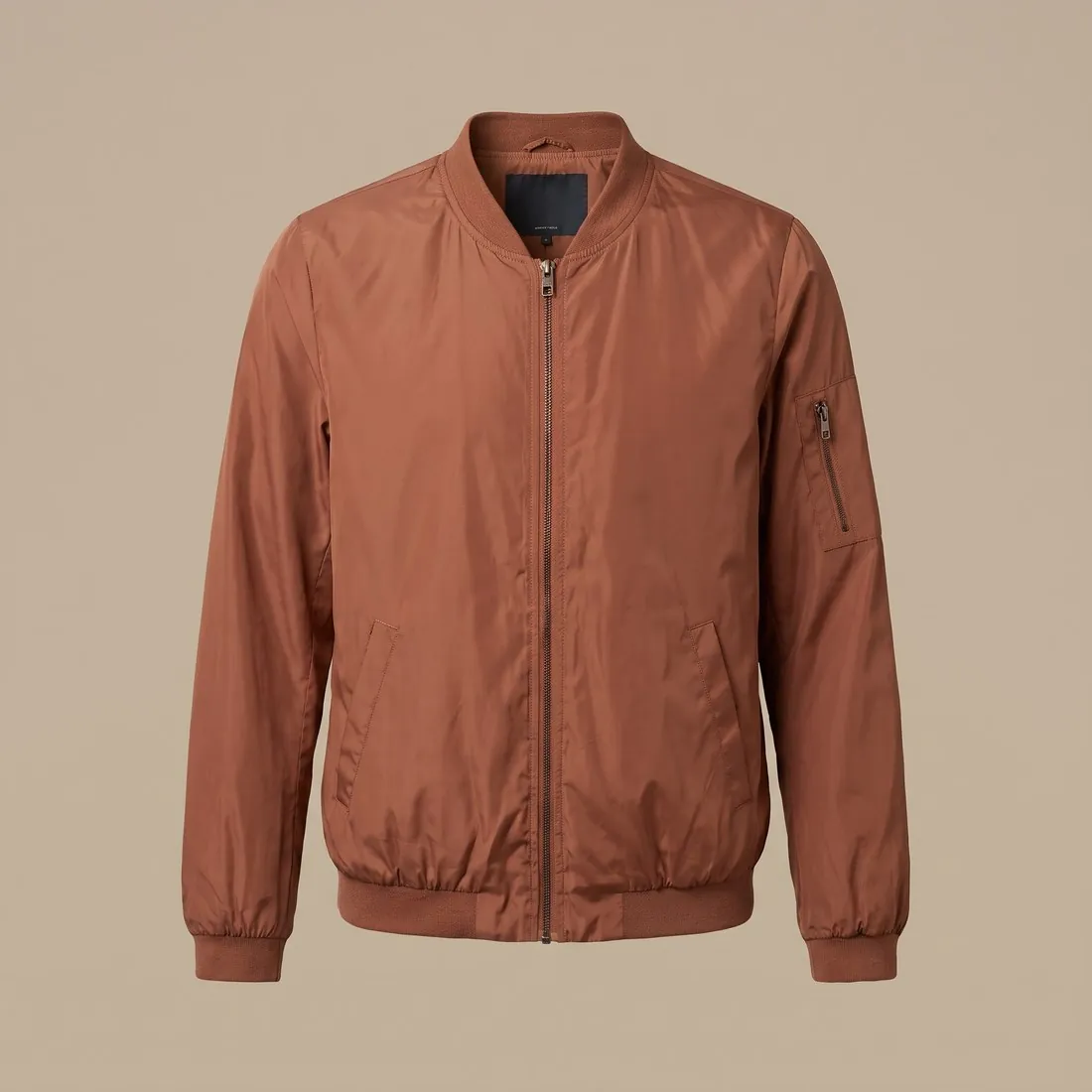
Source photo: Herofab ghost mannequin. Made with Herofab · Remove background
Worth knowing

What Hood's photo standards ask of a file.

  1. 1

    File type and colour mode

    Hood takes GIF, PNG and JPG. Other formats, BMP among them, cannot be processed, and Hood warns that a file saved in CMYK instead of RGB can cause errors. A transparent result from Herofab is a PNG, one of the three types. Where an image passes through print or layout software before it reaches the listing, check its colour mode.

  2. 2

    Nothing added on top

    Added text, frames and graphic elements are not allowed, nor is advertising text such as a free-shipping line, the seller's company name or logo, or a placeholder image that does not show the actual product. Remove background adds none of these and removes none from a source image: a caption or a logo laid over the item stays.

  3. 3

    Recognisable, one image per variant

    The item should be clearly recognisable, neither too small nor too large in the image, and each variant should have an image of its own. Hood adds that details, different perspectives and usage examples help. Each colour or version is photographed and cut out separately, since the tool does not redraw one variant into another.

In marketplace rules

What Hood.de asks for.

Source: Hood.de — Tipps für den erfolgreichen Verkauf: Produktpräsentation. Checked 27 September 2026.

Size
Recommended: at least 800 × 800 pixels, for good image quality
Background
Recommended: a uniform white or transparent background
Framing
The item clearly recognisable, neither too small nor too large; one image for each variant; details, different perspectives and usage examples help
File
GIF, PNG or JPG; other formats such as BMP cannot be processed, and files saved in CMYK instead of RGB can cause errors
Not allowed
Advised against: added text, frames and graphic elements; advertising text such as "Kostenloser Versand"; your company name or logo; placeholder images that do not show the actual product
Watermarks
Watermarks with advertising elements or seller names or logos are not permitted
Status
Hood presents the photo points as a guideline for presenting products well and for being listed by search engines
Sets
Recommended: for sets and items with accessories, the image shows every item of the set and no item that is not offered together with the main item
Source photo

The source photo for a Hood.de listing.

  • Photograph every variant on its own, from one position and in one light, so that the images of a listing differ in the item and in nothing else.
  • Show the item as it is, marks and wear included: Hood's selling rules ask for an image that accurately documents condition and features, and the cut-out leaves them as photographed.
  • Add a close-up of a detail and a second perspective while the item is laid out; Hood notes that both help, and each can be cut out like the first.

Where a listing photo falls short of the standards

Sets and accessories carry a rule of their own. The picture has to include each part of the set and leave out anything the buyer does not receive with the main item, so a borrowed charger, a decorative extra or a second product from the shelf has no place in it. Laying the parts out together before the shot keeps the count visible.

The standards serve two aims: presenting products well and being listed by search engines. Below the minimum size an image falls short of the quality they describe, and an item framed far too small or too large is harder to recognise. Each variant gets its own image rather than one photo standing in for a range.

Cut-out, packshot or close-up for each image

Remove background is the main-image tool when the photo is good, because it keeps the item as photographed, which matters where an image has to document condition. A cluttered or badly lit photo of new goods suits Packshot studio, which renders the item again on studio white; for a used item, the wear should come from the photograph itself.

For further images the standards mention details, perspectives and usage examples. Detail shot frames a seam, a closure or a sole from the source photo, the side and top-down views of Packshot studio add perspectives, and Product studio's home scenes, or Virtual try-on for wearable items, show the item in use.

Sizes, formats and the free checks before listing

Output in 2K or 4K clears the minimum size in every aspect ratio, and the standards set no maximum. A transparent result arrives as PNG, and a white one can be downloaded as PNG or JPG, all among the accepted formats. No marketplace download size or image order is set for this channel.

The free checker preset reads the background of a main image along its edges. A transparent cut-out is read from its transparency and, tested against the white rule, appears as a note rather than a fail; the standards themselves name transparent as acceptable. The image size checker confirms pixel size and format of other files.

Questions

Product photos for Hood.de, answered.

White or transparent: which result suits Hood.de?

Hood's photo guideline names both: a uniform white background or a transparent one. Remove background delivers either; the transparent result is a PNG, a file type Hood accepts. Grey, the third result of the tool, is not one of the two backgrounds Hood names.

Does Hood.de allow a watermark on product images?

Hood makes two statements. Its photo standards do not permit watermarks with advertising elements or seller names or logos; its selling rules allow a watermark with the company or member name to protect image rights. Herofab adds none to images made on a plan or with a credit pack, while images made on free credits carry a watermark.

Are Hood's photo standards rules or recommendations?

Hood presents the photo points as a guideline for presenting products well and for being listed by search engines. Its selling rules are firmer on one matter: every listing needs at least one image that accurately documents the item's condition and features. Remove background changes the background only, and the seller confirms that the image still documents the item.

Can a placeholder stand in until the product photo is ready?

No. The photo standards exclude stand-in pictures that do not show the real item, and the selling rules want at least one picture that records the item's condition and features faithfully. A phone photo of the real item, cut out with Remove background, is a quicker route than any stand-in.

How many images should a listing carry?

The sources summarised here give no fixed count. They ask for one image per variant and at least one that documents condition and features, and they suggest details, perspectives and usage examples. A set built that way grows with the number of variants.

How much does it cost?

2 credits per image. In US dollars that is $0.08 to $0.24 per image before tax, from the largest plan to the smallest credit pack. The cost is shown before you generate, and if a job fails the credits are returned. The 20 free credits at sign-up cover 10 images with this tool.

Examples by product
Get started

Your next collection, shot this week.

20 credits at sign-up, no card required. Images made with free credits carry a watermark. Herofab also removes the watermark from those images once credits are purchased.