Resize images for Zalando.
The published image guide for Zalando says: Aspect ratio 1:1.44, best practice 1,801 × 2,600 pixels, minimum 762 × 1,100; JPG only, up to 20 MB, sRGB.. Drop your photos and download them at 1,801 × 2,600 pixels for Zalando. Each photo is fitted inside that size and padded, so the product is never cut. It runs in your browser; nothing is uploaded.
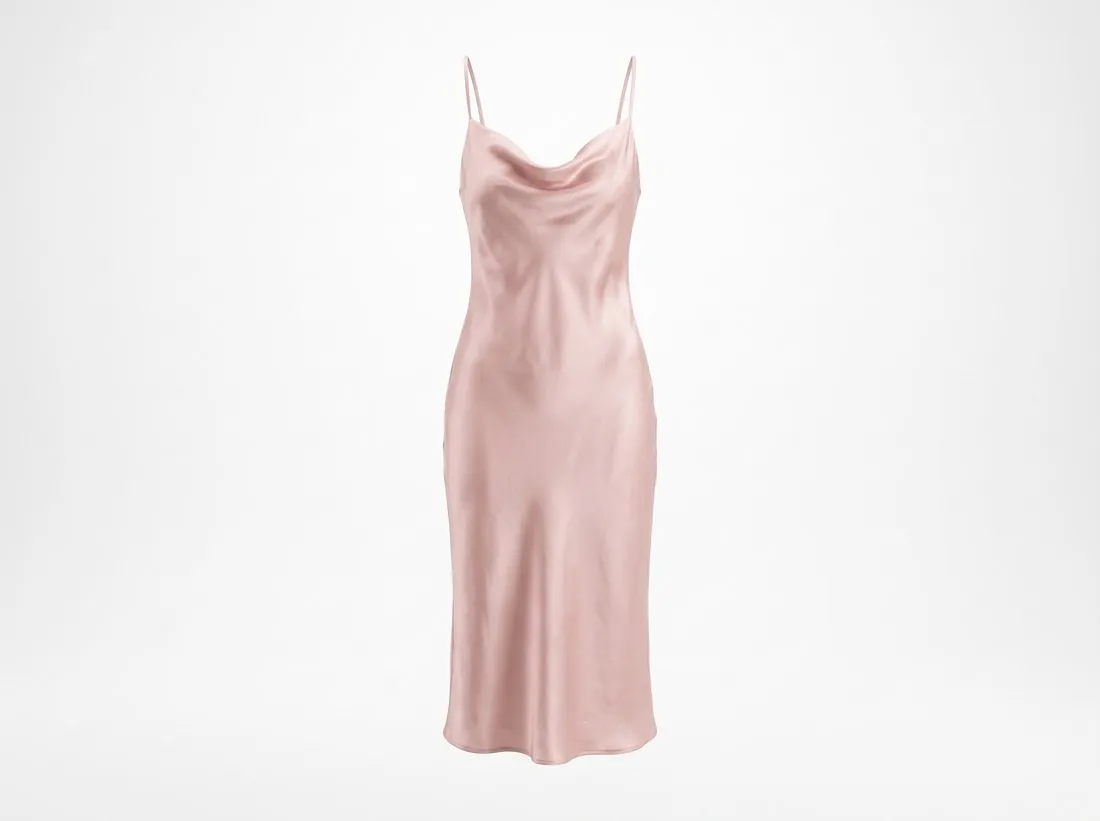
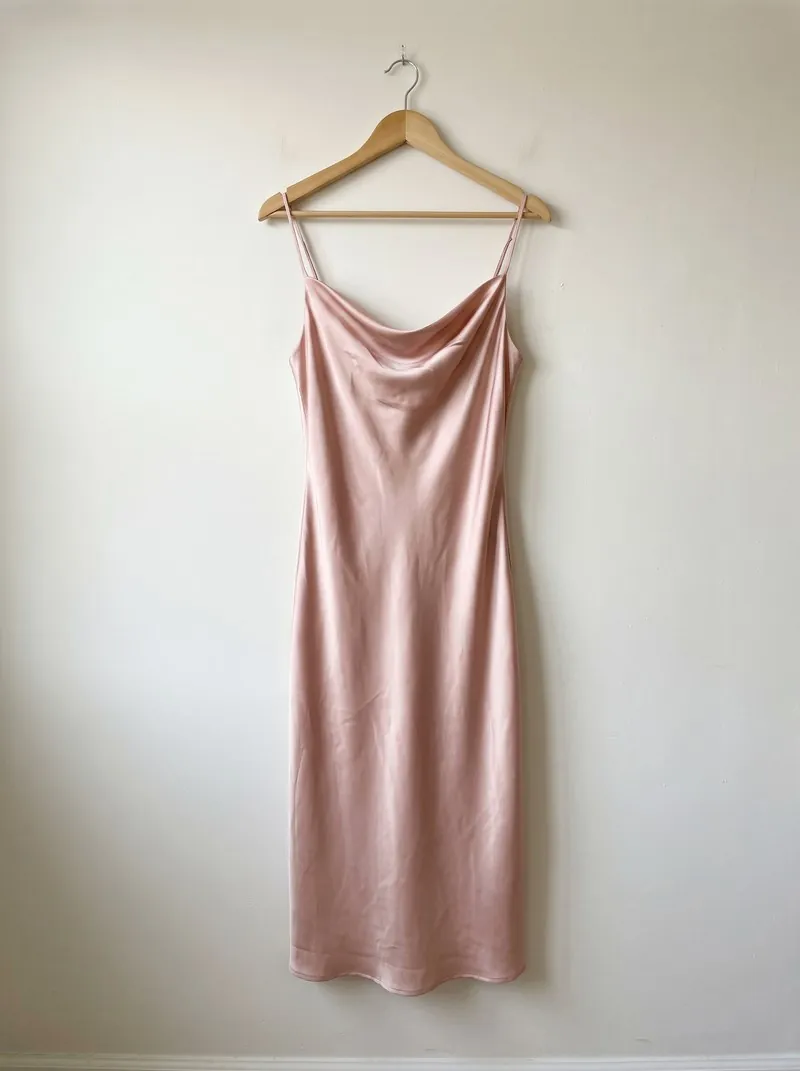
Choose the size.
Sizes come from each marketplace's own help pages, summarised in the guides (checked 24 September 2026).
From a phone photo to Zalando.
Common 12-megapixel phone photo shapes fitted inside 1,801 × 2,600 px for Zalando: how much each is scaled, the area the photo fills and the padding added on each side (↔ left + right, ↕ top + bottom). The tool above uses the same calculation.
| Phone photo | Scale | Photo area | Padding |
|---|---|---|---|
| 4,032 × 3,024 · 4:3 | 44.7% | 1,801 × 1,351 px | ↕ 625 + 624 px |
| 3,024 × 4,032 · 3:4 | 59.6% | 1,801 × 2,401 px | ↕ 100 + 99 px |
| 4,032 × 2,268 · 16:9 | 44.7% | 1,801 × 1,013 px | ↕ 794 + 793 px |
| 2,268 × 4,032 · 9:16 | 64.5% | 1,463 × 2,600 px | ↔ 169 + 169 px |
| 3,024 × 3,024 · 1:1 | 59.6% | 1,801 × 1,801 px | ↕ 400 + 399 px |
What Zalando asks for.
Source: Zalando Partner University — Image guidelines · checked 10 October 2026 · Read again · 10 October 2026
Aspect ratio 1:1.44, best practice 1,801 × 2,600 pixels, minimum 762 × 1,100; JPG only, up to 20 MB, sRGB.
- Size used
- 1,801 × 2,600 px, JPG only — Zalando's best-practice size. A packshot submitted on white gets a light grey background applied by Zalando.
- Aspect ratio
- 1:1.44 (width × height), upright format
- Size
- Best practice 1,801 × 2,600 pixels; minimum 762 × 1,100 (designer brands 1,800 × 2,600)
- Format
- JPG/JPEG only, up to 20 MB, sRGB colour mode
- Main image
- The catalogue view, the first image shown in the shop: a model front crop or a primary packshot for apparel, accessories, shoes and hosiery; a primary packshot for home, equipment, beauty, toys and electronics
- Framing
- Catalogue views show the full product from the front or at a subtle angle; footwear shows the full side profile; maternity clothing is shown at a 45° angle with the belly facing left
- Backgrounds
- Plain, lifestyle or ambient settings; a primary packshot submitted on a white background gets a light grey background applied automatically; back views and model views can use any background colour, setting or location
- Product fill
- On apparel and shoe packshots the article covers approximately 80% of the frame, centred horizontally and vertically; bags and accessories have their own grid template
- Packshots
- Straps and inner back views are not removed on apparel; packaging is accepted only for accessories, jewellery, electronics and beauty
- Cropping
- In compliant views an article can be cropped, partially covered or folded as long as the product remains clearly recognisable
- Not allowed
- Duplicate images; low-quality or unnatural AI-generated images; non-English text on primary views; visible mannequins in mandatory packshots and model views; unrelated products in the frame; content that violates ethical or community guidelines
- Where
- Europe
- Kind of rule
- Label or disclosure required
- File-size limit
- 20 MB
- Herofab
- 1,801 × 2,600 px, the size Zalando recommends
All Zalando image requirements · Rounding · Quality · Number · Model views · Multipacks · CE label · Extra images · Retouching · AI images · AI quality · AI distortions · Bags · AI labelling · AI marking
Resizers by marketplace.
Resizing for Zalando, answered.
What size does this tool use for Zalando?
1,801 × 2,600 px, JPG only — Zalando's best-practice size. A packshot submitted on white gets a light grey background applied by Zalando.
Zalando's image guide: what does it say about Aspect ratio?
1:1.44 (width × height), upright format
Zalando's image guide: what does it say about Backgrounds?
Plain, lifestyle or ambient settings; a primary packshot submitted on a white background gets a light grey background applied automatically; back views and model views can use any background colour, setting or location
Where do these figures come from?
From Zalando Partner University — Image guidelines, read on 10 October 2026. Marketplaces update their rules; the official page is the final reference.
Your next collection, shot this week.
20 credits at sign-up, no card required. Images made with free credits carry a watermark. Herofab also removes the watermark from those images once credits are purchased.