Check your photo against Wolf & Badger's rules.
Wolf & Badger sets rules for the main image that can be measured from the photo: background colour and square format. Drop a photo to see which ones it meets. It runs in your browser; nothing is uploaded.
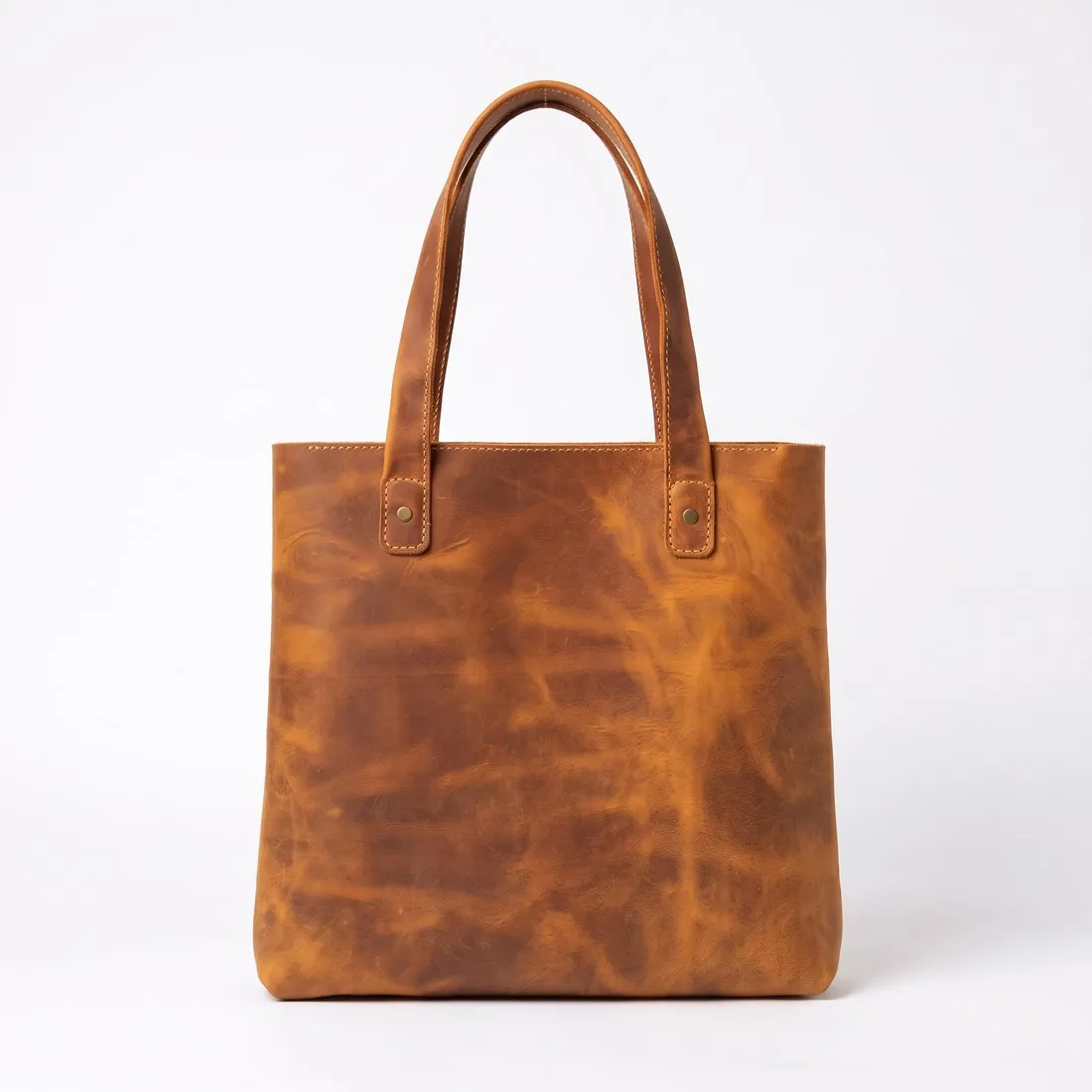
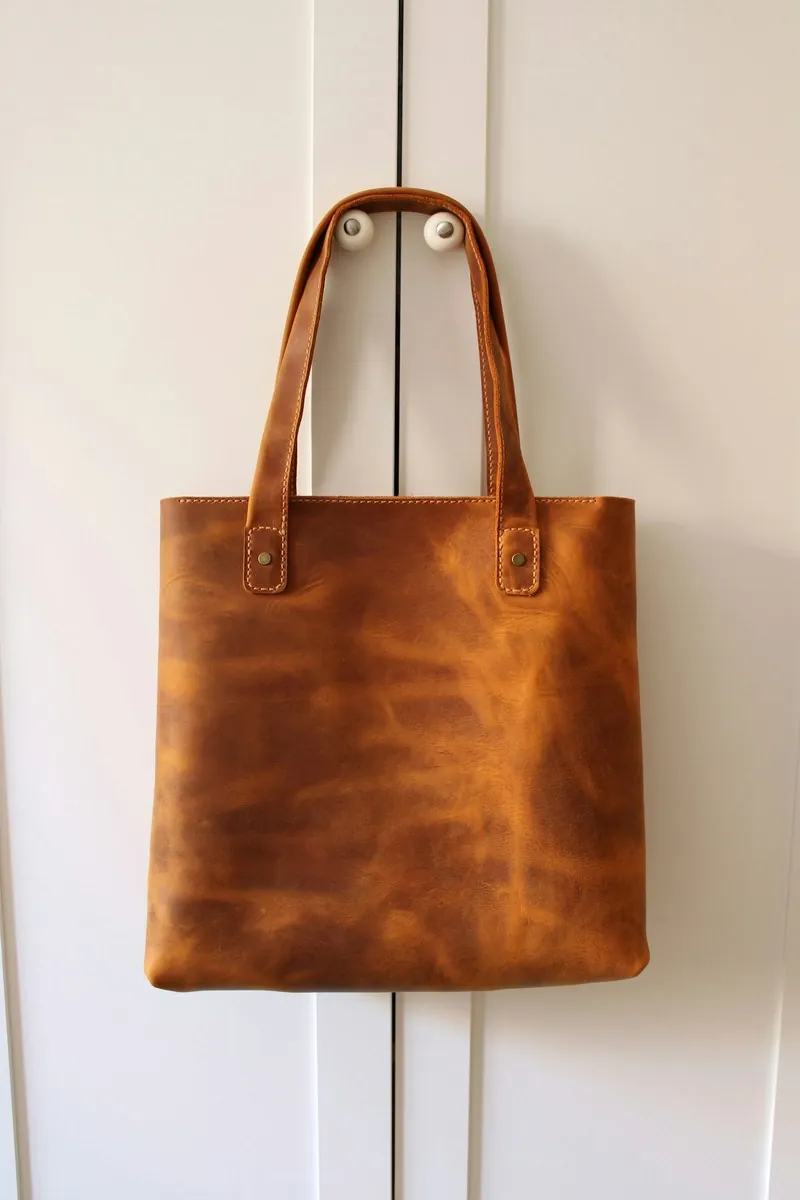
Choose a marketplace and a photo.
Rules come from each marketplace's own help pages, summarised in the guides (checked 12 October 2026). Size, file size and format are checked as well.
What Wolf & Badger asks for.
Source: Wolf & Badger Help Centre — What are the product image requirements for apparel?; accessories & jewellery; beauty; homeware; Can I use AI-generated imagery on Wolf & Badger?; My images/text are being rejected; How can I crop/resize my images in bulk?; Step-by-step, how do I manually upload a product? · checked 12 October 2026 · Read again · 12 October 2026
- Main image
- Pure white background (RGB 255, 255, 255)
Square image, width equal to height
Compulsory: at least one front-facing cut-out or pack shot on a completely white background; this should be the first image - Background
- Pure white background for the product image; for beauty and homeware all pack shots must be on pure white
- Size
- 1,500 × 1,500 pixels; the image must be centred and square, and a cropping tool is provided when uploading
- Formats
- JPEG
- File size
- Less than 1 MB
- Resolution
- 72 dpi
- Additional images
- The second image must differ from the first; alternative angles, model shots and lifestyle images are highly recommended, and without a lifestyle shot the product may be left out of certain site sections and customer emails
- Packaged products
- For beauty and homeware, the first or second image must show the product out of its packaging; gift sets need each constituent product shot individually in later images
- Not allowed
- Logos or text on any image; awards or reasons to buy on secondary images
- AI images
- Permitted for backgrounds, settings, lighting and lifestyle context, but not to generate, alter or improve the product itself; every listing must include at least one true, unedited photograph of the actual product as the hero image, and obviously AI-generated people are not acceptable
- AI models
- The acceptable uses include AI-assisted models wearing or holding a truthful representation of the product, and lifestyle or mood imagery for secondary gallery images
- AI artefacts
- Not acceptable: visibly low-quality AI artefacts, such as warped hands, melted text, distorted seams or impossible reflections
- Where
- Worldwide
- Kind of rule
- Restricted
Checkers by marketplace.
Wolf & Badger main images, answered.
What background does Wolf & Badger require for the main image?
Pure white background (RGB 255, 255, 255). The checker reads the background from the edges of the photo and reports its exact RGB value.
Does Wolf & Badger require square images?
Square image, width equal to height. The checker compares the width and height in pixels.
Where do these figures come from?
From Wolf & Badger Help Centre — What are the product image requirements for apparel?; accessories & jewellery; beauty; homeware; Can I use AI-generated imagery on Wolf & Badger?; My images/text are being rejected; How can I crop/resize my images in bulk?; Step-by-step, how do I manually upload a product?, read on 12 October 2026. Marketplaces update their rules; the official page is the final reference.
Is my image uploaded?
No. The file is read and processed inside your browser; nothing is sent to a server.
Your next collection, shot this week.
20 credits at sign-up, no card required. Images made with free credits carry a watermark. Herofab also removes the watermark from those images once credits are purchased.