Check your photo against noon's rules.
noon sets rules for the main image that can be measured from the photo: cut-off edges. Drop a photo to see which ones it meets. It runs in your browser; nothing is uploaded.
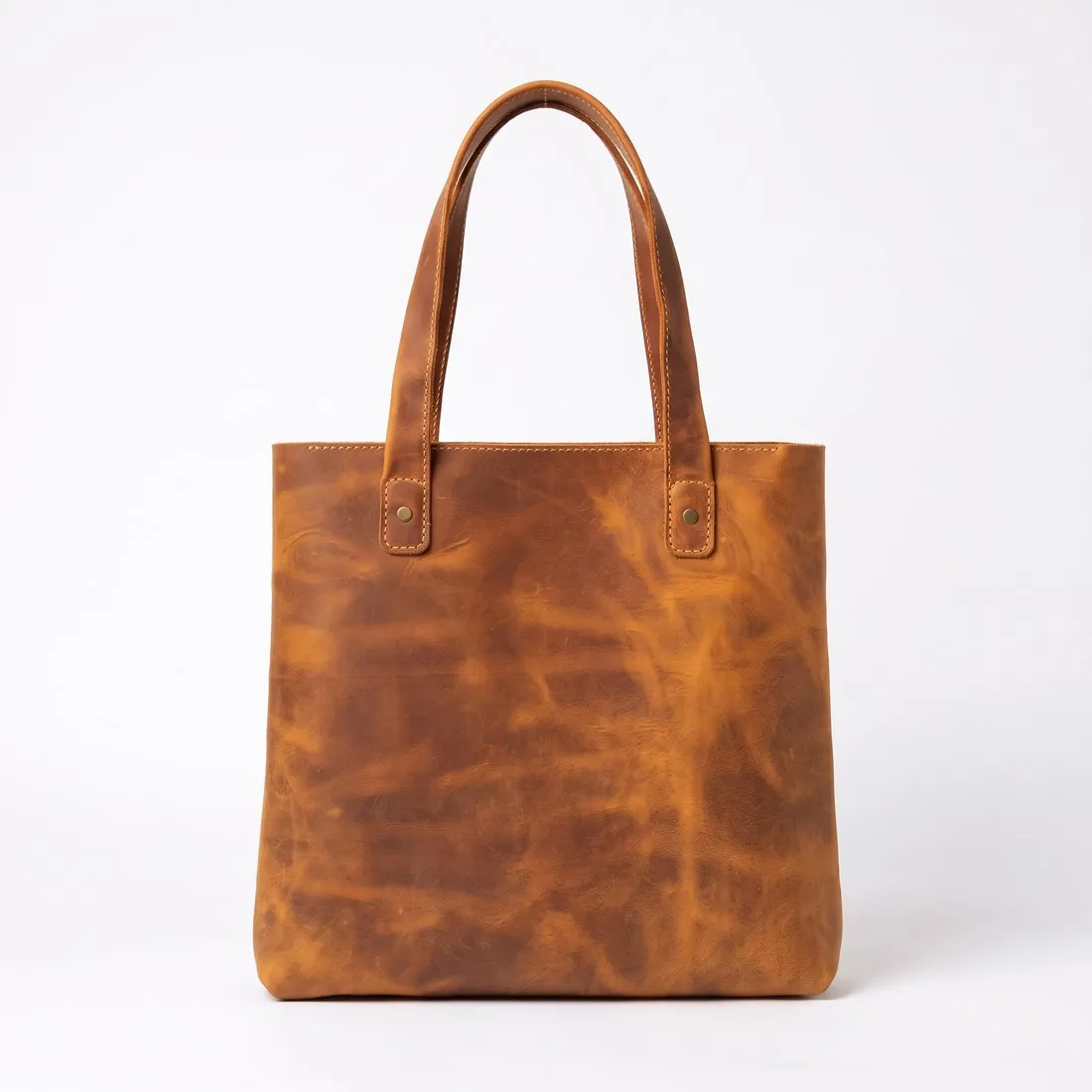
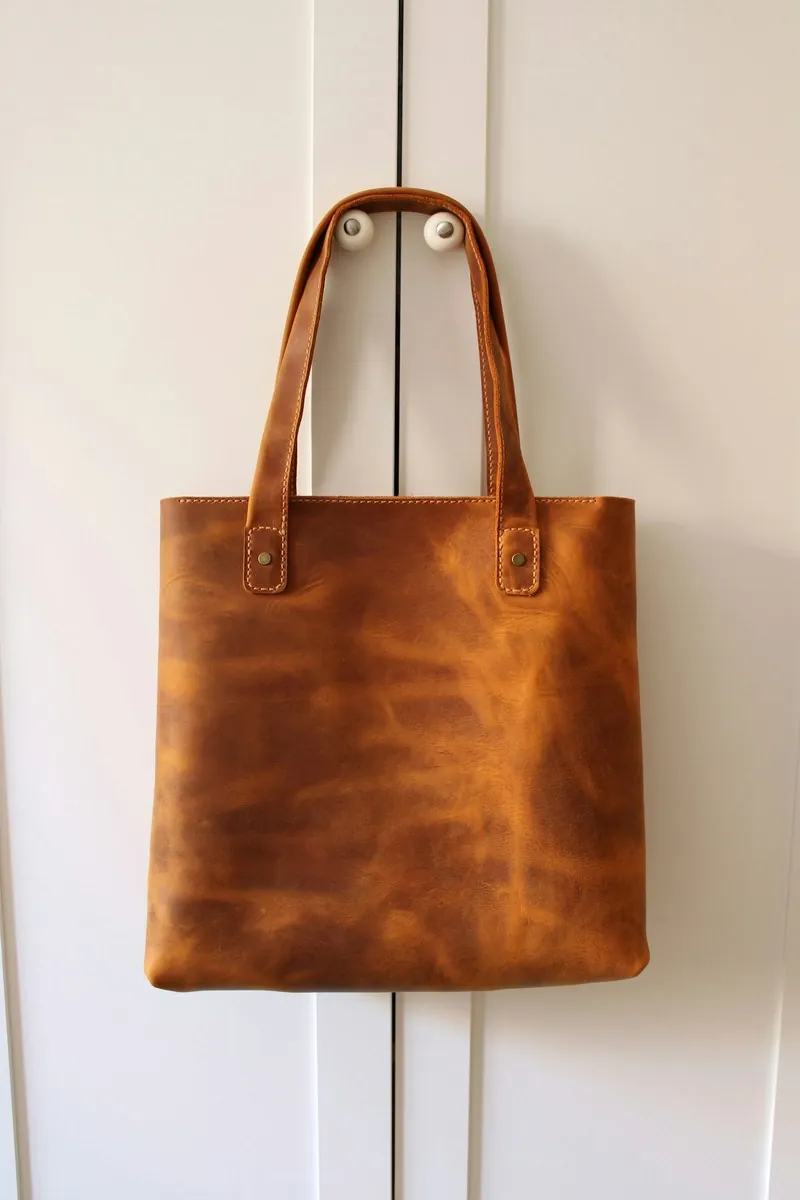
Choose a marketplace and a photo.
Rules come from each marketplace's own help pages, summarised in the guides (checked 12 October 2026). Size, file size and format are checked as well.
What noon asks for.
Source: noon Seller Help Center — Image requirements and rejection reasons for the seller SKU; Single SKU creation; Seller SKU content quality · checked 12 October 2026 · Read again · 12 October 2026
- Main image
- The whole product in frame, nothing cut off
A front view of the product, shown in full and outside its packaging; lifestyle images and multiple views of a single product are not permitted in the primary image, and full bundles must be depicted when a bundle is sold - Formats
- JPEG or JPG only, in RGB or sRGB colour format
- Minimum
- Image width of 660 pixels or more, with a width-to-height ratio (aspect ratio) of 0.5 or more
- Zoom
- Resolution of 72 PPI or above, to maintain image clarity when zoomed
- File size
- A product image must not exceed 10 MB
- Number
- 1 to 9 images per product; at least one good-quality image is needed for the SKU to go live, and a minimum of 3 is highly recommended
- Background
- Pure white background for the primary image in all categories except fashion, where the recommended background is light grey; light shadows only, no hard shadow or hard reflection
- Safe area
- A 10% margin on top and bottom when the product is shot vertically, and a 5% margin on both sides when shot horizontally; the product needs to cover at least 70-80% of the image frame
- Not allowed
- Logos, watermarks, unwanted text or objects, borders, price or warranty information, manufacturing or expiry dates, seller names, placeholder images, duplicate images, and accessories that are not included with the item
- Photographs only
- Only photographs are permitted; CAD drawings, thumbnails or illustrations are not allowed
- Apparel
- For adults apparel, pictures shot on models are recommended instead of flat lay or hanger shots, except for swimwear and underwear; for kids apparel, flat lay shots or products shot on hangers are recommended
- Image order
- Front view, back view, side view, any other angles, details, then usage; the primary image should always be a front view
- Packaging
- No elements of the product's packaging, including boxes, bags, cases and brand or swing tags, should appear in the primary image
- Cropping
- An image with a portion of the product cropped is not allowed as a primary image; close-up views may be added as additional images
- Accuracy
- Images must accurately represent the product and show only the product that is for sale
- Where
- United Arab Emirates · Saudi Arabia · Egypt
Checkers by marketplace.
noon main images, answered.
Can the product touch the edge of the frame on noon?
The whole product in frame, nothing cut off. A photo in which the product reaches the edge is reported as cut off.
Where do these figures come from?
From noon Seller Help Center — Image requirements and rejection reasons for the seller SKU; Single SKU creation; Seller SKU content quality, read on 12 October 2026. Marketplaces update their rules; the official page is the final reference.
Is my image uploaded?
No. The file is read and processed inside your browser; nothing is sent to a server.
Your next collection, shot this week.
20 credits at sign-up, no card required. Images made with free credits carry a watermark. Herofab also removes the watermark from those images once credits are purchased.