Check your photo against Miinto's rules.
Miinto sets rules for the main image that can be measured from the photo: background colour and cut-off edges. Drop a photo to see which ones it meets. It runs in your browser; nothing is uploaded.
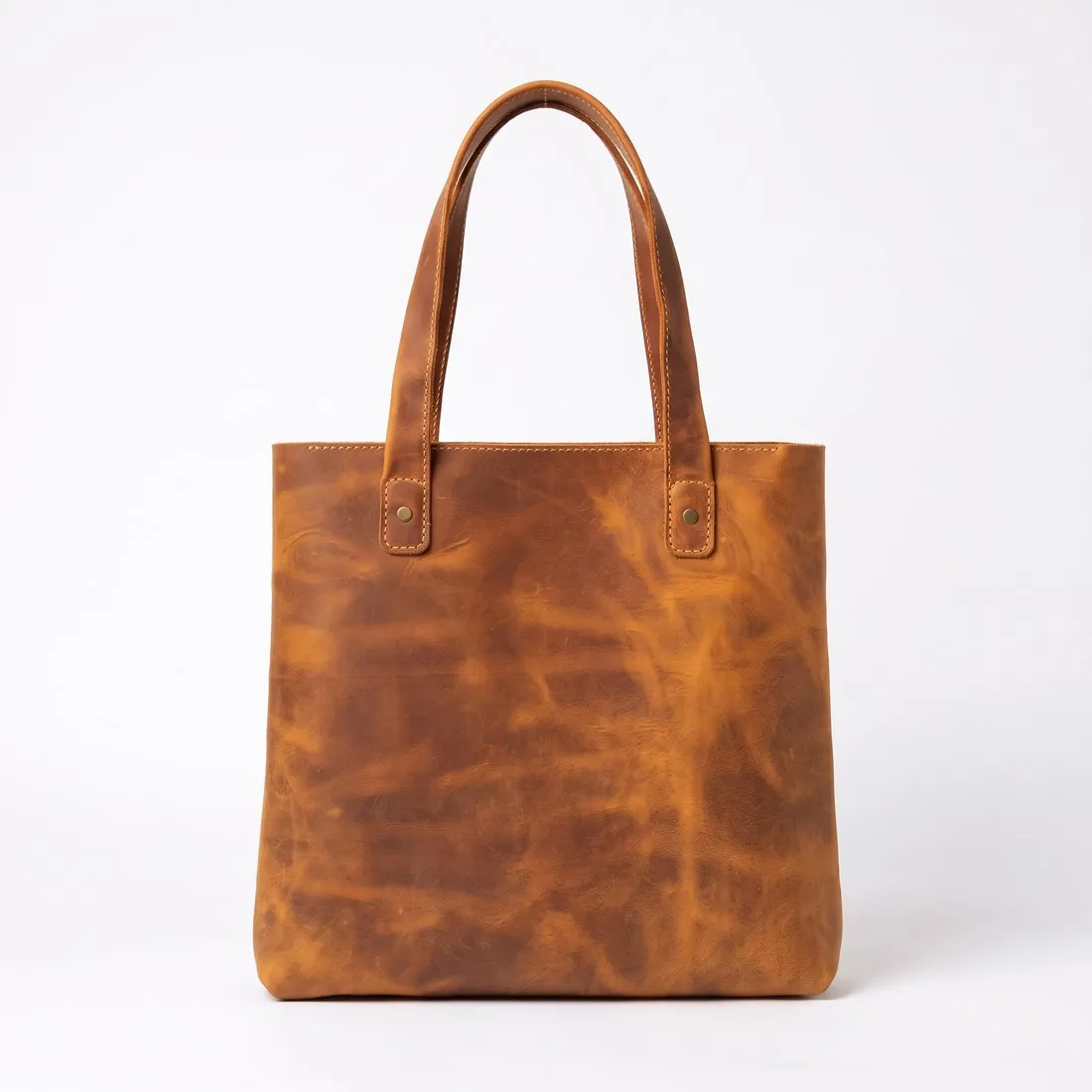
Choose a marketplace and a photo.
Rules come from each marketplace's own help pages, summarised in the guides (checked 11 October 2026). Size, file size and format are checked as well.
What Miinto asks for.
Source: Miinto — Guidelines for products' images on Miinto (PDF, 2018); Miinto Integration help — Product Feed: Headers (24 September 2026) · checked 11 October 2026 · Read again · 11 October 2026
- Main image
- White background
The whole product in frame, nothing cut off
A packshot on a white background is mandatory as the first picture: for clothes a plain front view, for shoes a side view of the right shoe; no model shot, no product shot with a background and no back view - Number
- At least 3 images for clothes, shoes and bags; at least 2 for shawls and scarves; at least 1 for watches, jewellery, belts and socks
- Size
- Recommended size 1,000 × 1,000 pixels
- File size
- Maximum 3 MB
- Formats
- The image guidelines name JPEG
- Product fill
- The product takes up as much of the image as possible and is never cropped
- Background
- White for all product shots; for model shots Miinto prefers white or light backgrounds such as light grey
- Model images
- Only model shots provided by the brand are allowed; taking your own model shots is forbidden
- Not allowed
- A logo or text over the image
- Enforcement
- Miinto reserves the right to reject a product whose pictures do not comply
- Resolution
- 230 ppi
- Colour
- Adobe RGB (1998) colour profile, 8-bit depth
- Framing
- A vertical product, such as a dress, runs from the top of the picture to the bottom; a horizontal product, such as a shoe, from the left border to the right border
- Where
- Europe
- Miinto image resizer
- 1,000 × 1,000 px, JPG only — the size Miinto recommends.
Checkers by marketplace.
Miinto main images, answered.
What background does Miinto require for the main image?
White background. The checker reads the background from the edges of the photo and reports its exact RGB value.
Can the product touch the edge of the frame on Miinto?
The whole product in frame, nothing cut off. A photo in which the product reaches the edge is reported as cut off.
Where do these figures come from?
From Miinto — Guidelines for products' images on Miinto (PDF, 2018); Miinto Integration help — Product Feed: Headers (24 September 2026), read on 11 October 2026. Marketplaces update their rules; the official page is the final reference.
Is my image uploaded?
No. The file is read and processed inside your browser; nothing is sent to a server.
Your next collection, shot this week.
20 credits at sign-up, no card required. Images made with free credits carry a watermark. Herofab also removes the watermark from those images once credits are purchased.