Check your photo against Vestiaire Collective's rules.
Vestiaire Collective sets rules for the main image that can be measured from the photo: background colour and cut-off edges. Drop a photo to see which ones it meets. It runs in your browser; nothing is uploaded.
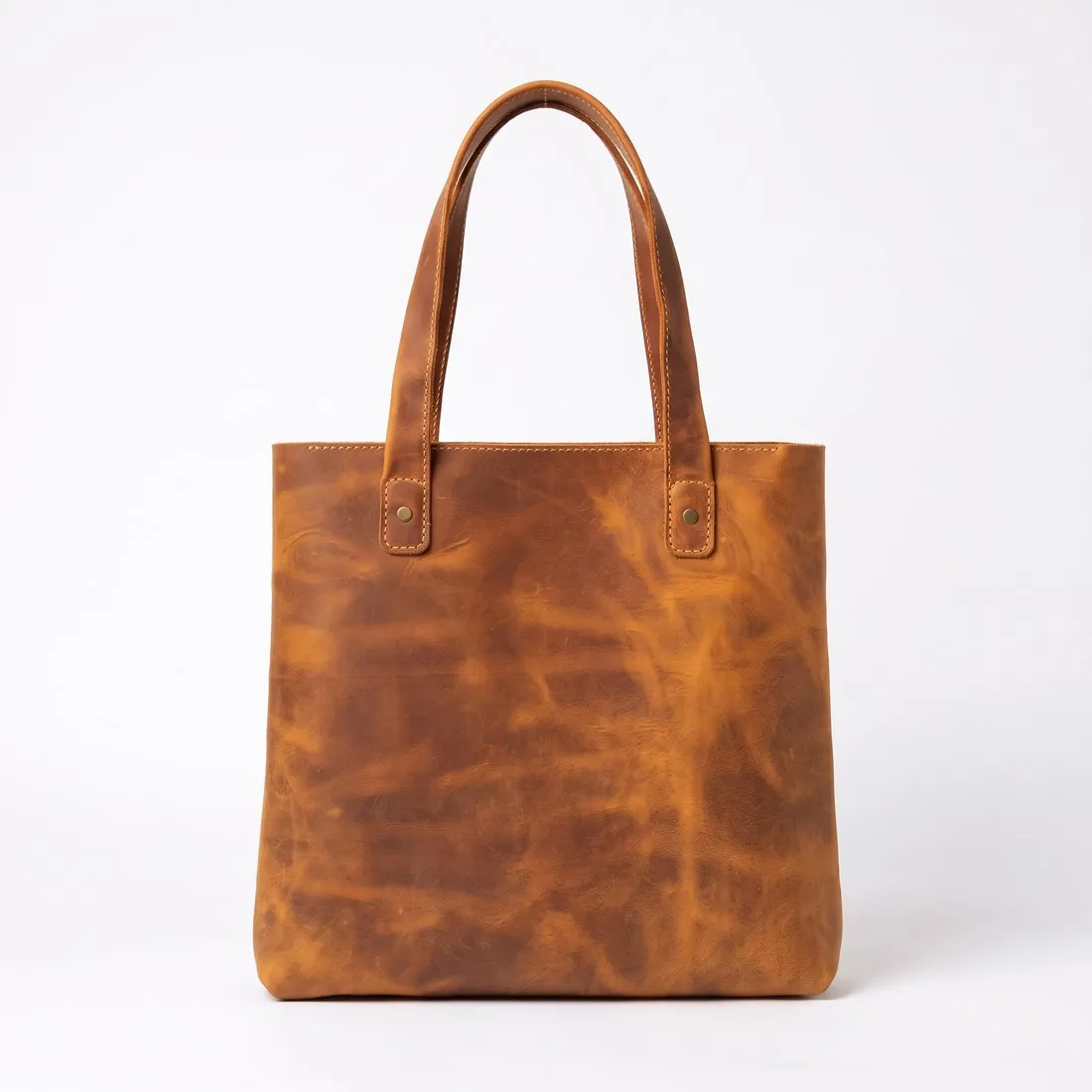
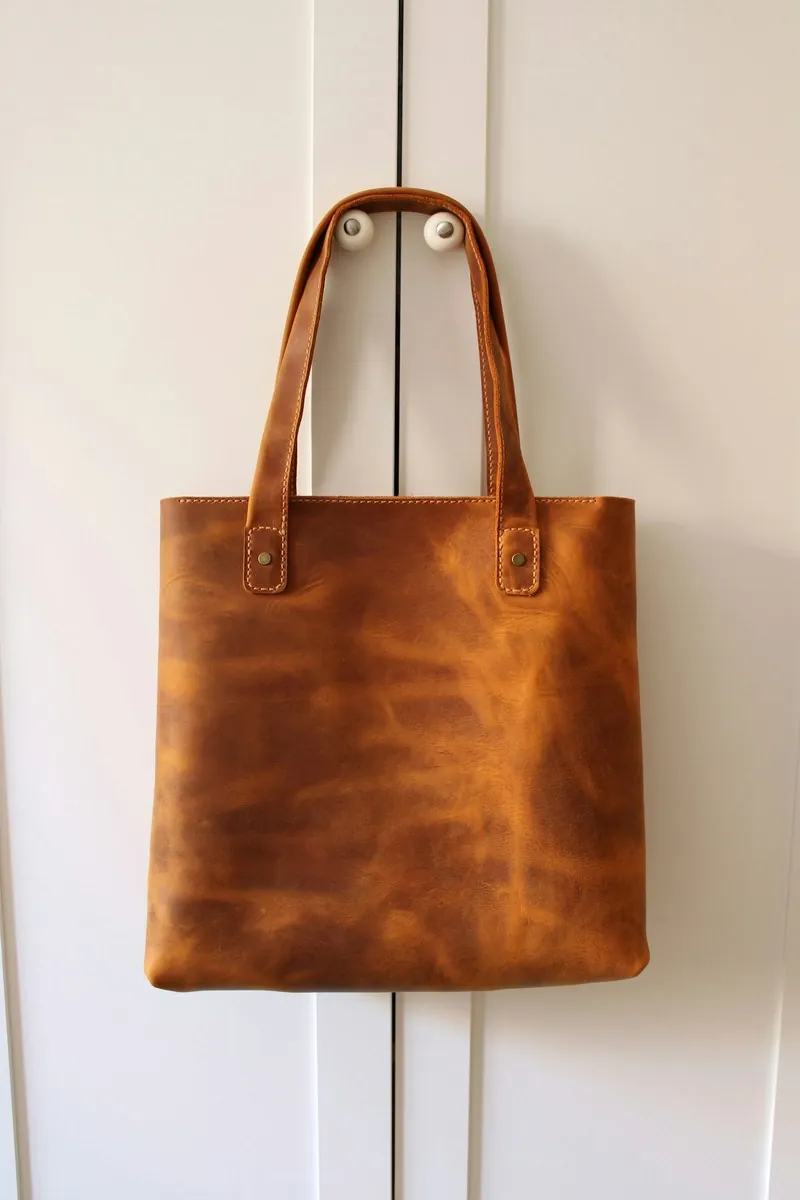
Choose a marketplace and a photo.
Rules come from each marketplace's own help pages, summarised in the guides (checked 11 October 2026). Size, file size and format are checked as well.
What Vestiaire Collective asks for.
Source: Vestiaire Collective Help Center — Seller: How to Take Great Photos for Your Listing; Listing an Item for Sale; Creating the Perfect Listing · checked 11 October 2026 · Read again · 11 October 2026
- Main image
- Light, neutral background
The whole product in frame, nothing cut off
The whole item from the front on a neutral background, unworn and without external elements such as hands or decor; not worn and not on a mannequin, because the main photo is cropped for the catalogue - Formats
- JPEG or PNG
- File size
- No larger than 10 MB
- Number
- Vestiaire Collective's pages give different minimums: a minimum of three photos in 'Listing an Item for Sale' and a minimum of 2 in 'Creating the Perfect Listing'; the photo guide recommends at least 3 photos and ideally 5 or more
- Extra images
- Photos of the item worn or on a mannequin can be added as additional photos
- Required views
- At least one picture showing the item's brand tag; defects are photographed too
- Real photos
- Original, well-lit photos; any item shown in the photos is considered part of the sale
- Liquids
- No liquids, such as care products for watches, should be shown in the photographs
- Where
- Worldwide
Checkers by marketplace.
Vestiaire Collective main images, answered.
What background does Vestiaire Collective require for the main image?
Light, neutral background. The checker reads the background from the edges of the photo and reports its exact RGB value.
Can the product touch the edge of the frame on Vestiaire Collective?
The whole product in frame, nothing cut off. A photo in which the product reaches the edge is reported as cut off.
Where do these figures come from?
From Vestiaire Collective Help Center — Seller: How to Take Great Photos for Your Listing; Listing an Item for Sale; Creating the Perfect Listing, read on 11 October 2026. Marketplaces update their rules; the official page is the final reference.
Is my image uploaded?
No. The file is read and processed inside your browser; nothing is sent to a server.
Your next collection, shot this week.
20 credits at sign-up, no card required. Images made with free credits carry a watermark. Herofab also removes the watermark from those images once credits are purchased.