Check your photo against ZALORA's rules.
ZALORA sets rules for the main image that can be measured from the photo: background colour. Drop a photo to see which ones it meets. It runs in your browser; nothing is uploaded.
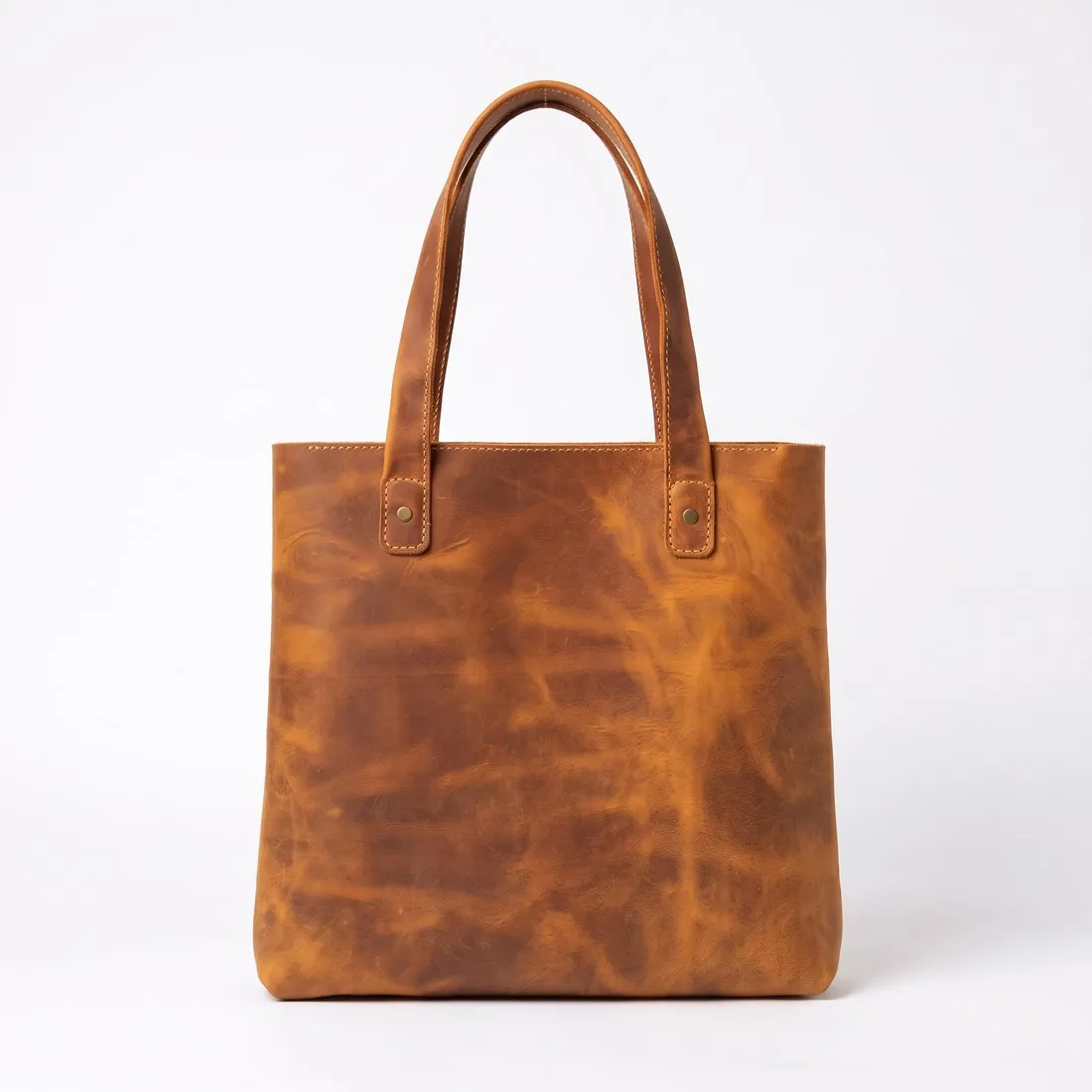
Choose a marketplace and a photo.
Rules come from each marketplace's own help pages, summarised in the guides (checked 12 October 2026). Size, file size and format are checked as well.
What ZALORA asks for.
Source: sellercenter.zalora.com.ph, ZALORA Seller Center FAQ — Image Upload; Quality Control; Product Creation; Image Upload (Philippines); Products (Philippines); Product Image (Singapore) · checked 12 October 2026 · Read again · 12 October 2026
- Main image
- Light, neutral background
The first image must not have an outdoor setting or a busy background - Size
- 762 × 1,100 pixels; images outside these dimensions are listed as a rejection reason and appear distorted on the website and apps
- Aspect ratio
- 762 × 1,100 pixels is a 0.69 : 1 ratio; Seller Center's editing tool crops or resizes images, and the Philippines Seller Center resizes adjusted images to 762 × 1,100 pixels automatically
- Resolution
- 300 dpi (Philippines Seller Center)
- File size
- Less than 2 MB (Philippines Seller Center)
- Background
- White to light grey background (Philippines Seller Center)
- Not allowed
- Pixelated or blurred images, loud or distracting backgrounds, repeated images, irrelevant watermarks or scribbles in the background, and extra images showing unrelated products
- Models
- Images can be rejected for poor model selection (age, expressions, presentation) or inappropriate model poses or make-up
- Product angles
- The product must be angled and displayed clearly; a missing product angle image is a rejection reason
- Review
- Every new or edited image goes through quality control before going live; the Seller Center quotes 24–48 hours on a business day for QC processing and 2–5 business days for edited products
- Watermarks
- The Philippines Seller Center asks for images focused on the product, with no watermarks or other details
- Where
- Asia
- ZALORA image resizer
- 762 × 1,100 px — the size ZALORA's Seller Center gives for product images.
Checkers by marketplace.
ZALORA main images, answered.
What background does ZALORA require for the main image?
Light, neutral background. The checker reads the background from the edges of the photo and reports its exact RGB value.
Where do these figures come from?
From ZALORA Seller Center FAQ — Image Upload; Quality Control; Product Creation; Image Upload (Philippines); Products (Philippines); Product Image (Singapore), read on 12 October 2026. Marketplaces update their rules; the official page is the final reference.
Is my image uploaded?
No. The file is read and processed inside your browser; nothing is sent to a server.
Your next collection, shot this week.
20 credits at sign-up, no card required. Images made with free credits carry a watermark. Herofab also removes the watermark from those images once credits are purchased.