Check your photo against eBay's rules.
The published image guide for eBay says: At least 500 pixels on the longest side, about 1,600 × 1,600 recommended, up to 12 MB and 24 pictures; no added borders, text or watermarks.. eBay sets rules for the main image that can be measured from the photo: cut-off edges. Drop a photo to see which ones it meets. It runs in your browser; nothing is uploaded.
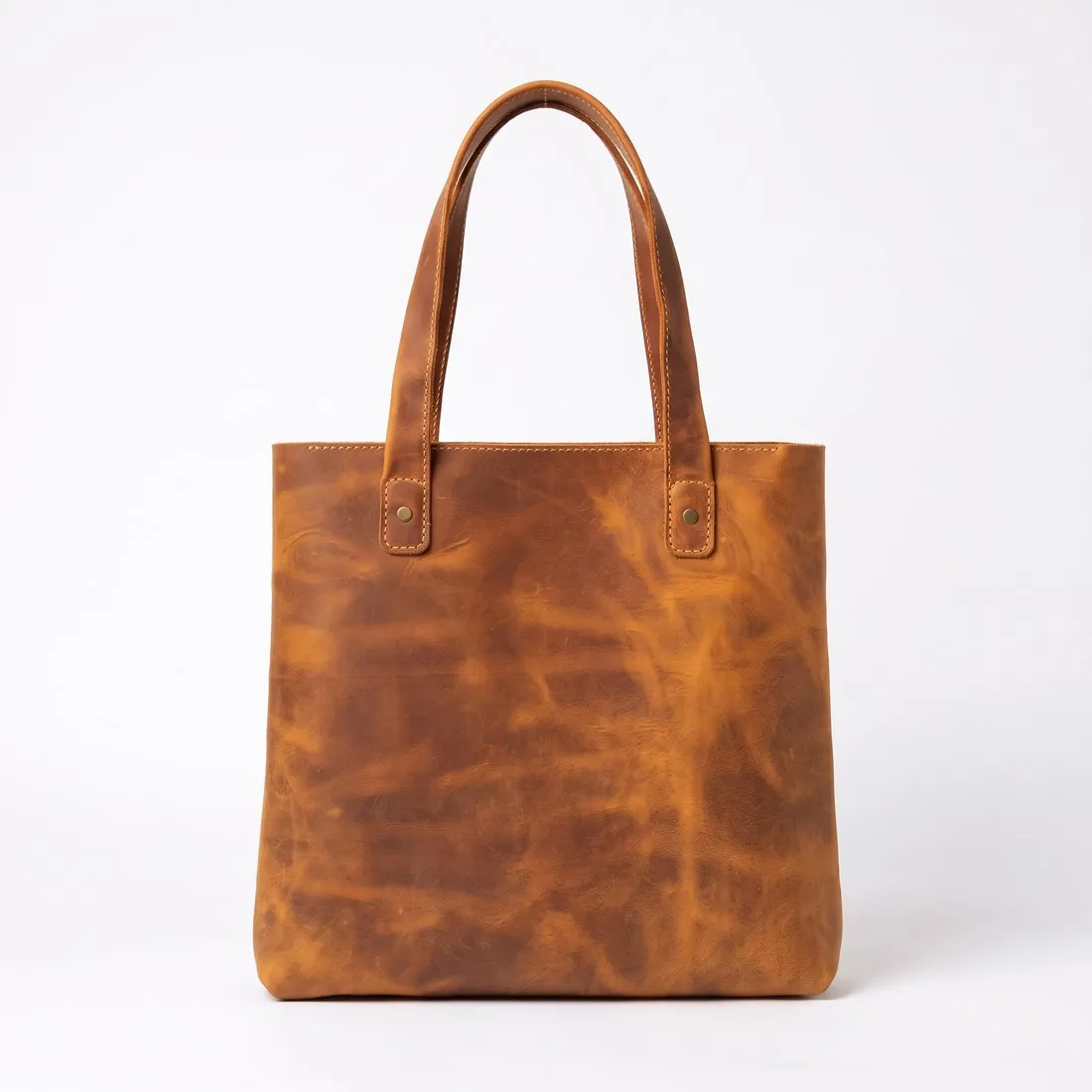
Choose a marketplace and a photo.
Rules come from each marketplace's own help pages, summarised in the guides (checked 10 October 2026). Size, file size and format are checked as well.
What eBay asks for.
Source: eBay Help — Adding pictures to your listings · checked 10 October 2026 · Read again · 10 October 2026
- Main image
- The whole product in frame, nothing cut off (recommended)
The first picture is the main photo and appears in search results; the main photo should show the whole item face-on - Minimum
- At least 500 pixels on the longest side; the photo tips give a minimum resolution of 500 × 500 pixels
- Recommended
- About 1,600 × 1,600 pixels; 1:1 or 16:9 aspect ratios look best
- File size
- Up to 12 MB each
- Formats
- JPEG, PNG, GIF, TIFF, BMP, WEBP, HEIC or AVIF
- Number
- At least one picture, up to 24
- Not allowed
- Added borders; added text, artwork or marketing material; watermarks of any type, including those used for ownership attributions; placeholder images and photos that don't accurately represent the item; the photo tips also advise against added badges, logos and copyright notices, as they can affect placement in search results
- Background
- A neutral backdrop in an uncluttered space; white backgrounds are generally best, a darker one may work better for shiny or reflective items
- Used items
- A catalogue or stock photo cannot be used when the item is listed as used, damaged or defective
- Bundles
- For a bundle the main photo should show all items for sale; for a single item it should not include any variations
- Where
- Worldwide
- eBay image resizer
- 1,600 × 1,600 px — the size eBay recommends.
- Herofab
- 1,600 × 1,600 px, the size eBay recommends
Checkers by marketplace.
eBay main images, answered.
Can the product touch the edge of the frame on eBay?
The whole product in frame, nothing cut off (recommended). A photo in which the product reaches the edge is reported as cut off.
eBay's image guide: what does it say about Background?
A neutral backdrop in an uncluttered space; white backgrounds are generally best, a darker one may work better for shiny or reflective items
eBay's image guide: what does it say about Minimum?
At least 500 pixels on the longest side; the photo tips give a minimum resolution of 500 × 500 pixels
Where do these figures come from?
From eBay Help — Adding pictures to your listings, read on 10 October 2026. Marketplaces update their rules; the official page is the final reference.
Is my image uploaded?
No. The file is read and processed inside your browser; nothing is sent to a server.
Your next collection, shot this week.
20 credits at sign-up, no card required. Images made with free credits carry a watermark. Herofab also removes the watermark from those images once credits are purchased.