Heureka product image requirements
Heureka feed images should be at least 175 × 175 pixels, with a hard minimum of 20 × 50 pixels and 30 kB, and at most 4,096 × 4,096 pixels and 2,000 kB. The background is ideally white and not transparent; images with a watermark, a discount or a seller's logo are blocked.
At a glance
- Size
- At least 20 × 50 or 50 × 20 pixels and 30 kB; at most 4,096 × 4,096 pixels and 2,000 kB; at least 175 × 175 pixels is recommended
- Background
- The XML feed specification adds that an image should not have a transparent background; ideally on a white background
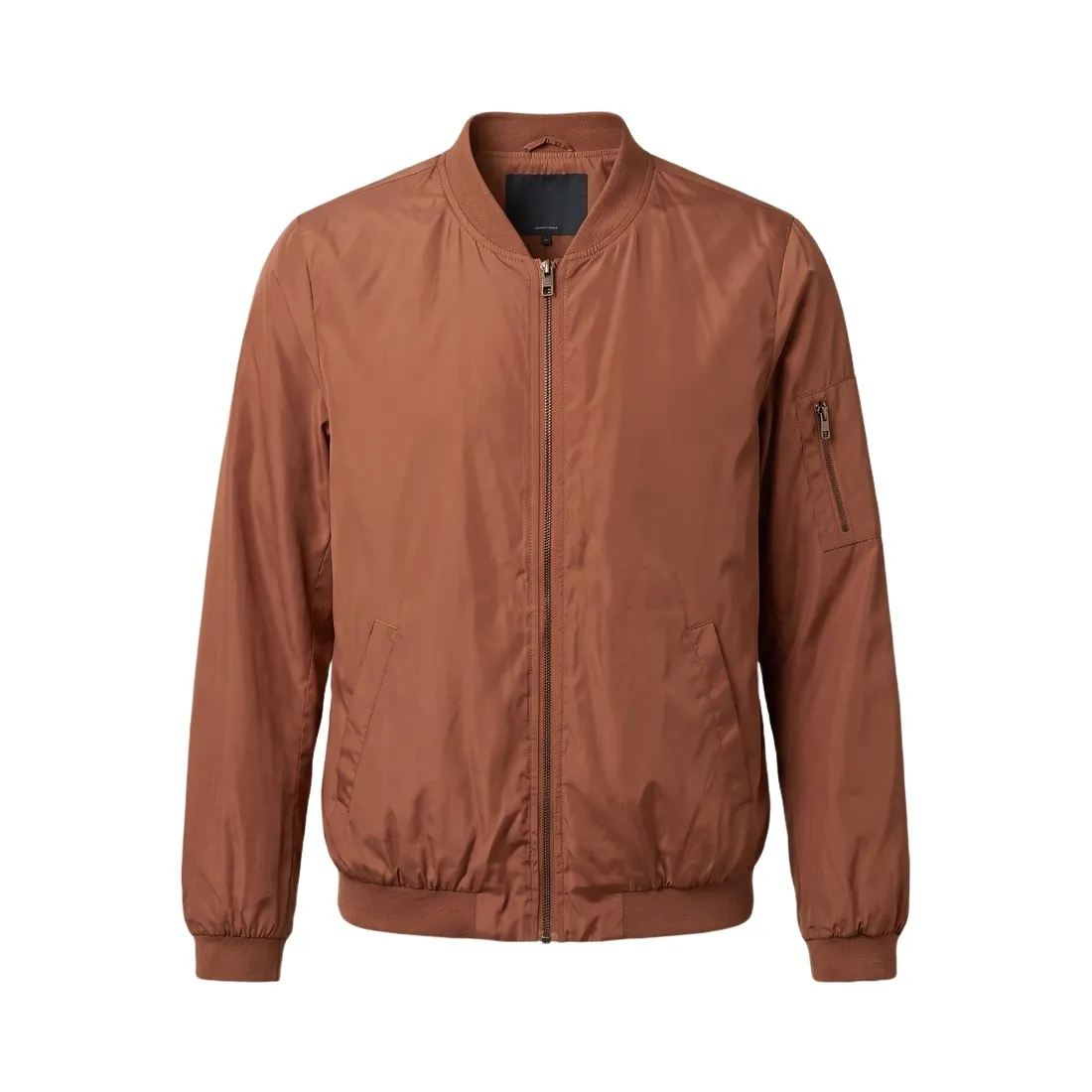
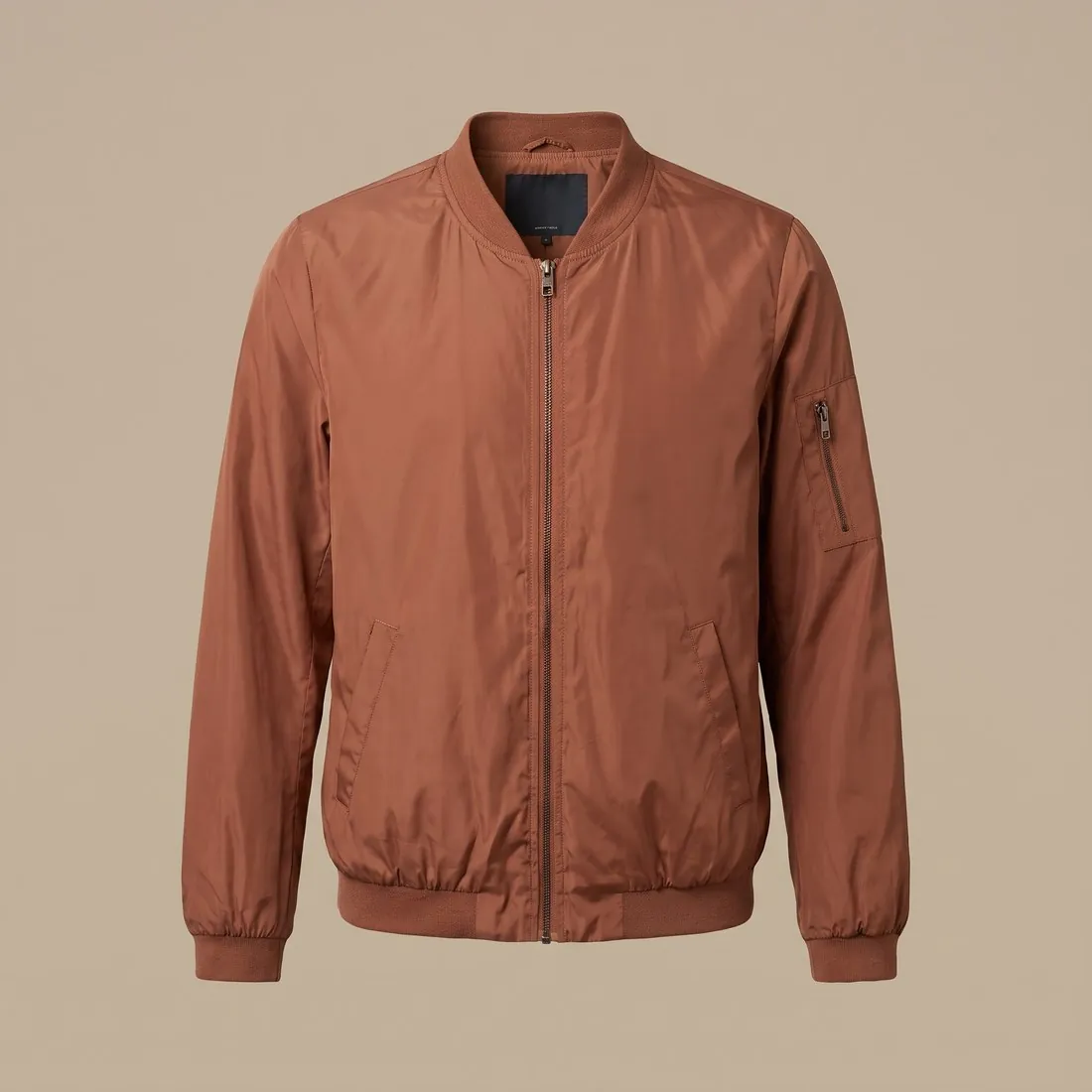
All Heureka image requirements
Source: Heureka — Jak správně posílat obrázky. Checked 10 October 2026. Read again · 13 October 2026
- Size
- At least 20 × 50 or 50 × 20 pixels and 30 kB; at most 4,096 × 4,096 pixels and 2,000 kB; at least 175 × 175 pixels is recommended
- Formats
- JPEG and PNG are supported on both official pages; the XML feed specification also lists WebP and BMP, while the image help page says only .jpeg, .png and .jpg are currently supported
- Background
- The XML feed specification adds that an image should not have a transparent background; ideally on a white background
- Not allowed
- A watermark, a discount or bonus, a specific seller's logo, or any highlight of the product's strengths, awards included; such images are blocked
- Heureka Marketplace
- A shop in Heureka Marketplace that sends watermarked images does not appear in the TOP position on the product card, even with the best offer; it is shown only in the price comparison
- Feed
- The main image goes in IMGURL and further views, such as another angle or the whole package, in IMGURL_ALTERNATIVE; a new image needs a new URL
- Image URL
- No spaces or diacritics in the image address, at most 255 characters; one URL must always hold the same image, because Heureka may download it at any time
- Placeholders
- Placeholder images of the "no image" kind must not be put in the feed
Main image
- Background colour
- White background (recommended)
Source: Heureka — Jak správně posílat obrázky · checked 10 October 2026
What Heureka asks for, covered.
Background removal to white or product studio on white shows the product on its own, on the white background Heureka names as ideal, and virtual try-on on a white studio background adds worn views of clothing; generation is briefed to keep each product's colour, shape, material, logos and details. 2K and 4K output stays within the 4,096 × 4,096-pixel maximum, but a 4K file can exceed the 2,000 kB limit, so the seller compresses or resizes it before it goes into the feed.
Clothing on a model
Virtual try-on on a white studio background shows garments worn on a model, as further views next to the main image.
White, not transparent
Background removal to white matches Heureka's preference, since its feed specification says images should not have a transparent background.
Watermark-free output
Images made on a plan or with a credit pack carry no watermark, which Heureka blocks and which keeps Marketplace offers out of the TOP position.
Heureka, answered.
What size should Heureka product images be?
Heureka feed images: at least 20 × 50 px and 30 kB, 175 × 175 px recommended, at most 4,096 × 4,096 px and 2,000 kB; ideally on white, no transparent background.
Which file formats does Heureka accept for product images?
JPEG and PNG are supported on both official pages; the XML feed specification also lists WebP and BMP, while the image help page says only .jpeg, .png and .jpg are currently supported. Source: Heureka — Jak správně posílat obrázky, checked 10 October 2026.
What background should product images have on Heureka?
The XML feed specification adds that an image should not have a transparent background; ideally on a white background. Source: Heureka — Jak správně posílat obrázky, checked 10 October 2026.
What is not allowed in product images on Heureka?
A watermark, a discount or bonus, a specific seller's logo, or any highlight of the product's strengths, awards included; such images are blocked. Source: Heureka — Jak správně posílat obrázky, checked 10 October 2026.
Can I check my images before uploading?
Yes. The free image size checker reads each file in your browser and tests it against these rules; the image is not uploaded.
Where do these figures come from?
From Heureka — Jak správně posílat obrázky, read on 10 October 2026. Marketplaces update their rules; the official page is the final reference.
Your next collection, shot this week.
20 credits at sign-up, no card required. Images made with free credits carry a watermark. Herofab also removes the watermark from those images once credits are purchased.