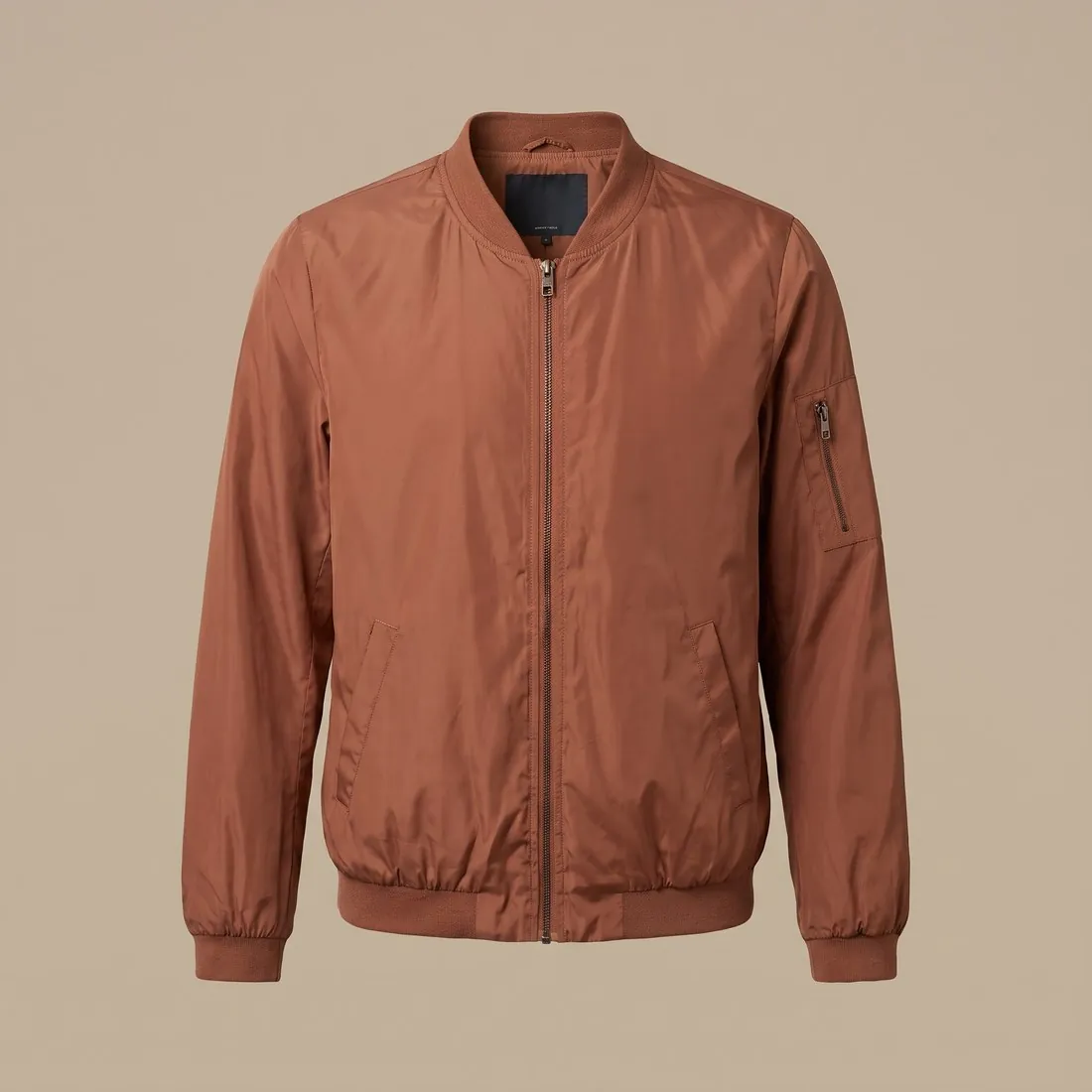
Transparency is stored in an extra channel of the file, the alpha channel, which records for every pixel how much of it is visible. PNG and WebP can carry that channel; JPEG cannot, and saving a transparent image as a JPEG fills the empty area with a solid colour, usually white or black.
A transparent product image can be placed on any colour, in a banner, a collage or a page with a tinted background, without a white box around it. For a marketplace main image the requirement is normally a white background and not a transparent one, so the same cut-out is exported twice: once transparent for design work and once on white for the listing.
Full, partial and one-level transparency
The alpha channel does not only say visible or empty. It holds a range of levels between the two, and when the picture is shown, each pixel is mixed with whatever lies behind it in proportion to its level. That is how the soft edge of a knitted sleeve, a glass bottle or a shadow can sit naturally on a light page and on a dark one from the same file.
Some formats and export settings know one level only: a pixel is either shown or not. GIF works this way, and so do some reduced PNG exports. The outline then becomes a staircase of full pixels, usually with a rim in the colour of the page it was prepared for, and it looks clean on that colour alone.
What appears when the transparency is lost
An empty pixel still has a colour value underneath; the alpha channel merely hides it. When a system discards the alpha channel, for instance by converting an upload to JPEG, that hidden colour comes to the surface. Depending on how the file was made it is white, black or, in some files, the original background that was thought to be removed.
Alpha is lost more often than expected. Messaging apps, screenshots, some clipboard operations and many upload systems flatten a picture without saying so. A file that has passed through any of them is worth checking again over a coloured ground before it is used in a design.
The empty canvas around the product
Transparent pixels cannot be seen, but they count towards the width and height of the file. A product that floats in a wide empty canvas appears small once the file is placed in a tile or a layout, and a canvas that is larger on one side pushes the product off centre. Neither fault is visible until the picture stands next to others.
Two conventions avoid this. For design work the canvas is trimmed to the outline of the product, so the file is exactly as large as what it shows. For a shop grid every product is placed on a canvas of the same shape with the same margin, so that a row of tiles lines up without further adjustment.
Transparent background and related terms
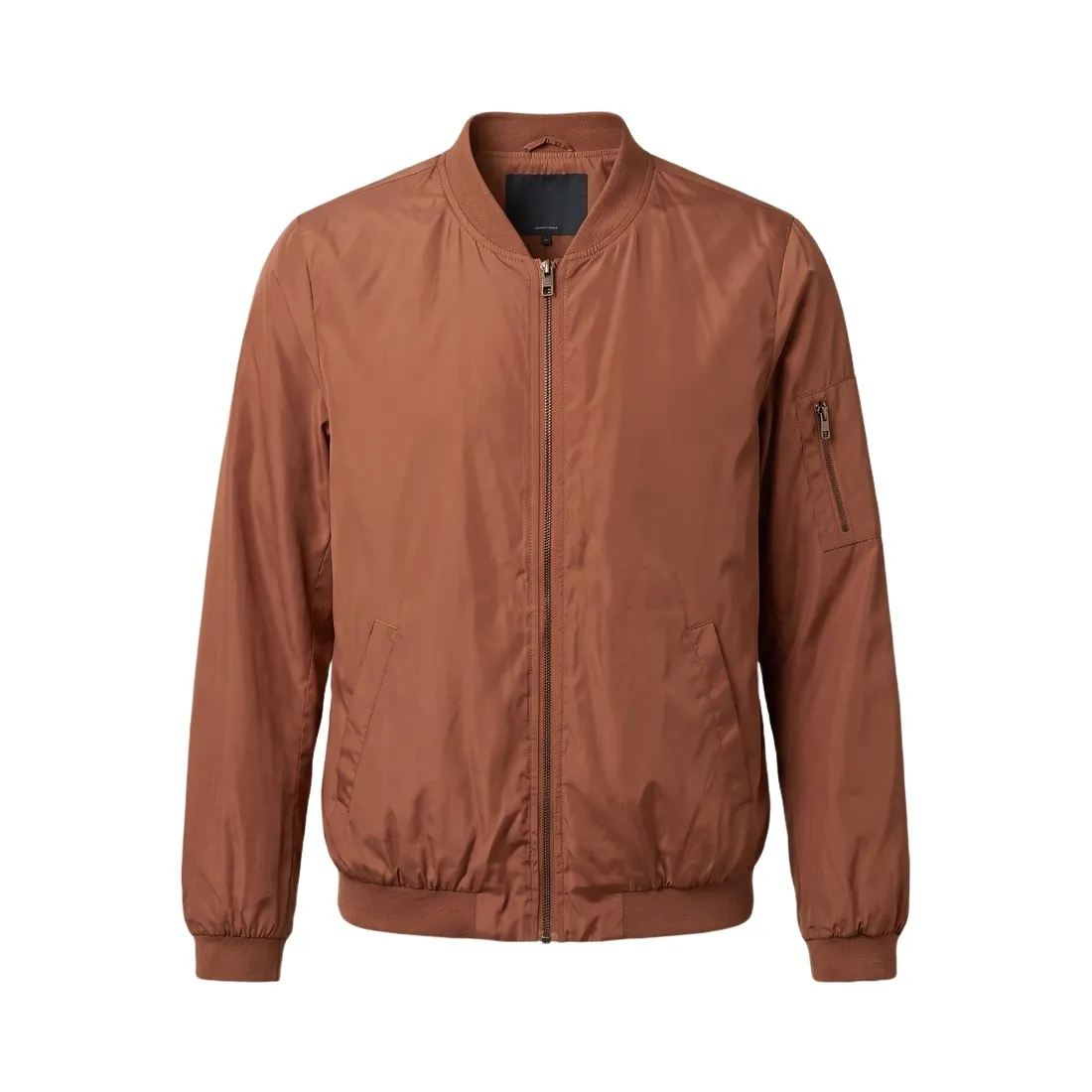 Cut-out image
- A cut-out image is the product separated from its background, whatever it is placed on afterwards. A transparent background is the state in which nothing has been placed behind it yet; set on white, the same cut-out stops being transparent.
- Clipping path
- A clipping path is a drawn outline stored in the file, which hides the background only in software that reads paths. Transparency needs no such software: the empty area is part of the pixels, and its edge can be soft where a path is always hard.
- Pure white background
- A pure white background consists of white pixels of the highest value and looks the same on every page. A transparent background has no colour of its own and takes on the colour of the page behind it, including a dark one.
- Image file format
- The image file format is the container in which a picture is saved. Transparency is a property that only some containers can hold, so the choice of format decides whether the empty area survives saving.
A checklist for a transparent product image
- Placed over a dark colour and over a bright one, the product shows no pale or dark rim along its outline.
- The file is saved in a format with an alpha channel, such as PNG or WebP, and no white box appears around the product on a coloured page.
- Soft and see-through parts, such as fringe, mesh, glass or a shadow, let the colour of the ground show through them.
- The checkerboard pattern that an editor draws for empty areas is not part of the saved picture.
- The canvas is trimmed to the product, or it follows the same shape and margin as the other pictures of the catalogue.