Best Buy Canada product image requirements
Best Buy Canada supplier shot guides: at least 1,500 × 1,500 pixels at 300 DPI, on white, EPS, TIFF, JPEG or PSD. Marketplace upload rules may differ.
All Best Buy Canada image requirements
Source: Best Buy Partner Portal — Digital Assets Product Shot Guide - Canada (last updated 30 October 2019). Checked 27 September 2026. Read again · 10 October 2026
- Who it covers
- These guides set the assets Best Buy requires from its suppliers for e-commerce, print, digital media and in-store advertising
- Size
- Minimum 1,500 × 1,500 pixels at 300 DPI, identical in the ring, earring, necklace, bracelet, watch, handbag, backpack and luggage guides; a close crop must still meet the minimum
- Background and files
- Cropped close to the product on a white background; EPS, TIFF, JPEG or PSD, in that order of preference; RGB or CMYK
- Minimum shots
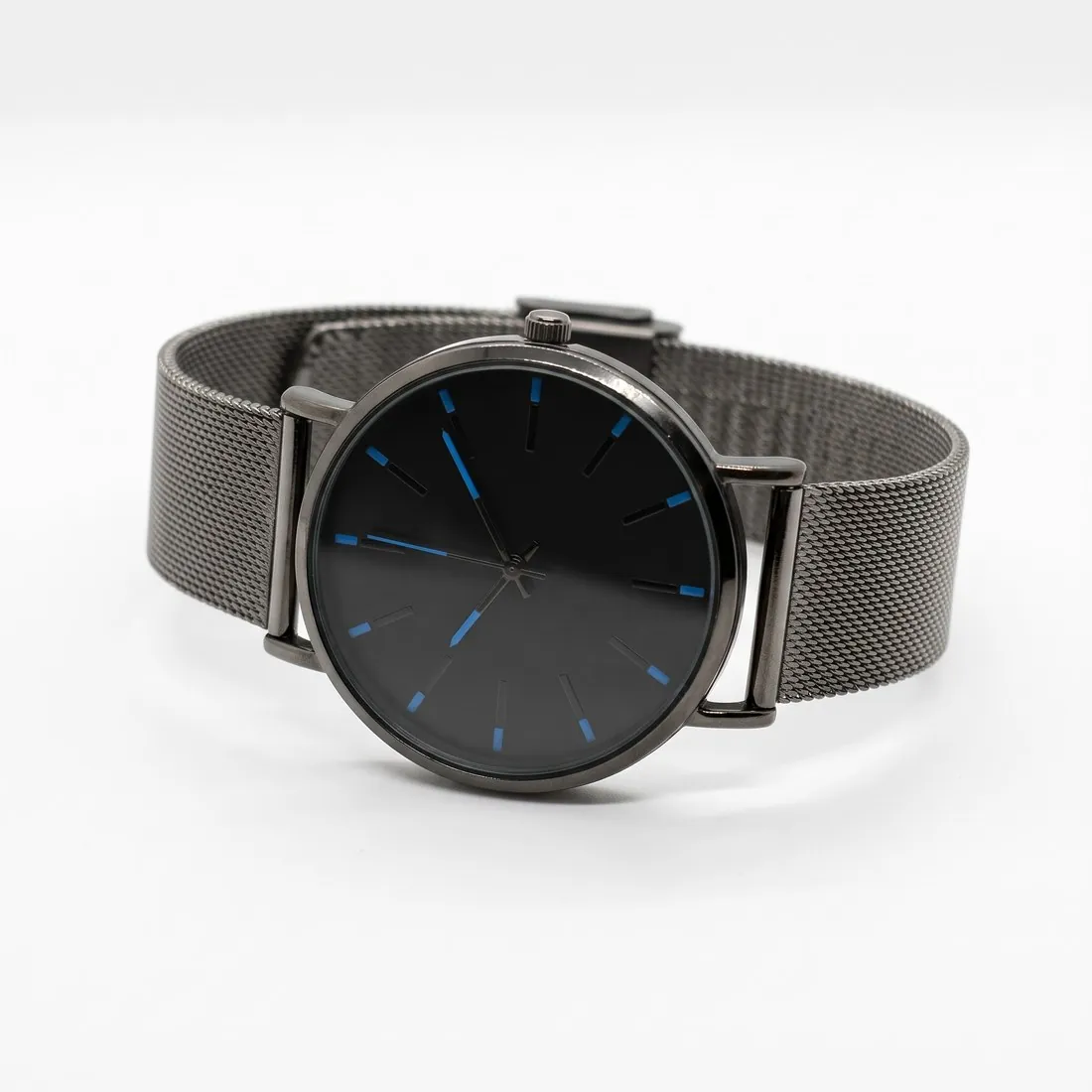
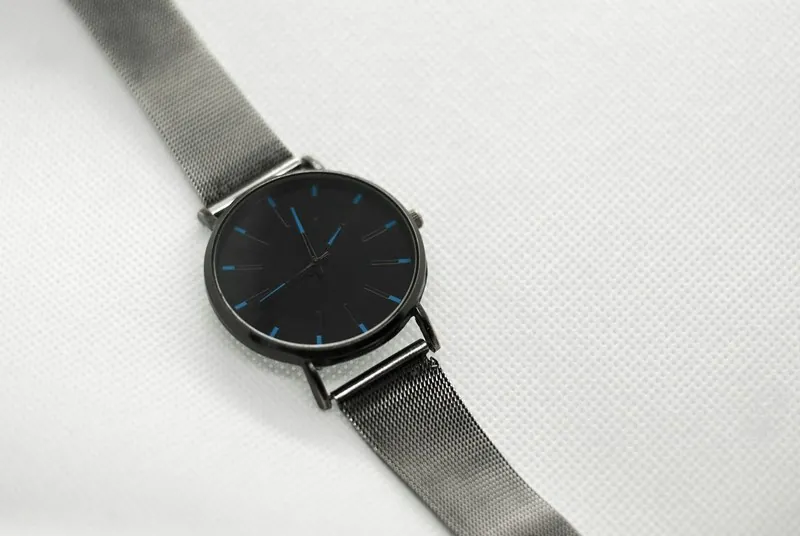
- Rings: 45° angle. Earrings: both front facing, then one front facing with one in side profile. Necklaces: front facing. Bracelets: top down. Watches: front and profile. Handbags and backpacks: dynamic 45° main image, front, side, back. Luggage: 45°, front, side, back; sets open with the full set from the front; the default image is preferably at 45° or front facing
- Enhanced shots
- Mannequin views for earrings, necklaces and bracelets; a grid or size reference for earrings, necklaces, bracelets, watches and luggage; interior views for handbags, backpacks and luggage; lifestyle or in-use images for watches, handbags, backpacks and luggage; a 360° video, or 20 to 50 photos instead, for rings, watches, handbags, backpacks and luggage
- File names
- The default image is named with the UPC, with no suffix added, for example 601603120572.eps
Main image
- Background colour
- White background
Source: partners.bestbuy.com, Best Buy Partner Portal — Digital Assets Product Shot Guide - Canada (last updated 30 October 2019) · checked 27 September 2026
What Best Buy Canada asks for, covered.
Background removal sets your own photos of each listed angle on white, and square 2K or 4K output — 2,048 or 4,096 pixels per side — is above the 1,500 × 1,500 minimum. For the lifestyle and in-use images in the enhanced lists, virtual try-on shows handbags and backpacks on a model and the product studio sets a watch in a home, office or outdoor scene, both briefed to keep the product's shape, colour, material, logos and details.
Every angle on white
Background removal places your 45°, front, side and back photos on the white background the guides specify.
Above 1,500 pixels
Square 2K and 4K output, at 2,048 or 4,096 pixels per side, clears the 1,500 × 1,500 minimum.
Lifestyle on a model
Virtual try-on puts handbags and backpacks on a model for the lifestyle and in-use shots; the product studio sets a watch in a scene.
Best Buy Canada, answered.
What size should Best Buy Canada product images be?
Best Buy Canada supplier shot guides: at least 1,500 × 1,500 pixels at 300 DPI, on white, EPS, TIFF, JPEG or PSD. Marketplace upload rules may differ.
Can I check my images before uploading?
Yes. The free image size checker reads each file in your browser and tests it against these rules; the image is not uploaded.
Where do these figures come from?
From Best Buy Partner Portal — Digital Assets Product Shot Guide - Canada (last updated 30 October 2019), read on 27 September 2026. Marketplaces update their rules; the official page is the final reference.
Your next collection, shot this week.
20 credits at sign-up, no card required. Images made with free credits carry a watermark. Herofab also removes the watermark from those images once credits are purchased.