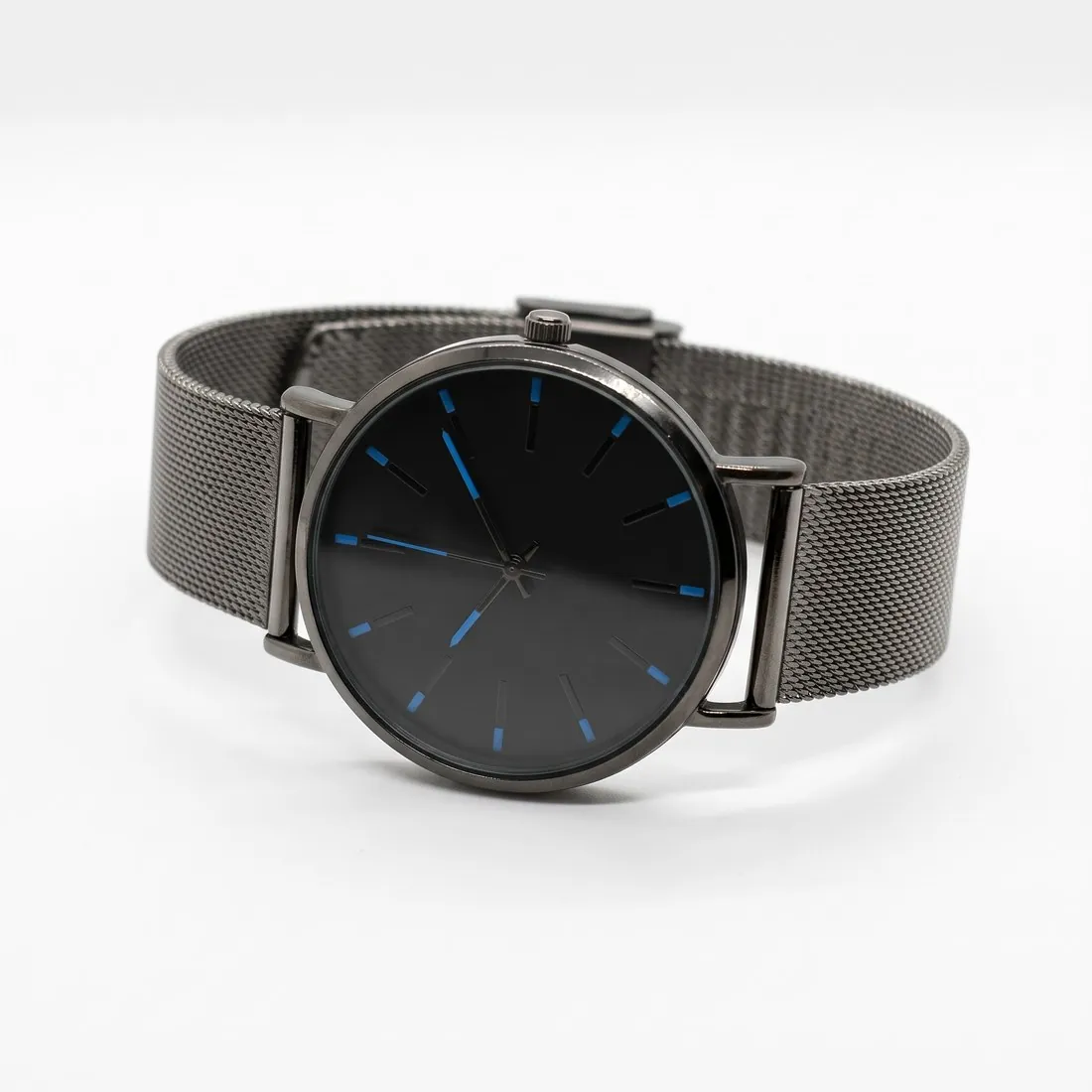
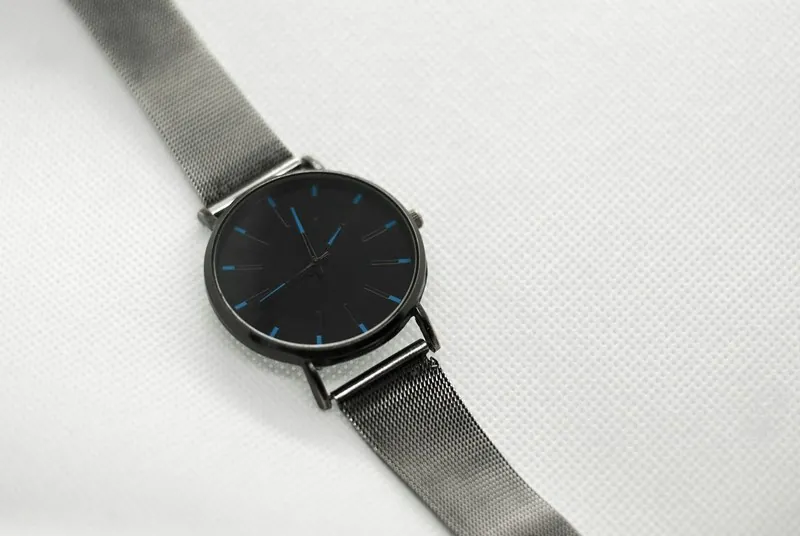
A digital image is a grid of pixels. The dpi value does not add or remove any of them; it only tells a printer how many pixels to place along each inch of paper. The same file tagged with a low or a high value shows exactly the same picture on a product page, because a screen displays pixels one for one.
Some marketplace specifications still name a dpi value beside the pixel size, a habit carried over from print catalogues. Where both are given, the pixel dimensions are what decides sharpness and zoom, and the dpi value is a field in the file that an image editor can set without changing the picture.
Raising the dpi value does not make a small image larger or sharper. An image with too few pixels needs more pixels, either from a larger original or from upscaling, and an image with enough pixels passes whatever its dpi field says, as long as the marketplace does not check that field.
Scanners, screens, mice and other uses of DPI
A scanner is the one case in which the figure creates pixels. Scanning a printed photo or a fabric swatch at a higher density records more pixels from each inch of the original, so the scan setting decides how large the digital image becomes. After the scan, the file's dpi field goes back to being a label.
Screens have a density too, the number of their pixels per inch; a phone packs many more than an office monitor, which is why the same image looks smaller and finer on it. That is a property of the screen, not of the file. A computer mouse's DPI is something else again: how far the pointer moves for a movement of the hand.
Working out a print size from pixels and DPI
Print size is pixels divided by density. Dividing the pixel width by the dpi value gives the printed width in inches, so the same file set to half the density prints twice as wide and coarser, and set to double the density prints half as wide and finer.
Print shops commonly ask for around three hundred dpi at the final size for photos seen up close, such as catalogues, hang tags and packaging, and accept less for posters seen from a distance. The real question is whether the file has enough pixels for that size, and the dpi field alone cannot answer it.
Where the screen figure of seventy-two comes from
Many files open with a value of seventy-two dpi, and some guides still call it the web resolution. The number goes back to early computer screens, on which one pixel was meant to match one typographic point. Today's screens have very different and much higher densities, and browsers ignore the field.
A file that shows seventy-two is therefore not a low-quality file, and one that shows three hundred is not a high-quality one. When a request for web images names only a dpi value, the useful reply is a question: which width and height in pixels. Without that, the figure says nothing about sharpness or zoom.
DPI and related image terms
- Image dimensions
- Image dimensions are the width and the height in pixels, the figures that decide sharpness on a screen. DPI only says how many of those pixels go into an inch of paper.
- Megapixel
- A megapixel count is the total number of pixels. Together with a dpi value it sets the largest print at that density; the dpi value on its own cannot add a single pixel.
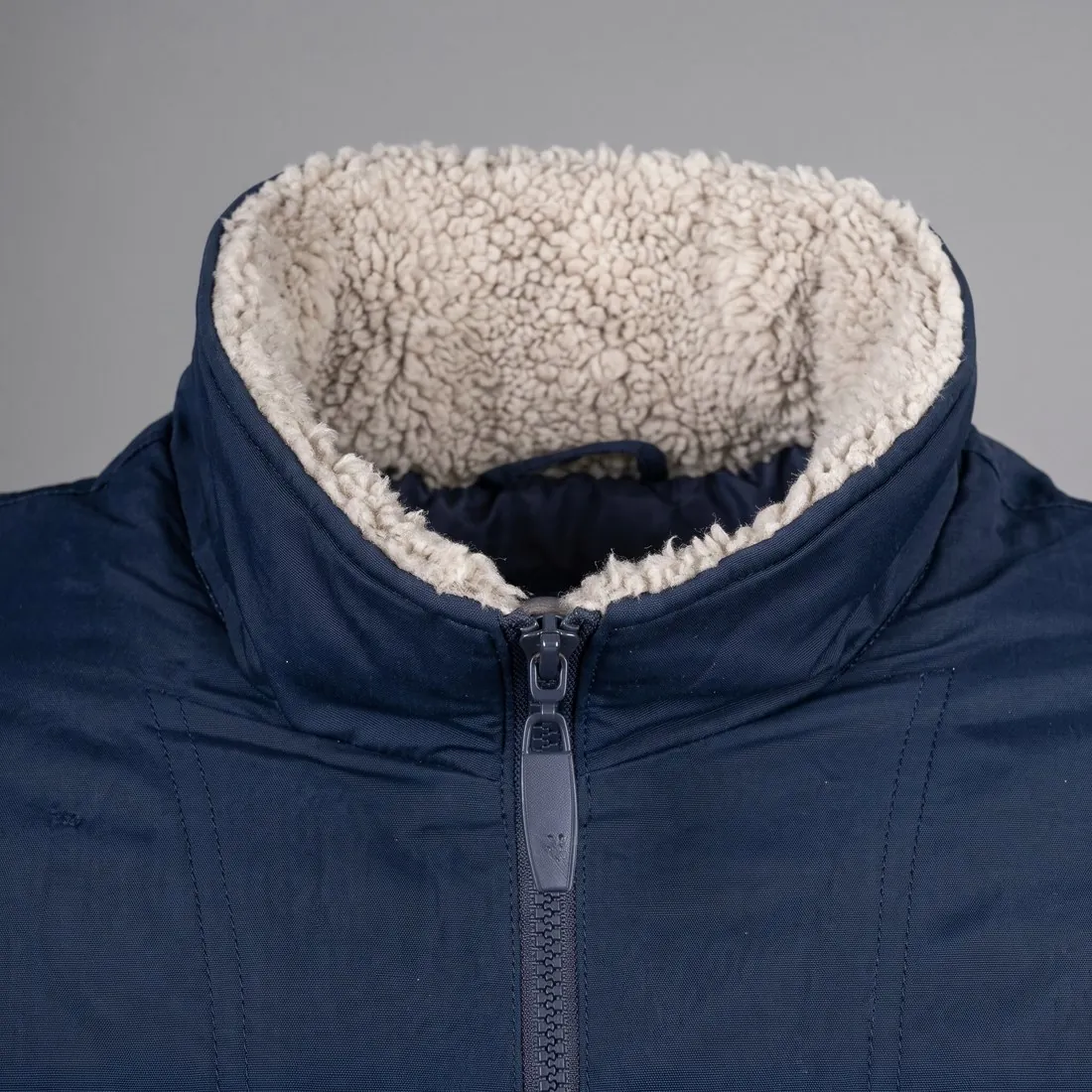 Image zoom
- Image zoom lets shoppers enlarge a product image, and it depends on the pixel dimensions of the upload. A higher dpi value in the same file does not make zoom available.
- Image cropping
- Image cropping removes pixels, and with them print size at any given density. Editors usually keep the dpi field unchanged after a crop, so the cropped file shows the same value although it would now print much smaller.
A DPI checklist for product images
- Image requirements were read for their pixel dimensions first, and a dpi figure given without pixels was queried.
- Images for the web were judged by width and height, not by the dpi value in their properties.
- Where an upload form asks for a stated dpi value, the field was set to it and the pixel dimensions were confirmed unchanged afterwards.
- For print, the pixel width divided by the density the printer asks for gives at least the planned printed width.
- Prints, swatches and other originals were scanned at a density high enough to give the pixel size the listing needs.