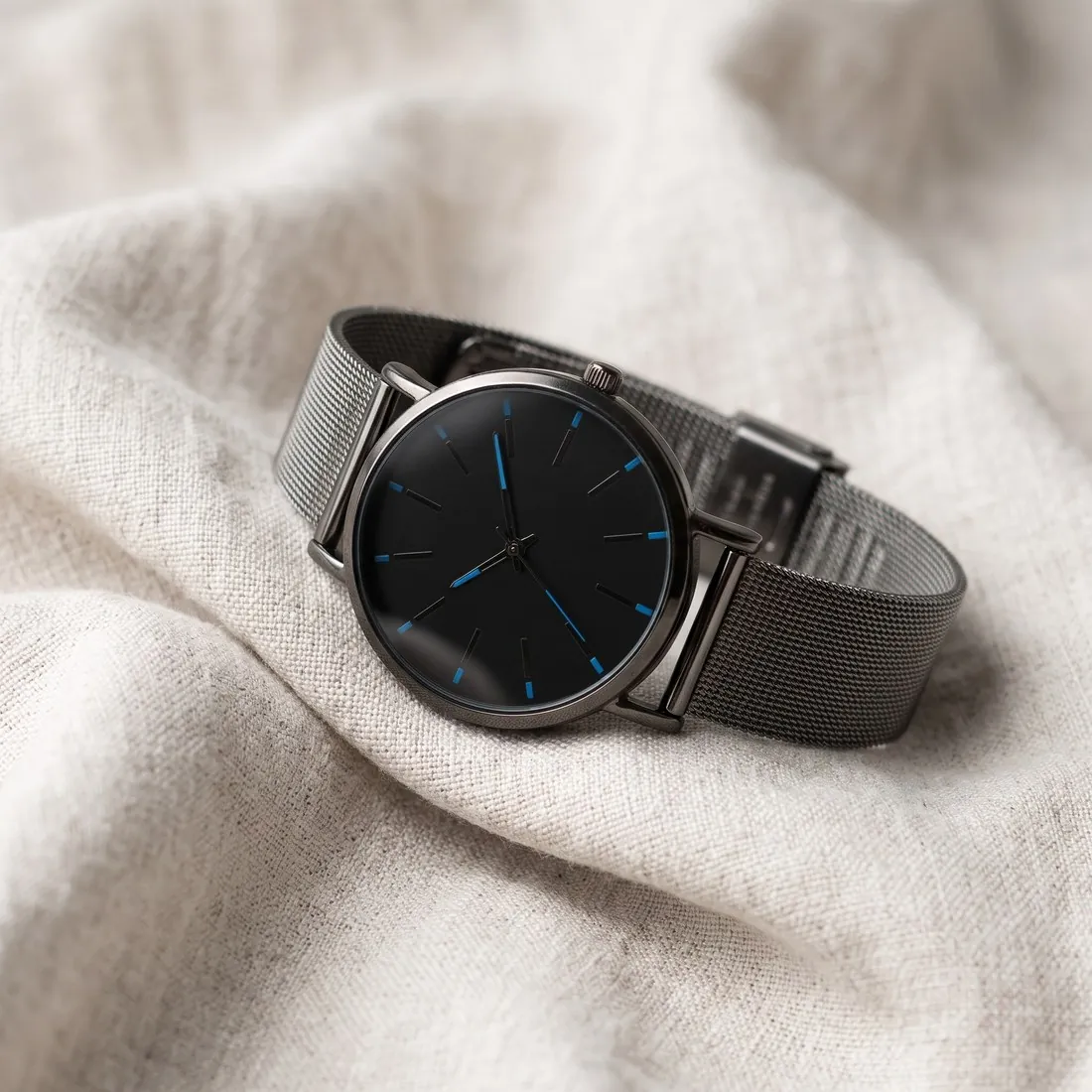
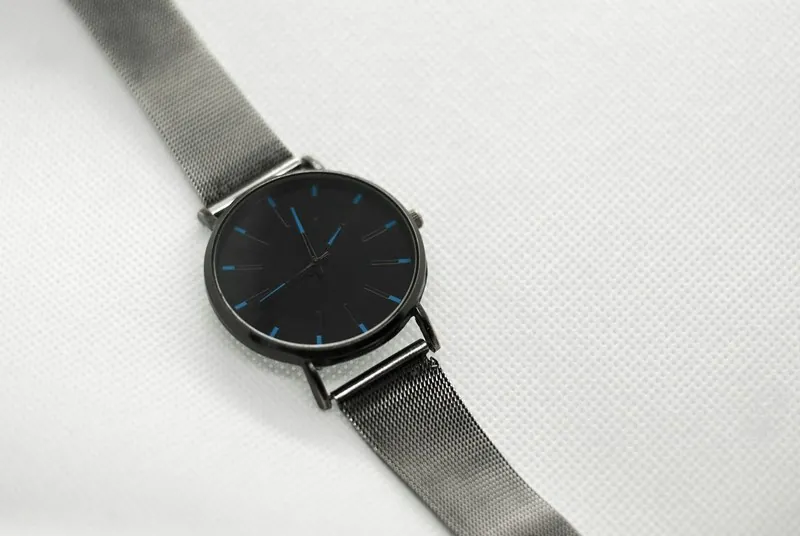
Light has a colour of its own: a bulb is warm and yellow, open shade is cool and blue, and daylight at noon lies between them. A camera corrects for this so that a white object comes out white. When the correction misses, every colour in the picture shifts together, and a cream sweater photographed under a lamp looks yellow.
For product photos the cast matters because shoppers judge colour from the image, and a product that arrives in a shade other than the one shown disappoints. Photographing near a window in daylight, with indoor lamps switched off, avoids mixed light. A sheet of white paper in a test shot shows the cast at once: if the paper is not white, neither is anything else.
Colour temperature and what camera presets do
The colour of light is described as a colour temperature and measured in kelvin. The scale runs against intuition: low values stand for warm, orange light such as a candle or a filament bulb, high values for the cool, blue light of open shade. Setting the white balance means telling the camera which point on that scale the light of the scene has.
Presets such as daylight, cloudy, shade, tungsten and flash are fixed points on the scale. Each applies one known correction and holds it from frame to frame, which is their advantage over the automatic mode. Lamps sold for the home are labelled in the same terms, from warm white to daylight, and lamps with different labels should not light the same product.
Casts that do not come from the lamp
Light picks up colour from everything it bounces off. A product photographed beside a green wall, on a red tablecloth or under a wooden ceiling receives some of that colour, most visibly on white, silver and glossy surfaces. This cast lies on one side of the product only, so a correction of the whole picture cannot remove it; moving the product or covering the coloured surface with white card can.
The screen used for editing is a further source of error. A display in night mode, or one set very warm or very cool, makes a neutral picture look tinted, and the editor then corrects a fault that is not in the file. Judging colour with night mode switched off, and with the product itself beside the screen, guards against this.
Raw files and corrections after the shoot
How well a cast can be corrected afterwards depends on the file. A raw file holds the data of the sensor before any white balance is applied, so the setting can be chosen freely later without loss. A JPEG or HEIC file has the camera's choice built in, and a strong correction has to stretch its colours, which can leave noise or uneven tones in the weakest colour.
For a series, the correction is worked out once and copied. Pictures taken in one light share one cast, so the values found for the first frame apply to all the others, and most editors can transfer them in one step. Pictures of the same product taken on different days are then compared side by side, since daylight is not the same from one day to the next.
White balance and related colour terms
- sRGB colour space
- sRGB is the colour space in which the finished file is saved, so that screens read its colour values in the same way. White balance comes earlier and corrects the colour of the light; a file can be right in one respect and wrong in the other.
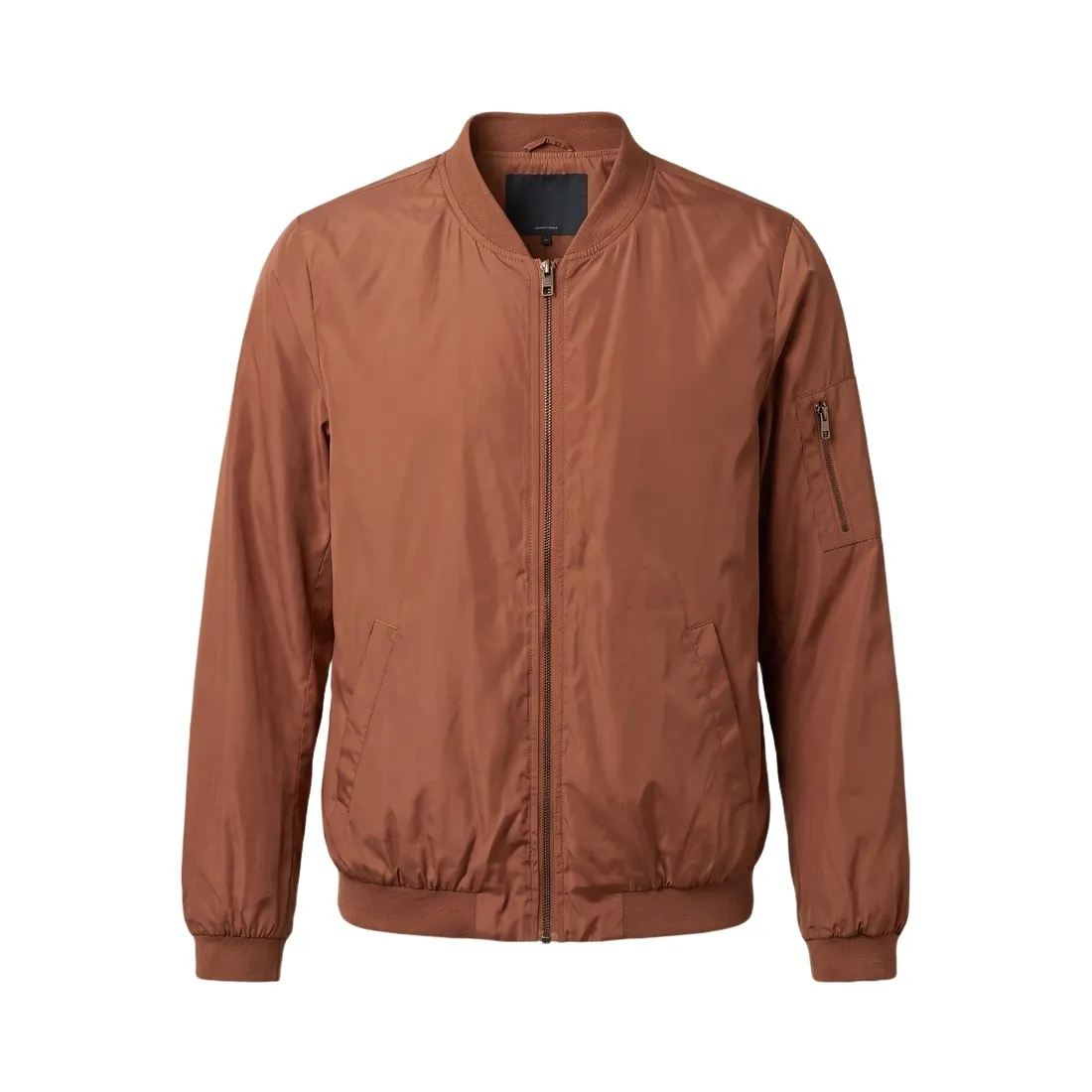 Pure white background
- A pure white background is a ground whose pixels have the highest value in every channel. It is usually set in editing and proves nothing about white balance: a product can carry a yellow cast in front of a ground that was filled with white afterwards.
- Colourway
- A colourway is one of the colour versions of a style, such as the navy and the olive of one jacket. Colourways shown side by side depend on a shared white balance; without it, the difference between two shades on screen is not the difference between the two products.
- Golden hour
- Golden hour is the time of low sun and warm light. Its cast is wanted, so the camera is kept on a daylight setting and the warmth is left in the picture; an automatic or neutral correction would remove the effect the hour was chosen for.
A white balance checklist for a product shoot
- Only one kind of light reached the product: lamps were off in daylight, or daylight was shut out when lamps were used.
- A grey card or another neutral reference was photographed in the same light at the start of the series.
- All pictures of the series share one white balance setting or one copied correction, not a separate automatic choice for each frame.
- Neutral parts of the picture, such as a white care label, a grey sole or a silver zip, show nearly equal red, green and blue values.
- No coloured wall, cloth or piece of clothing stood close enough to the product to throw its colour onto it.