Product studio API
The Herofab Product studio API photographs a product without a model, on a studio backdrop, on a surface or in a setting: send POST /api/v1/jobs with "tool": "product_studio" and the photo's asset id. Each image costs 4 credits ($0.16 to $0.48 before tax), and the finished image is reported by polling or by a signed job.succeeded webhook.
- tool: product_studio
- 4 credits per image
- 3 input roles
- 10 settings
Inputs, settings and allowed values: Herofab OpenAPI document (app.herofab.app/api/v1/openapi.json), read 3 November 2026. Labels and upload tips: the Herofab app.
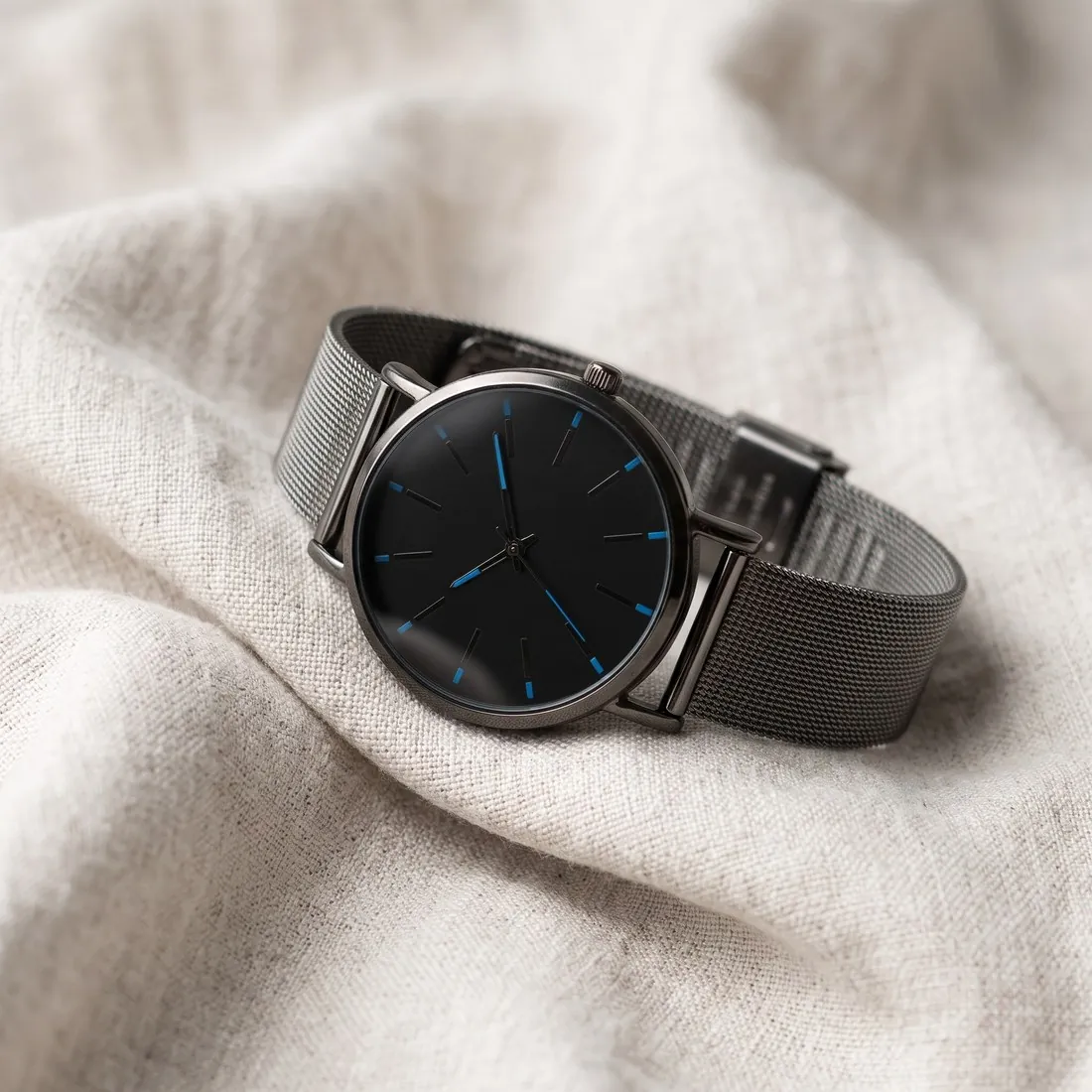
What the Product studio API does
product_studio photographs the product alone: on a studio backdrop (white, grey, beige, dark, gradient), on a surface (marble, wood, linen, concrete, a podium or a pedestal) or in a setting (home, kitchen, office, outdoors). product_kind tells it what the object is, shot sets the camera angle from front to top-down, and hand puts the product in a hand to show its size. A close-up (product_detail) keeps small print and hardware exact; a background_image with scene "custom" places the product in your own photo.
Create the job
Upload the photo with POST /api/v1/assets first and put the returned id where ASSET_ID stands.
curl https://app.herofab.app/api/v1/jobs \
  -H "Authorization: Bearer $HEROFAB_API_KEY" \
  -H "Idempotency-Key: $(uuidgen)" \
  --json '{
    "tool": "product_studio",
    "inputs": {
      "product": "ASSET_ID"
    },
    "params": {
      "product_kind": "footwear",
      "scene": "studio_white",
      "shot": "three_quarter",
      "shadow": "soft",
      "marketplace": "amazon"
    }
  }'
const res = await fetch("https://app.herofab.app/api/v1/jobs", {
method: "POST",
headers: {
Authorization: `Bearer ${process.env.HEROFAB_API_KEY}`,
"Content-Type": "application/json",
"Idempotency-Key": crypto.randomUUID(),
},
body: JSON.stringify({
"tool": "product_studio",
"inputs": {
"product": "ASSET_ID"
},
"params": {
"product_kind": "footwear",
"scene": "studio_white",
"shot": "three_quarter",
"shadow": "soft",
"marketplace": "amazon"
}
}),
});
const job = await res.json(); // 201: state "queued", credits heldimport os, uuid, requests
job = requests.post(
"https://app.herofab.app/api/v1/jobs",
headers={
"Authorization": f"Bearer {os.environ['HEROFAB_API_KEY']}",
"Idempotency-Key": str(uuid.uuid4()),
},
json={
"tool": "product_studio",
"inputs": {
"product": "ASSET_ID"
},
"params": {
"product_kind": "footwear",
"scene": "studio_white",
"shot": "three_quarter",
"shadow": "soft",
"marketplace": "amazon"
}
},
).json() # 201: state "queued", credits heldWhat to upload
Each input is an asset id. The upload tips are the ones the Herofab app shows next to each slot.
| Role | Required | What to upload |
|---|---|---|
productProduct image | Required | One product, fully visible, in even light. A phone photo is fine; hands, boxes and price tags are removed. |
background_imageBackground image | Optional | The scene to place the model in. A sharp, uncluttered photo works best. |
product_detailProduct · detail close-up | Optional | A close-up of a logo, texture, clasp or label, so small details stay accurate. |
Every setting and its values
Settings go in params; a value outside the list is refused with 422.
| Setting | Allowed values | Default |
|---|---|---|
aspect_ratioAspect ratio | 1:1, 3:4, 4:5, 2:3, 9:16, 4:3, 16:9 | 3:4 |
handIn hand | no_hand, hand_woman Woman's hand, hand_man Man's hand | no_hand |
lightingLighting | light_soft Soft, light_dramatic Dramatic, light_natural Natural daylight, light_rim Rim light | light_soft |
marketplaceMarketplace size | none, amazon 1,600 × 1,600 px, ebay 1,600 × 1,600 px, etsy 2,000 × 2,000 px, hepsiburada, shopify 2,048 × 2,048 px, trendyol 1,200 × 1,800 px | none |
product_kindProduct type | unspecified, apparel Clothing, footwear Shoes, eyewear Glasses, bag, jewelry, headwear Hat / headwear, watch, cosmetics, home, other, food Food and drink | unspecified |
resolutionResolution | 2k, 4k | 2k |
sceneScene | studio_white Studio · white, studio_grey Studio · grey, studio_beige Studio · beige, marble Marble surface, wood Wooden surface, linen Linen cloth, podium Display podium, outdoor, lifestyle_home Home interior, custom My own image, studio_dark Studio · dark, studio_gradient Studio · gradient, concrete Concrete surface, pedestal_acrylic Acrylic pedestal, pedestal_stone Stone pedestal, kitchen, office | studio_white |
shadowShadow | soft Soft shadow, no_shadow, reflection | soft |
shotCamera angle | front, three_quarter Three-quarter, side, top_down Top-down (flat lay) | three_quarter |
viewView | front, back | front |
Rules between inputs and settings
- inputs.background_image is used only when params.scene is "custom", and that value needs it
The app's workflow cards as API settings
The Workflows page of the Herofab app opens this tool with these fixed settings.
| Workflow card | Product families | params |
|---|---|---|
| White background catalog shot | Jewelry, Fabric and textiles, Products, Beauty and cosmetics, Food and drink, Footwear, Bags, Eyewear, Watches | {"scene":"studio_white"}plus product_kind set to the family's product type |
| Dark backdrop hero | Jewelry, Products, Beauty and cosmetics, Food and drink, Footwear, Watches | {"scene":"studio_dark","lighting":"light_dramatic"}plus product_kind set to the family's product type |
| Mirror reflection | Jewelry, Beauty and cosmetics, Eyewear | {"scene":"studio_white","shadow":"reflection"}plus product_kind set to the family's product type |
| Flat lay from above | Jewelry, Fabric and textiles, Products, Beauty and cosmetics, Food and drink, Footwear, Bags, Eyewear, Watches | {"scene":"linen","shot":"top_down"}plus product_kind set to the family's product type |
| On a styled surface | Jewelry, Beauty and cosmetics, Watches | {"scene":"marble"}plus product_kind set to the family's product type |
| Place it in a real setting | Jewelry, Fabric and textiles, Products, Beauty and cosmetics, Food and drink, Bags, Watches | {"scene":"lifestyle_home"}plus product_kind set to the family's product type |
| White background catalog shot | Clothing | {"scene":"studio_white","shot":"front"}plus product_kind set to the family's product type |
| On a stone pedestal | Clothing | {"scene":"pedestal_stone","shot":"front"}plus product_kind set to the family's product type |
| Held in a hand | Clothing | {"scene":"studio_beige","shot":"front","hand":"hand_woman"}plus product_kind set to the family's product type |
| Place it in a real setting | Clothing | {"scene":"lifestyle_home","shot":"front"}plus product_kind set to the family's product type |
| On a stone pedestal | Fabric and textiles, Products, Eyewear, Watches | {"scene":"pedestal_stone"}plus product_kind set to the family's product type |
| Held in a hand | Fabric and textiles, Products, Beauty and cosmetics, Food and drink, Eyewear | {"scene":"studio_white","hand":"hand_woman"}plus product_kind set to the family's product type |
| Gradient studio backdrop | Products, Beauty and cosmetics, Food and drink | {"scene":"studio_gradient"}plus product_kind set to the family's product type |
| In a kitchen | Products, Food and drink | {"scene":"kitchen","lighting":"light_natural"}plus product_kind set to the family's product type |
| On an office desk | Products | {"scene":"office"} |
| On concrete | Products, Footwear | {"scene":"concrete"}plus product_kind set to the family's product type |
| On a podium | Beauty and cosmetics, Footwear, Eyewear | {"scene":"podium"}plus product_kind set to the family's product type |
| On a styled surface | Food and drink, Bags | {"scene":"wood"}plus product_kind set to the family's product type |
| Place it in a real setting | Footwear | {"scene":"outdoor"}plus product_kind set to the family's product type |
| Place it in a real setting | Eyewear | {"scene":"outdoor","lighting":"light_natural"}plus product_kind set to the family's product type |
| Mirror reflection | Watches | {"scene":"studio_dark","shadow":"reflection"}plus product_kind set to the family's product type |
One call, one image per value
POST /api/v1/batches with vary opens one job per value of scene. This request reserves 16 credits (4 × 4 credits).
curl https://app.herofab.app/api/v1/batches \
  -H "Authorization: Bearer $HEROFAB_API_KEY" \
  -H "Idempotency-Key: $(uuidgen)" \
  --json '{
    "tool": "product_studio",
    "inputs": {
      "product": "ASSET_ID"
    },
    "params": {
      "product_kind": "footwear",
      "shot": "three_quarter",
      "shadow": "soft",
      "marketplace": "amazon"
    },
    "vary": {
      "scene": [
        "studio_white",
        "marble",
        "concrete",
        "outdoor"
      ]
    }
}'Feed the result into the next tool
Two steps in one POST /api/v1/chains request; input_role names where this tool's output goes. This chain reserves 6 credits.
curl https://app.herofab.app/api/v1/chains \
  -H "Authorization: Bearer $HEROFAB_API_KEY" \
  -H "Idempotency-Key: $(uuidgen)" \
  --json '{
    "steps": [
      {
        "tool": "product_studio",
        "inputs": {
          "product": "ASSET_ID"
        },
        "params": {
          "product_kind": "footwear",
          "shot": "three_quarter",
          "shadow": "soft",
          "marketplace": "amazon"
        }
      },
      {
        "tool": "background_remove",
        "input_role": "source",
        "params": {
          "output": "transparent"
        }
      }
    ]
}'What a request costs
4 credits per image. One credit costs $0.04 to $0.12 before tax depending on the plan or credit pack, so one image costs $0.16 to $0.48 before tax. resolution "4k" adds 1 credit.
Product studio API questions
How much does the Product studio API cost?
4 credits per image ($0.16 to $0.48 before tax), the same as in the app. resolution "4k" adds 1 credit.
What does marketplace "amazon" change?
The image is fitted to 1,600 × 1,600 pixels without cropping, and a near-white studio background is set to pure white (RGB 255, 255, 255), the main-image background in Amazon's product image guide.
Your next collection, shot this week.
20 credits at sign-up, no card required. Images made with free credits carry a watermark. Herofab also removes the watermark from those images once credits are purchased.