Language: EN
Start free

Hands on hips, the silhouette opened up.

Hands-on-hips pose moves a model's elbows away from the body so the waist, sleeve shape and armhole can be seen. Herofab renders it from an existing on-model image and keeps the same person, garment, background and light; with arms down, sleeves can hide the body's outline.

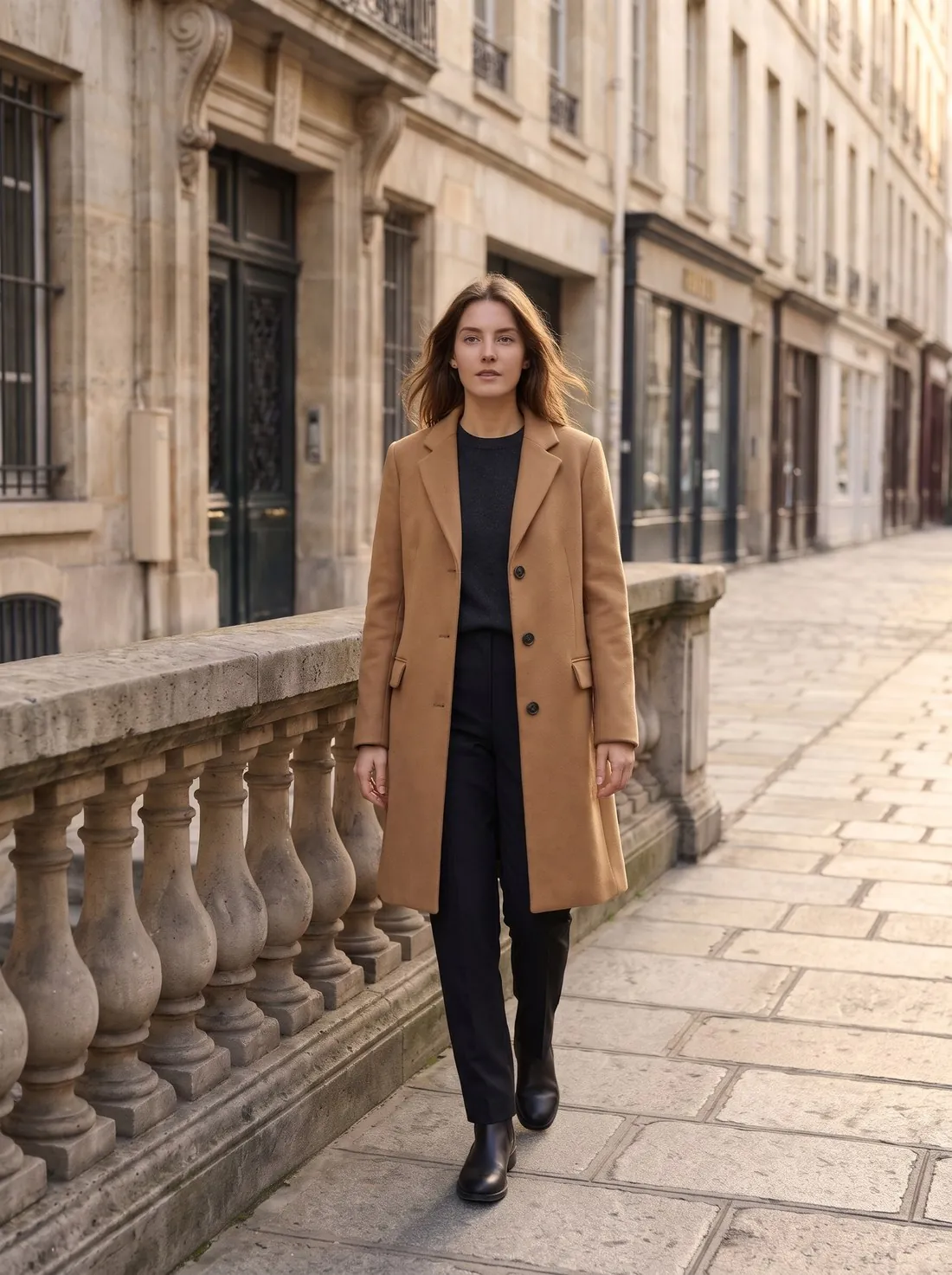
The same model and camel coat, now walking along the street · Change pose
Source photo: Herofab image. Made with Herofab · Change pose
Worth knowing

What elbows out bring into view.

  1. 1

    Waist and side line

    Space opens between arm and torso, and the side of the garment is drawn against the background: a shaped waist, a dart, a boxy straight cut or a peplum. The outline is rendered for the new pose, so compare the width at the waist and the hip with the starting image. A loose shirt should not turn fitted, nor a tailored one loose.

  2. 2

    Sleeve, armhole and cuff

    A bent arm shows the sleeve as a shape of its own: a raglan line, a dropped shoulder, a puff head, the width at the elbow. The underarm seam and the depth of the armhole come into sight, and the cuff rests at the hip beside the hand. Check the cuff buttons or rib and the sleeve length against the garment.

  3. 3

    An open jacket front

    Hands set on the hips beneath an open jacket or cardigan pull its front edges aside and uncover the layer below, the lining and the waistband. Count the buttons on the edge that was drawn back. The hem lifts at the sides and the side seams tilt in this pose; a vent or a hem trim there deserves a close look.

Source photo

Which image to start from for hands on hips.

  • Begin with a front-facing standing image that shows the model at least to mid-thigh, so the hips, the hands and the hem of a top share the frame.
  • An image in which the arms hang slightly clear of the body gives the tool both sleeves in full, from shoulder seam to cuff.
  • Decide beforehand whether the jacket is worn open or buttoned: buttoned, the pose shows the waist; open, it shows the layer underneath.

Hands on hips or hands on waist: where the hands rest

The setting places both hands on the hips. In the result the hands may sit at the waist, on the hip bones or a little lower, and the height changes what the image shows. Hands at the natural waist mark it and suit fitted dresses and high-waisted trousers; hands lower on the hips leave the waistband clear and draw the eye to the line of the hip. Compare where the hands landed with the detail the listing needs.

The fingers may point forward or back, and the thumbs follow. Fingers pointing forward over a front pocket cover more of the garment than fingers turned towards the back. When a pocket, a belt or a buckle is the selling point, a result with the fingers turned back keeps it in view, and generating again gives another arrangement of the hands.

One arm on the hip: what the pose setting covers

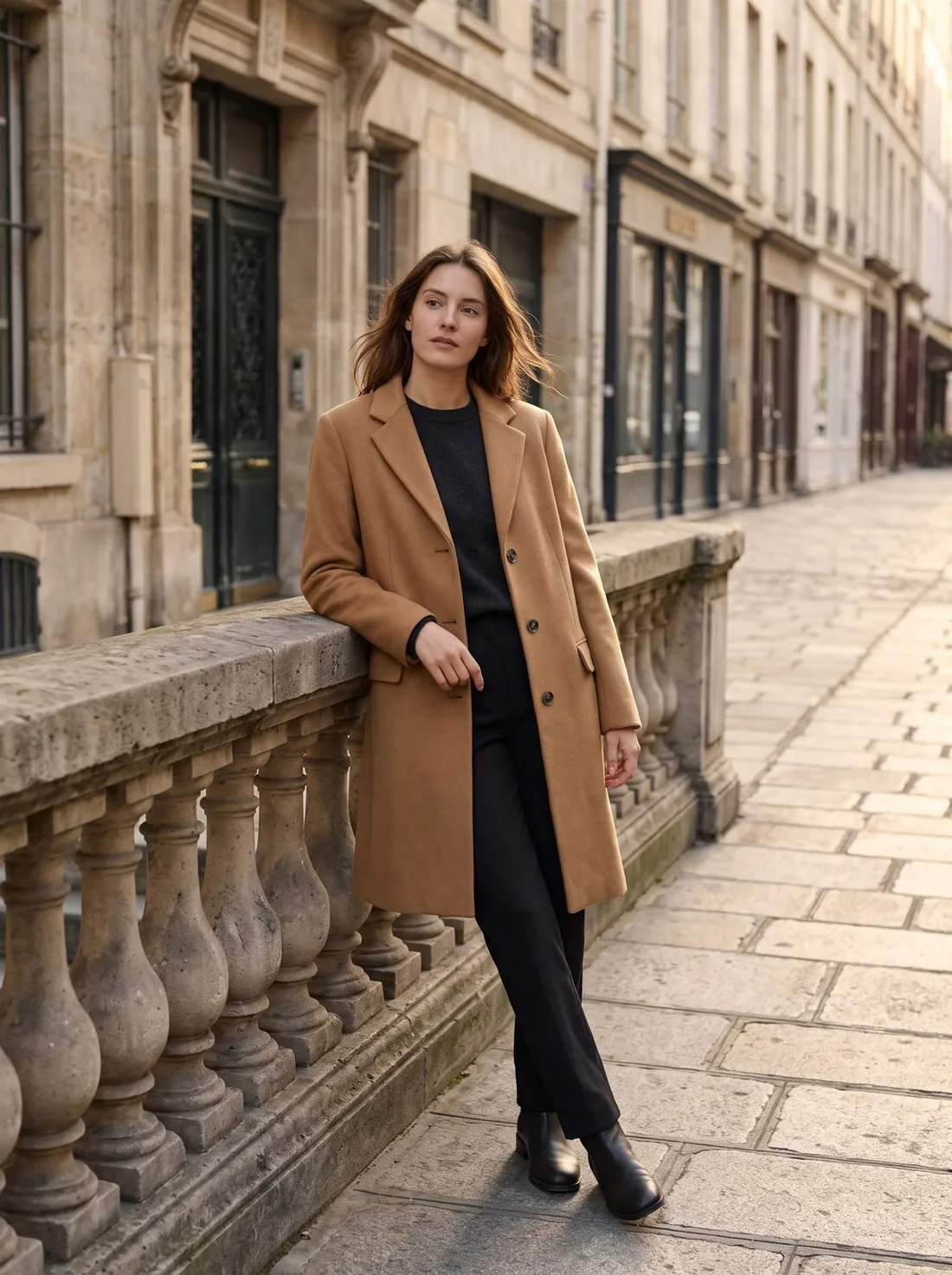
There is no one-handed version: the hands-on-hips setting asks for both hands on the hips. The asymmetric stance with one arm on the hip and the other hanging free is a familiar catalogue pose, and in Herofab the nearest settings are the three-quarter standing pose, the leaning pose and arms crossed, each with a different effect on the outline of the garment.

Both hands on the hips is a strong, symmetrical stance that shows both sides of a garment equally, which suits blazers, belted coats and jumpsuits. For a softer look, a walking or three-quarter image of the same model, made from the same starting image, can follow it in the gallery. The person, the garment and the background are briefed to stay in each of them.

Elbows, frame width and the edges of a hands-on-hips image

With the elbows out, the model is wider than in any other standing pose, and in a portrait format the elbows come close to the edges of the frame. Check that both elbows and the full sleeves are inside the image with some space around them; a cropped elbow makes the image look cut from a larger one, and a sleeve detail near the elbow may be lost.

When an image is too tight, Extend frame widens it to a new format: the original pixels stay in the centre and only the new area at the edges is drawn. Starting from a full-length or knee-length image also helps, because the model is then smaller in the frame and the elbows have room. A square format suits a hands-on-hips image cropped at mid-thigh.

Questions

Hands-on-hips pose, answered.

Is hands on hips a good pose for a blazer or a fitted dress?

It suits pieces whose interest lies at the waist or in the sleeve: blazers, fitted dresses, jumpsuits, belted coats, blouses with a full sleeve, high-waisted trousers and skirts. On an oversized garment the pose shows how much room there is between body and cloth, which a relaxed stance leaves to guesswork.

Do the hands cover a belt or the side pockets?

They can. The hands rest where a belt, a waistband, belt loops and side pockets sit, and the fingers may lie across a buckle or a pocket opening. When one of these is the selling detail, show it in a second image with the arms down, and see in the result that a pocket has not vanished from the side that remains visible.

Will the sleeves keep their length when the elbows bend?

A bent elbow draws the cuff up the forearm on a real garment, so a slightly shorter-looking sleeve is expected. The garment itself is briefed to stay the same: a long sleeve remains long, a three-quarter sleeve three-quarter, a rolled cuff rolled. Compare the cuff, its buttons and any sleeve stripe with the starting image before publishing.

Is there a pose with one hand on the hip and the other arm down?

Not as a setting. Hands on hips places both hands on the hips. For an asymmetric stance, the three-quarter standing pose and the leaning pose give a relaxed, uneven outline, and both can be ordered from the same starting image as the hands-on-hips version.

What can be done when the elbows are cut off at the edge of the image?

Extend frame widens the image to a new format and draws only the new area at the edges, keeping the original pixels in the centre. It suits a case where a little space is missing; when a large part of the arm is outside the frame, a new pose from a full-length starting image is the cleaner fix.

Is a hands-on-waist pose the same as hands on hips?

Yes. Hands on hips is the setting for a stance with the hands resting at the waist, and there is no separate waist option. It places both hands on the hips, so the waistline, the sleeves and the outline of the arms become part of the picture, which is why it suits garments whose interest lies there.

Can the hands-on-hips pose be used while the model holds a bag?

Yes, in Virtual try-on. With a handbag or a clutch, the pose is adjusted to one hand: the free hand rests on the hip and the other holds the bag. With a shoulder bag or a tote, the bag sits on the shoulder and the pose is kept. Exactly one bag is briefed to appear, never a second copy in the other hand.

How much does it cost?

4 credits per image, plus one credit for 4K. In US dollars that is $0.16 to $0.48 per image before tax, from the largest plan to the smallest credit pack. The cost is shown before you generate, and if a job fails the credits are returned. The 20 free credits at sign-up cover 5 images with this tool.

Examples by product
Get started

Your next collection, shot this week.

20 credits at sign-up, no card required. Images made with free credits carry a watermark. Herofab also removes the watermark from those images once credits are purchased.