Check your photo against GLAMI's rules.
GLAMI sets rules for the main image that can be measured from the photo: background colour. Drop a photo to see which ones it meets. It runs in your browser; nothing is uploaded.
Choose a marketplace and a photo.
Rules come from each marketplace's own help pages, summarised in the guides (checked 27 September 2026). Size, file size and format are checked as well.
What GLAMI asks for.
Source: GLAMI Help Center — IMGURL · checked 27 September 2026 · Read again · 10 October 2026
- Main image
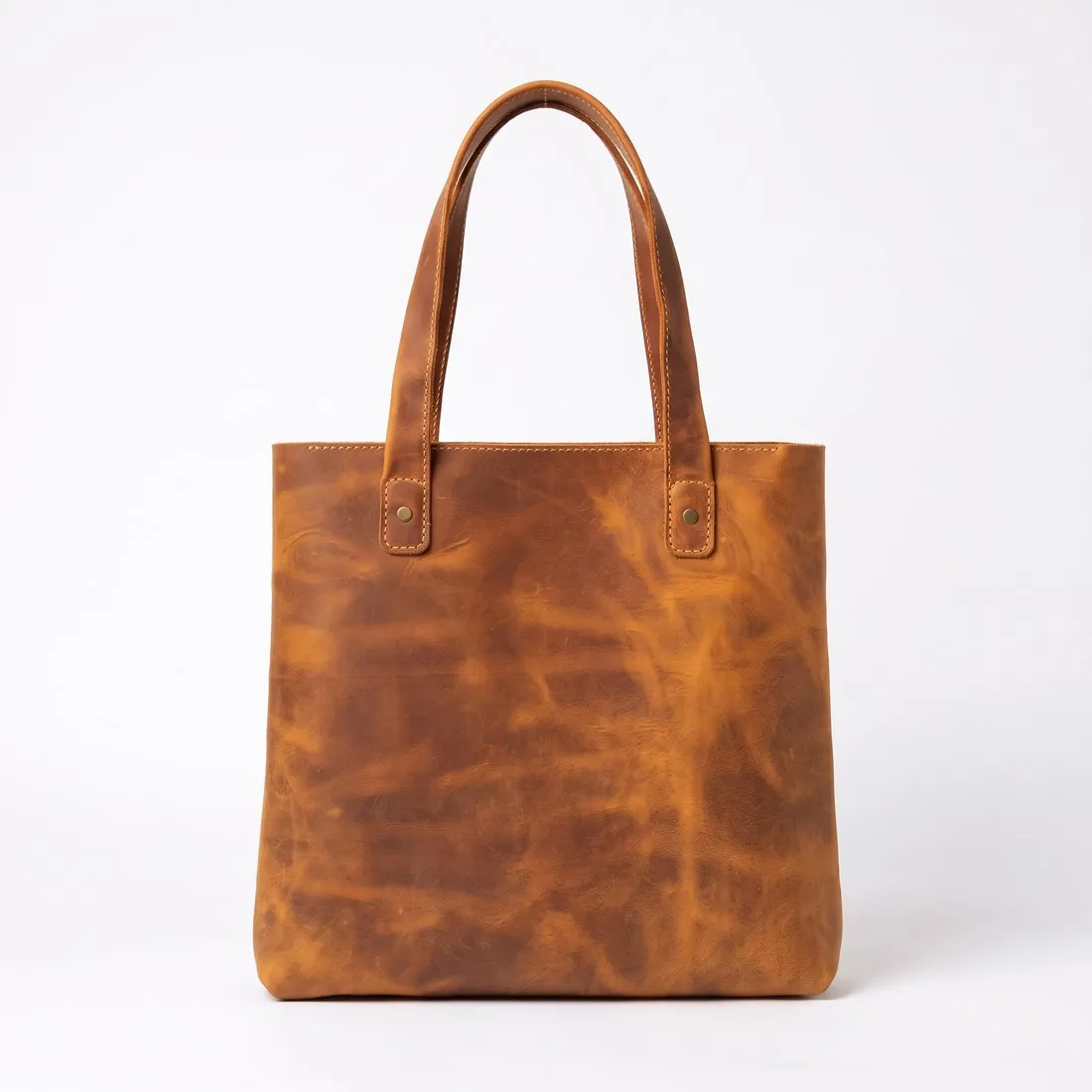
- Light, neutral background (recommended)
- Real photos
- Real photos of the product; GLAMI states that it does not accept photos edited online. The same photo requirements apply to the alternative images
- Size
- A width of at least 500 pixels; a white background is not counted in the size; GLAMI names 1,500 pixels as the ideal image size and asks for the largest possible resolution
- Background
- White or light-coloured
- Main image (IMGURL)
- The product on its own; images with models are sent in a separate element, IMGURL_ALTERNATIVE
- Alternative images
- Alternative images must show the same product, in the same colour, as the main image; GLAMI suggests at least three more images of the product on a model, taken from different angles
- Not allowed
- Watermarks, logos, and any writing on the photo, such as a call to purchase
- Changes
- Images are imported once, at shop registration; after changing an image, change its URL so GLAMI imports it again
- Where
- Czechia · Slovakia · Hungary · Romania · Bulgaria · Slovenia · Croatia · Greece · Poland · Italy · Estonia · Lithuania · Latvia
Checkers by marketplace.
GLAMI main images, answered.
What background does GLAMI require for the main image?
Light, neutral background (recommended). The checker reads the background from the edges of the photo and reports its exact RGB value.
Where do these figures come from?
From GLAMI Help Center — IMGURL, read on 27 September 2026. Marketplaces update their rules; the official page is the final reference.
Is my image uploaded?
No. The file is read and processed inside your browser; nothing is sent to a server.
Your next collection, shot this week.
20 credits at sign-up, no card required. Images made with free credits carry a watermark. Herofab also removes the watermark from those images once credits are purchased.