Horizontal, square or vertical: where each one runs
LinkedIn single image ads come in three ratios. Horizontal 1.91:1 and square 1:1 deliver on desktop and mobile; vertical 1:1.91 delivers on mobile only. A campaign that needs to reach people at their desks therefore starts from a horizontal or square image, and a vertical version is an addition for the mobile feed rather than a replacement.
For vertical images LinkedIn recommends 4:5 to avoid borders, at 720 × 900 pixels. Square at 1,200 × 1,200 pixels suits a single product shown close. Horizontal at 1,200 × 628 pixels suits a wide scene, such as a product in use in its setting.
Cropping one photo into several ratios
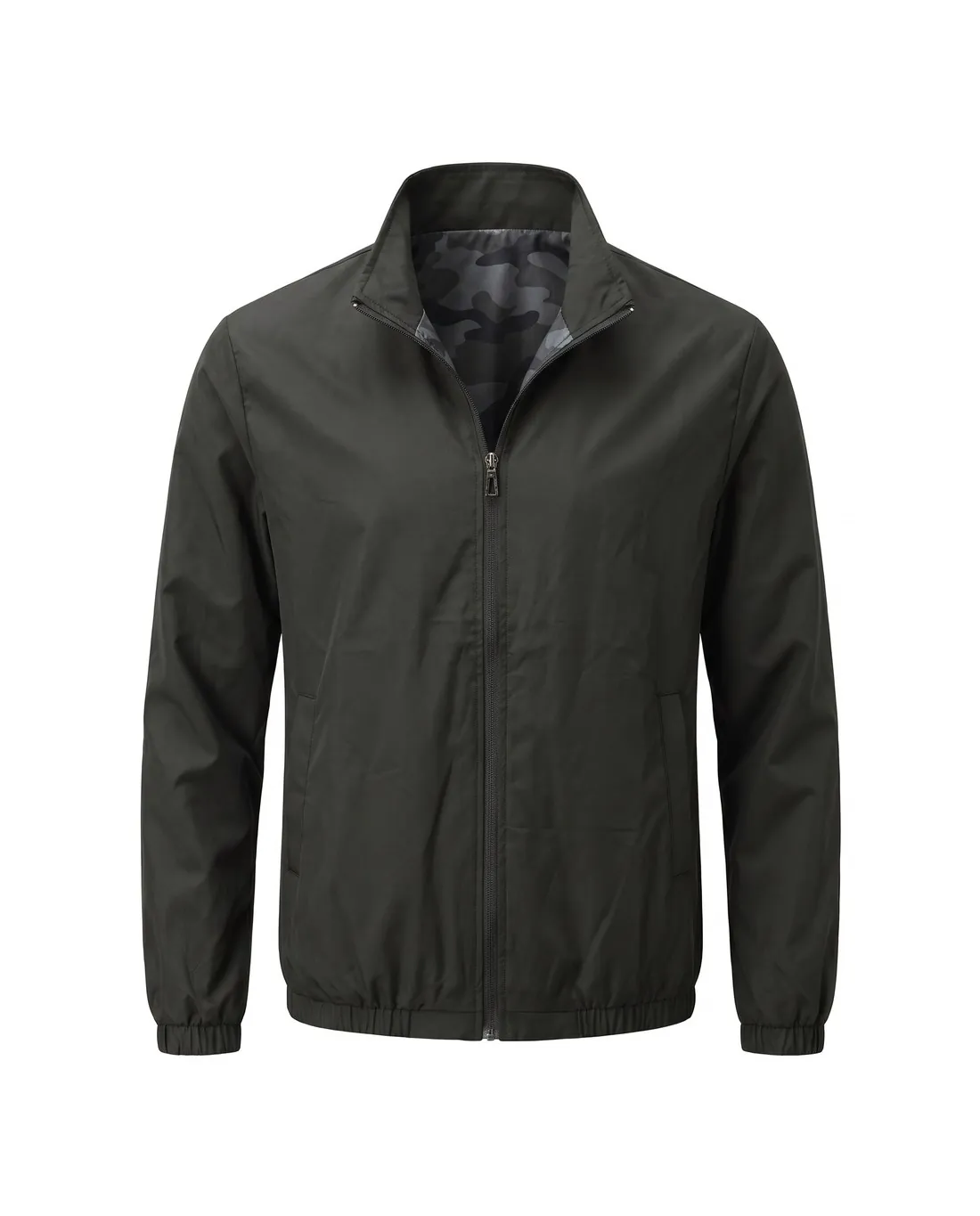
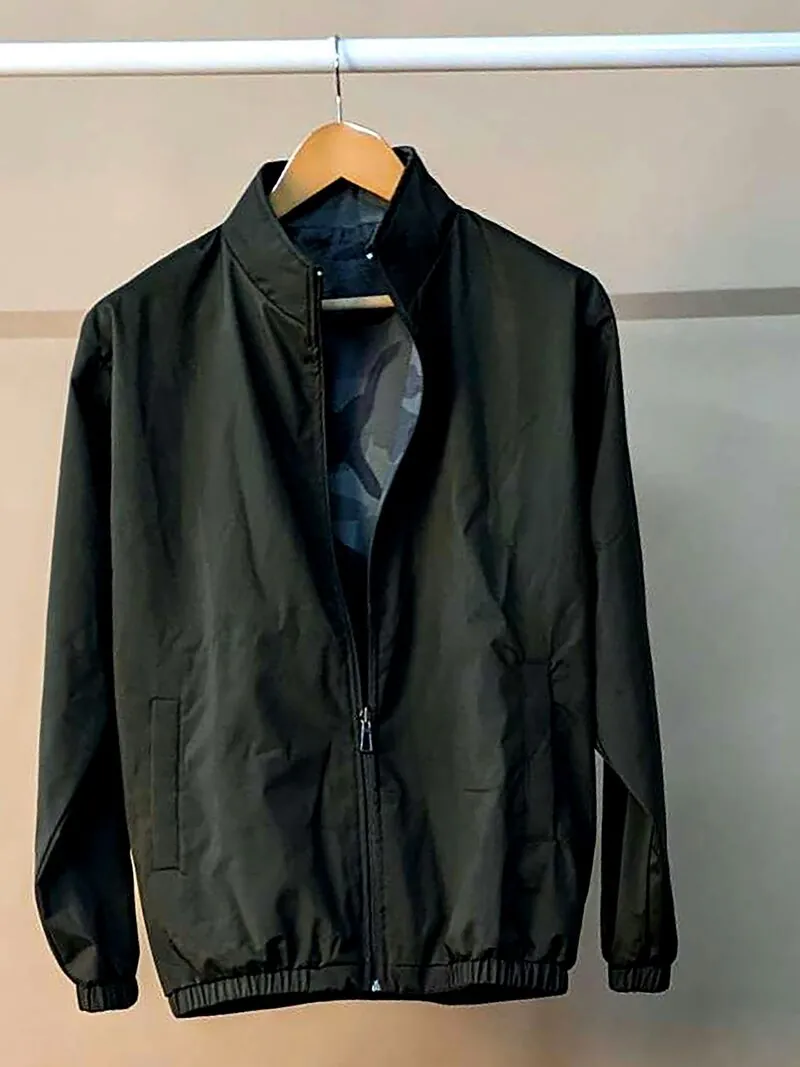
One product photo can serve all three ratios when it is shot with space around the subject. The product sits in the centre, with a margin on every side, and nothing important touches the edges. A horizontal crop then removes the top and bottom, and a vertical crop removes the sides, without cutting into the product itself.
Text inside the image needs the same care. A line that fits a horizontal layout can be cut in a square or 4:5 crop, so each ratio is checked separately before upload. Each crop also has to stay inside LinkedIn's minimum sizes, for example 640 × 360 pixels for horizontal and 360 × 360 pixels for square.
File weight and carousel cards
Single image ads accept JPG, PNG or GIF up to 5 MB, and carousel ads JPG or PNG up to 10 MB per card. A large PNG photograph can pass the pixel limits and still exceed the file limit; the same image saved as JPG is usually much lighter with no visible difference in the feed.
A carousel takes 2–10 square cards, each recommended at 1,080 × 1,080 pixels or more. Cards are viewed one after another, so a shared background, a consistent product position and one type style make the set read as a sequence. The first card carries the main message, because it is the one seen first.