Language: EN
Start free

Google Ads image specs

Google Ads image size: landscape 1,200 × 628 pixels (1.91:1), square 1,200 × 1,200 pixels (1:1) and portrait 960 × 1,200 pixels (4:5) are recommended in Performance Max and Demand Gen. Images are JPG or PNG up to 5 MB, with key content in the centre 80% of the image.

At a glance

Landscape
1.91:1 — 1,200 × 628 pixels recommended, 600 × 314 minimum, in Performance Max, Demand Gen and responsive display ads
Square
1:1 — 1,200 × 1,200 pixels recommended, 300 × 300 minimum, in Performance Max and Demand Gen; Performance Max requires square images
Formats
JPG or PNG
File size
Up to 5 MB per image (5,120 KB)
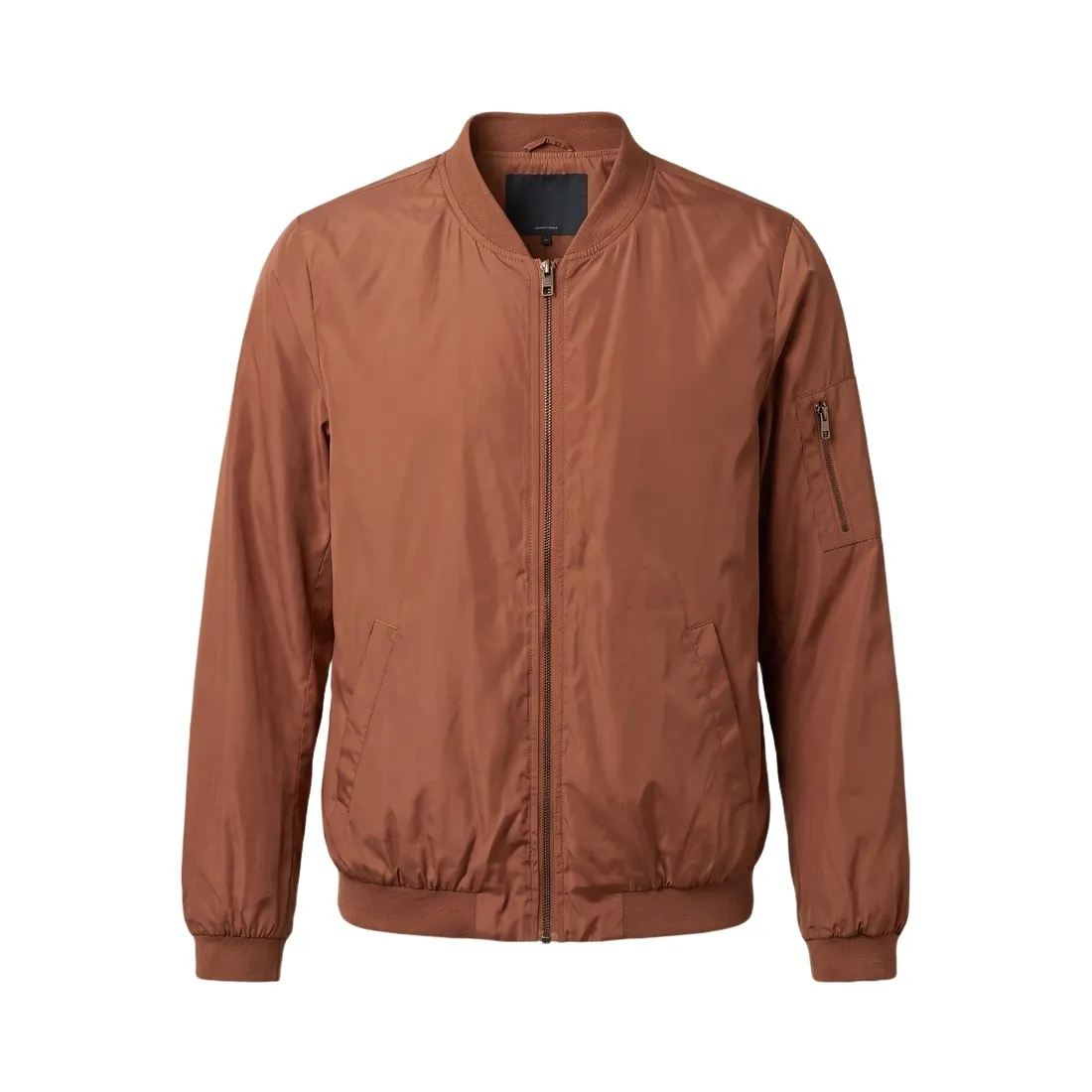
The terracotta bomber jacket as a ghost mannequin, cut out on pure white
Source photo: Herofab ghost mannequin. Made with Herofab · Remove background
Landscape
1.91:1 — 1,200 × 628 pixels recommended, 600 × 314 minimum, in Performance Max, Demand Gen and responsive display ads
Square
1:1 — 1,200 × 1,200 pixels recommended, 300 × 300 minimum, in Performance Max and Demand Gen; Performance Max requires square images
Portrait
4:5 — 960 × 1,200 pixels recommended, 480 × 600 minimum, in Performance Max and Demand Gen
Vertical
9:16 — 1,080 × 1,920 pixels recommended, 600 × 1,067 minimum; a Demand Gen format, recommended for YouTube Shorts
Formats
JPG or PNG
File size
Up to 5 MB per image (5,120 KB)
Number
Performance Max takes up to 20 images per aspect ratio and a Demand Gen ad up to 20 image assets; a Demand Gen carousel takes 2 to 10 images, one per card, all in the same aspect ratio
Safe area
Content needs to be in the centre 80% of the image, the area that is not cut off whatever the screen size
Text on images
Performance Max accepts images with overlays; Google recommends at least one image without overlays for each aspect ratio
Logo
Square 1:1 — 1,200 × 1,200 pixels recommended, 128 × 128 minimum; landscape 4:1 — 1,200 × 300 recommended, 512 × 128 minimum (Performance Max)
AI images
The AI label setting lets advertisers disclose assets as AI-generated or edited; for campaigns that target the European Union, India, New York, California, South Korea or Vietnam, ads with such assets also carry a visible label
AI labels
Advertisers can also apply their own AI labels to assets with their own design tools; Google states that these labels do not violate its policies prohibiting text overlays and watermarks

One product photo, four ratios

Google Ads uses landscape 1.91:1, square 1:1, portrait 4:5 and vertical 9:16 images, and Performance Max requires square images. A product photo shot with generous space around the subject can be cropped to each of them. The product is placed in the centre, because the outer parts of the frame are the first to be cut.

Content needs to be in the centre 80% of the image, the area that is not cut off whatever the screen size. A logo, a product edge or a short line of text near the border can disappear on some placements. Each crop is checked against its minimum size as well, such as 600 × 314 pixels for landscape and 480 × 600 pixels for portrait.

Demand Gen images and carousels

A Demand Gen ad takes up to 20 image assets, and Performance Max up to 20 images per aspect ratio. Several distinct images of the same product, in different settings or angles, give the campaign more variety than repeated crops of one photo.

A Demand Gen carousel takes 2 to 10 images, one per card, all in the same aspect ratio. Cards are prepared together, with the same background and product position, so that the set reads as one sequence. The 9:16 vertical format, recommended at 1,080 × 1,920 pixels, is the one recommended for YouTube Shorts.

Overlays, logos and AI labels

Performance Max accepts images with overlays, but Google recommends at least one image without overlays for each aspect ratio. Keeping one clean product photo per ratio, and adding text versions beside it, follows that recommendation. Logos are uploaded separately: square 1:1 at 1,200 × 1,200 pixels and landscape 4:1 at 1,200 × 300.

The AI label setting lets advertisers disclose assets as AI-generated or edited. For campaigns that target the European Union, India or New York, ads with such assets also carry a visible label. Advertisers can apply their own AI labels with their design tools; Google states that these do not violate its policies on text overlays and watermarks.

Herofab

What Google Ads asks for, covered.

Herofab's ad creative tool delivers a square 1:1 image at 2,048 × 2,048 pixels, a portrait 4:5 at 1,640 × 2,050 and a 9:16 story at 1,152 × 2,048, each above the size Google Ads recommends for that ratio. Herofab has no 1.91:1 ratio: the 16:9 banner is its closest landscape format and has to be cropped to 1.91:1.

01

Square and portrait covered

Ad creative delivers 1:1 at 2,048 × 2,048 and 4:5 at 1,640 × 2,050 pixels, above the recommended 1,200 × 1,200 and 960 × 1,200.

02

Landscape needs a crop

Herofab has no 1.91:1 ratio; the 16:9 banner at 2,048 × 1,152 pixels is the closest format and has to be cropped to 1.91:1.

03

AI marked in the file

Every image carries the IPTC marker for AI-generated media in its metadata; the AI label setting in Google Ads is still set by the advertiser.

Questions

Google Ads, answered.

What image size is right for Google Ads?

Landscape 1,200 × 628, square 1,200 × 1,200 and portrait 960 × 1,200 pixels are recommended; JPG or PNG up to 5 MB, key content in the centre 80%.

Which image formats can be used for Google Ads?

JPG or PNG. Source: Google Ads Help — Performance Max specs and format requirements; Demand Gen image assets; AI labels in Google Ads, checked 12 October 2026.

How large can an image file be for Google Ads?

Up to 5 MB per image (5,120 KB). Source: Google Ads Help — Performance Max specs and format requirements; Demand Gen image assets; AI labels in Google Ads, checked 12 October 2026.

How many images can be used in Google Ads?

Performance Max takes up to 20 images per aspect ratio and a Demand Gen ad up to 20 image assets; a Demand Gen carousel takes 2 to 10 images, one per card, all in the same aspect ratio. Source: Google Ads Help — Performance Max specs and format requirements; Demand Gen image assets; AI labels in Google Ads, checked 12 October 2026.

What are the rules for AI-generated images in Google Ads?

The AI label setting lets advertisers disclose assets as AI-generated or edited; for campaigns that target the European Union, India, New York, California, South Korea or Vietnam, ads with such assets also carry a visible label. Source: Google Ads Help — Performance Max specs and format requirements; Demand Gen image assets; AI labels in Google Ads, checked 12 October 2026.

Which part of a Google Ads image is safe from cropping?

Google says content needs to be in the centre 80% of the image, the area that is not cut off whatever the screen size. Logos, product edges and text near the border can be cropped on some placements.

Do all images in a Demand Gen carousel need the same ratio?

Yes. A Demand Gen carousel takes 2 to 10 images, one per card, all in the same aspect ratio. Preparing the cards together, with a shared background and product position, keeps the sequence consistent.

Can I check my images before uploading?

Yes. The free image size checker reads each file in your browser and tests it against these rules; the image is not uploaded.

Where do these figures come from?

From Google Ads Help — Performance Max specs and format requirements; Demand Gen image assets; AI labels in Google Ads, read on 12 October 2026. Platforms update their specs; the official page is the final reference.

Glossary
Get started

Your next collection, shot this week.

20 credits at sign-up, no card required. Images made with free credits carry a watermark. Herofab also removes the watermark from those images once credits are purchased.