Fruugo product image requirements
Fruugo product images: minimum 400 × 400 pixels on a white background, JPG, PNG or GIF, up to 5 image URLs per product, no watermarks or text.
At a glance
- Minimum
- 400 × 400 pixels; provide the highest resolution available
- Formats
- JPG, PNG or GIF
- Background
- All images should be centred on a white background
- Number
- Up to 5 images per product: Image URL 1 is mandatory, Image URL 2-5 are recommended
All Fruugo image requirements
Source: Fruugo Retailer Support & Documentation — Images; Field Specification; Validation Errors; Issue Reasons. Checked 12 October 2026. Read again · 12 October 2026
- Main image
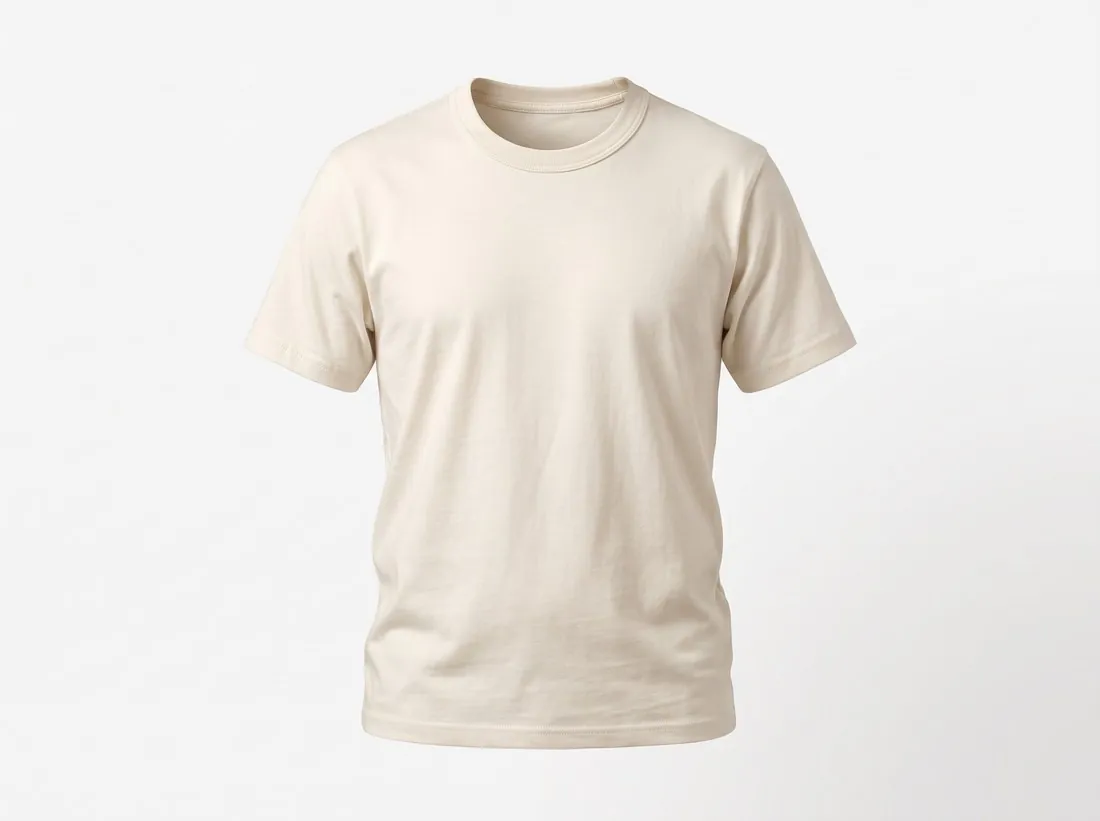
- Imageurl1 is mandatory and is the primary image displayed for the product; it must be on a white background, or an appropriate lifestyle image for products such as clothing or furniture
- Background
- All images should be centred on a white background
- Minimum
- 400 × 400 pixels; provide the highest resolution available
- Formats
- JPG, PNG or GIF
- Number
- Up to 5 images per product: Image URL 1 is mandatory, Image URL 2-5 are recommended
- Not allowed
- Watermarks, text, overlays (logos, icons, tags) and placeholder images
- Image URL
- Each image URL field is limited to 150 characters; the URL must point to the exact image location, including file name and extension, on unrestricted hosting
- Updating images
- Images are only updated if the file name is changed; Fruugo does not check whether the file is newer than the last import
- Multiple angles
- Recommended: use multiple images for each product to show different angles and features
Main image
- Background colour
- White background (recommended)
Source: Fruugo Retailer Support & Documentation — Images; Field Specification; Validation Errors; Issue Reasons · checked 12 October 2026
What Fruugo asks for, covered.
Fruugo's primary image is on a white background, or an appropriate lifestyle image for products such as clothing or furniture. Herofab's packshot studio delivers the product alone on a white studio background, and virtual try-on shows clothing on a model. Square 2K output is 2,048 pixels per side, above the 400 × 400 minimum; Fruugo asks for the highest resolution available. Images made on a plan or with a credit pack carry no watermark or added text. Fruugo updates an image only when its file name changes, so a replaced image needs a new name.
White primary image
Packshot studio delivers the product alone on a white studio background.
Above 400 × 400
Square 2K output is 2,048 pixels per side, above Fruugo's minimum.
No watermark or added text
Images made on a plan or with a credit pack carry no watermark or added text.
Fruugo, answered.
What size should Fruugo product images be?
Fruugo product images: minimum 400 × 400 pixels on a white background, JPG, PNG or GIF, up to 5 image URLs per product, no watermarks or text.
What should the main image look like on Fruugo?
Imageurl1 is mandatory and is the primary image displayed for the product; it must be on a white background, or an appropriate lifestyle image for products such as clothing or furniture. Source: Fruugo Retailer Support & Documentation — Images; Field Specification; Validation Errors; Issue Reasons, checked 12 October 2026.
What background should product images have on Fruugo?
All images should be centred on a white background. Source: Fruugo Retailer Support & Documentation — Images; Field Specification; Validation Errors; Issue Reasons, checked 12 October 2026.
Which file formats does Fruugo accept for product images?
JPG, PNG or GIF. Source: Fruugo Retailer Support & Documentation — Images; Field Specification; Validation Errors; Issue Reasons, checked 12 October 2026.
How many images per product on Fruugo?
Up to 5 images per product: Image URL 1 is mandatory, Image URL 2-5 are recommended. Source: Fruugo Retailer Support & Documentation — Images; Field Specification; Validation Errors; Issue Reasons, checked 12 October 2026.
What is not allowed in product images on Fruugo?
Watermarks, text, overlays (logos, icons, tags) and placeholder images. Source: Fruugo Retailer Support & Documentation — Images; Field Specification; Validation Errors; Issue Reasons, checked 12 October 2026.
Can I check my images before uploading?
Yes. The free image size checker reads each file in your browser and tests it against these rules; the image is not uploaded.
Where do these figures come from?
From Fruugo Retailer Support & Documentation — Images; Field Specification; Validation Errors; Issue Reasons, read on 12 October 2026. Marketplaces update their rules; the official page is the final reference.
Your next collection, shot this week.
20 credits at sign-up, no card required. Images made with free credits carry a watermark. Herofab also removes the watermark from those images once credits are purchased.