Language: EN
Start free

CDON product image requirements

CDON product images must be at least 600 × 600 pixels; smaller images are rejected automatically. Files are PNG or JPEG on a white or transparent background, with the product fully visible at 75–90% of the frame. AI images may be used if they show the actual product.

At a glance

Minimum
600 × 600 pixels; images below this resolution are rejected automatically
File
PNG and JPEG only
Background
White or transparent, on all product images
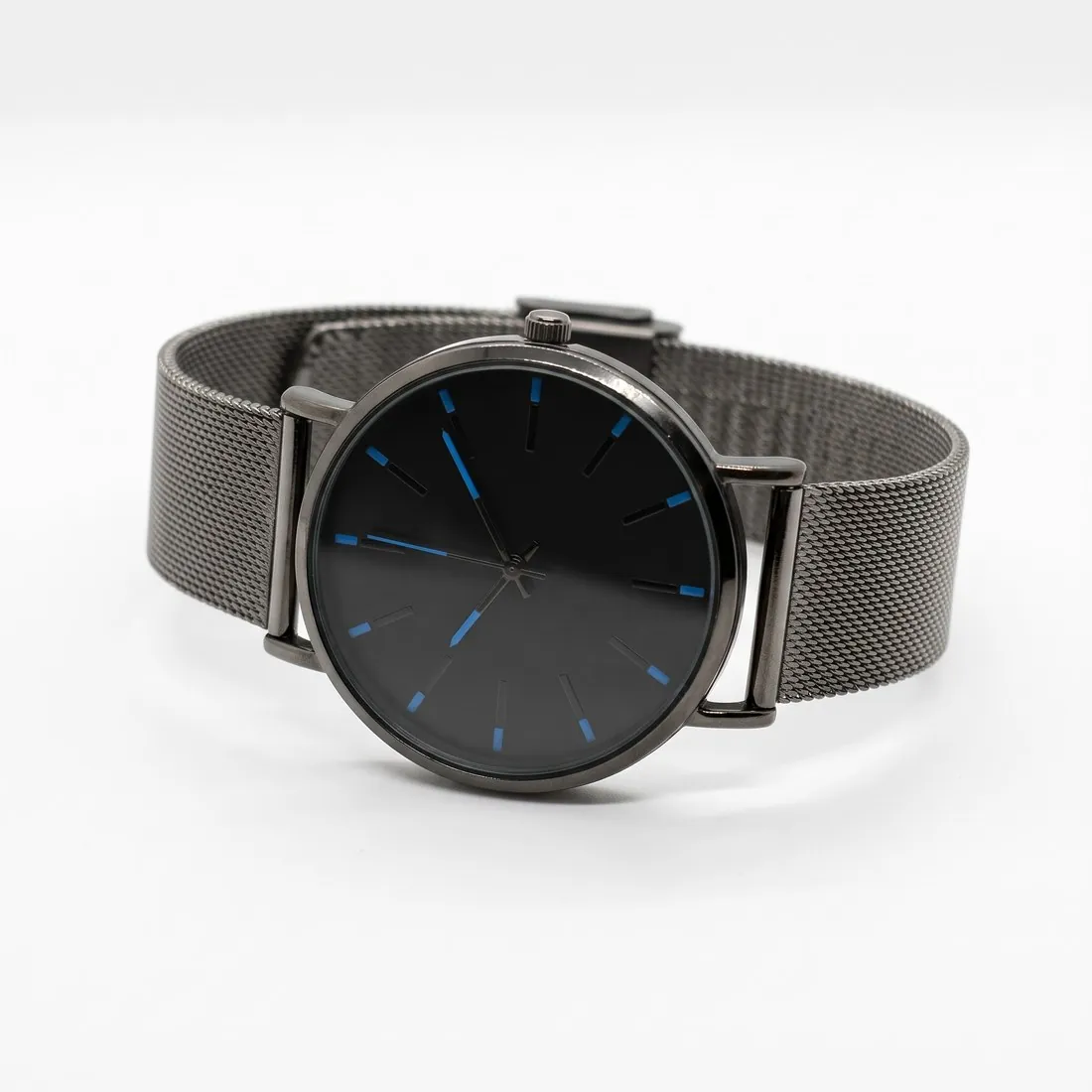
Black-dial watch with a mesh strap on white, three-quarter view
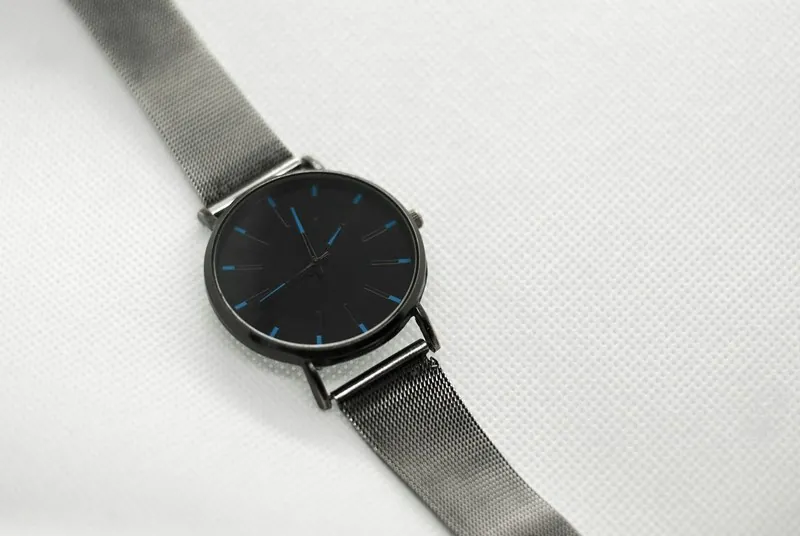
Source photo: Plain product photo. Made with Herofab · Packshot studio
Sweden · Denmark · Norway · Finland

All CDON image requirements

Source: CDON — Product Image Guidelines. Checked 27 September 2026. Read again · 10 October 2026

Minimum
600 × 600 pixels; images below this resolution are rejected automatically
File
PNG and JPEG only
Background
White or transparent, on all product images
Framing
The product clearly displayed and fully visible, occupying 75–90% of the image frame
First image
CDON's product page guidelines ask for at least five high-quality images per product, the first showing the product clearly, front facing, on a white background, and no text or watermarks on the main image
AI images
May be used, but must not misrepresent the product being sold. The primary product image must show the actual product; AI may enhance backgrounds or create inspirational settings, but must not alter the product or add features, accessories or details the customer will not receive
Not allowed
Watermarks, logos, URLs, borders or any kind of text; variations in colour, pattern or material; generic images, graphics or illustrations outside the Hardware and Vehicles and Parts categories
Bundles
Items sold together as a package must all be visible in the image; a multi-pack of identical items should show a single unit
Copyright
The merchant must own the copyright to the images used or have explicit rights to use them for commercial purposes
Image quality
Photos should be clear, well lit and professional; CDON says to avoid blurry images, poor lighting (overexposure, underexposure or flash reflections) and amateur photography
Packaging
If relevant, an image of the product outside its packaging should also be included

Main image

Background colour
White background
Product fill
The product fills 75–90% of the image
Cut-off edges
The whole product in frame, nothing cut off

Source: support.cdon.com, CDON — Product Image Guidelines · checked 27 September 2026

Framing the product at the required fill

CDON asks for the product to be clearly displayed, fully visible and occupying 75–90% of the image frame. A product that touches the edges, or is cut off, fails the first part; a product placed small in a large white field fails the second. An even margin on every side, with the longest side of the product close to the frame, sits inside the range.

The background is white or transparent on all product images, not only the first. Photos taken on another surface are therefore cut out and placed on white before upload. The first image shows the product clearly, front facing, and CDON's product page guidelines ask for at least five high-quality images per product.

Avoiding automatic rejection

Images below 600 × 600 pixels are rejected automatically, and only PNG and JPEG files are accepted. Exporting every image at a larger size than the minimum, and in one of those two formats, removes the most common technical reason for a rejection before anyone at CDON looks at the picture.

Watermarks, logos, URLs, borders and any kind of text are not allowed on product images. Variations in colour, pattern or material are not allowed either, so each image shows the variant that is being sold. Generic images, graphics and illustrations are accepted only in the Hardware and Vehicles and Parts categories.

Using AI images within CDON's rules

CDON allows AI images as long as they do not misrepresent the product being sold. The primary product image must show the actual product. AI may enhance backgrounds or create inspirational settings, but must not alter the product or add features, accessories or details the customer will not receive.

Additional images can therefore show the product in a scene or on a model, provided the product itself stays as it is. Items sold together as a package must all be visible in the image, and a multi-pack of identical items shows a single unit. Where relevant, an image of the product outside its packaging is included as well.

Herofab

What CDON asks for, covered.

CDON's primary image must show the actual product, so background removal places your own product photo on white or transparent, the background CDON requires on every product image. Virtual try-on on a white studio background and ghost mannequin views can then serve as additional images, with generation briefed to keep the product's shape, colour, material, logos and details.

01

The actual product first

Background removal puts your own photo of the product on white or transparent for the primary image.

02

Extra views on white

On-model images on a white studio background and ghost mannequin views for the additional images.

03

No watermarks or text

Images made on a plan or with a credit pack carry nothing added on top.

Questions

CDON, answered.

What size should CDON product images be?

CDON images: at least 600 × 600 pixels, PNG or JPEG, white or transparent background, product at 75–90% of the frame; AI allowed if accurate.

What background should product images have on CDON?

White or transparent, on all product images. Source: CDON — Product Image Guidelines, checked 27 September 2026.

What does CDON say about AI-generated product images?

May be used, but must not misrepresent the product being sold. The primary product image must show the actual product; AI may enhance backgrounds or create inspirational settings, but must not alter the product or add features, accessories or details the customer will not receive. Source: CDON — Product Image Guidelines, checked 27 September 2026.

What is not allowed in product images on CDON?

Watermarks, logos, URLs, borders or any kind of text; variations in colour, pattern or material; generic images, graphics or illustrations outside the Hardware and Vehicles and Parts categories. Source: CDON — Product Image Guidelines, checked 27 September 2026.

How should a multi-pack be photographed for CDON?

CDON asks for a multi-pack of identical items to show a single unit. Items sold together as a package of different products must all be visible in the image, on the white or transparent background required on every product image.

Does CDON reject product images automatically?

Yes, for resolution: images below 600 × 600 pixels are rejected automatically. Only PNG and JPEG files are accepted, and images with watermarks, logos, URLs, borders or text break CDON's product image guidelines.

Can I check my images before uploading?

Yes. The free image size checker reads each file in your browser and tests it against these rules; the image is not uploaded.

Where do these figures come from?

From CDON — Product Image Guidelines, read on 27 September 2026. Marketplaces update their rules; the official page is the final reference.

Glossary
Get started

Your next collection, shot this week.

20 credits at sign-up, no card required. Images made with free credits carry a watermark. Herofab also removes the watermark from those images once credits are purchased.