Cdiscount product image requirements
At least 500 × 500 pixels, no maximum, up to 5 MB, one to six images in JPG, PNG, GIF, BMP or WEBP; the product alone, from the front, on white.
At a glance
- Size
- At least 500 × 500 pixels, with no maximum limit
- Product images
- The product shown alone, from the front, on a white background, filling the image without pixelation; no multiple views in one image
- File
- JPG, PNG, GIF, BMP or WEBP, up to 5 MB per image
| Size | At least 500 × 500 pixels, with no maximum limit |
|---|---|
| Aspect ratio | |
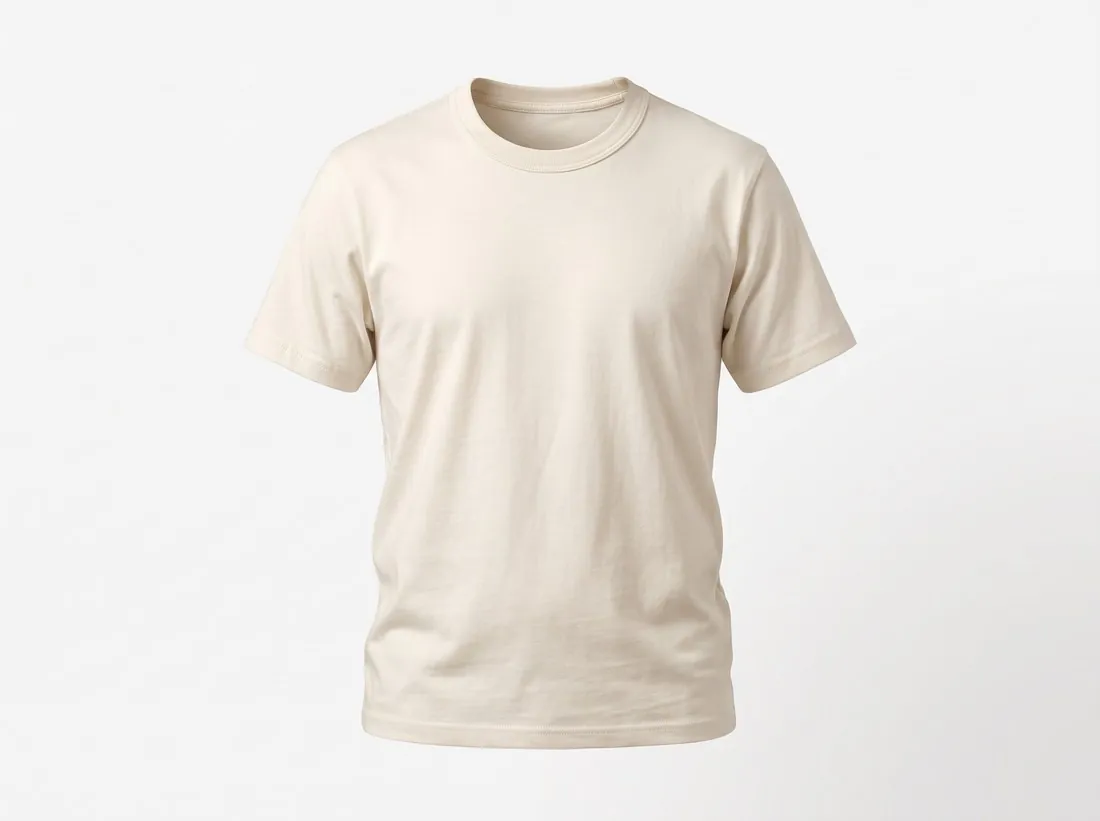
| Background | The product shown alone, from the front, on a white background, filling the image without pixelation; no multiple views in one image Clothing: a front view, a back view and a close-up of the material on a white background. Shoes: several views of the shoe and a close-up of the material on a white background |
| Formats | JPG, PNG, GIF, BMP or WEBP, up to 5 MB per image |
| File size | JPG, PNG, GIF, BMP or WEBP, up to 5 MB per image |
| Source | i1.cdscdn.com, Cdiscount (Octopia) — Product management | Octopia API documentation (8 July 2026) |
| Checked | 27 September 2026 |
All Cdiscount image requirements
Source: Cdiscount (Octopia) — Product management | Octopia API documentation (8 July 2026). Checked 27 September 2026.
- Size
- At least 500 × 500 pixels, with no maximum limit
- File
- JPG, PNG, GIF, BMP or WEBP, up to 5 MB per image
- Number
- At least one and up to six images per product, sent as reachable URLs; Octopia's selling guide says customers want to see at least three or four images before buying, showing the product from different angles
- Product images
- The product shown alone, from the front, on a white background, filling the image without pixelation; no multiple views in one image
- Clothing and shoes
- Clothing: a front view, a back view and a close-up of the material on a white background. Shoes: several views of the shoe and a close-up of the material on a white background
- Not allowed
- Offer details, text, illustrations, inset images, logos, drawings or watermarks, even to show the product's features, and outbound links; for clothing and erotic products, no visible intimate parts and no suggestive or provocative model poses
- Document dates
- Size, file and number limits come from Octopia's API documentation, last updated 8 July 2026; the product-image, clothing and shoe rules come from Cdiscount's product-sheet tutorial (V 2.0, 6 November 2017) — check the Seller Zone for the current version
- Image URLs
- Sent in sellerPictureUrls; the URLs must be reachable from Octopia's infrastructure, must not enforce network redirects and must allow GET requests made without a User-Agent
Main image
- Background colour
- White background
Source: i1.cdscdn.com, Cdiscount (Octopia) — Product management | Octopia API documentation (8 July 2026) · checked 27 September 2026
What Cdiscount asks for, covered.
Background removal on white and the ghost mannequin show the product alone on a white background, as Cdiscount's product-sheet tutorial asks, at 2K or 4K — well above 500 × 500 pixels. Images made on a plan or with a credit pack carry no watermark or added text.
Product alone on white
Background removal and the ghost mannequin show the item on its own on a white background.
Well above 500 pixels
2K and 4K output clears the 500 × 500-pixel minimum; Octopia sets no maximum.
No watermark or text
Images made on a plan or with a credit pack carry no watermark or added text.
Cdiscount, answered.
What size should Cdiscount product images be?
At least 500 × 500 pixels, no maximum, up to 5 MB, one to six images in JPG, PNG, GIF, BMP or WEBP; the product alone, from the front, on white.
How many images per product on Cdiscount?
At least one and up to six images per product, sent as reachable URLs; Octopia's selling guide says customers want to see at least three or four images before buying, showing the product from different angles. Source: Cdiscount (Octopia) — Product management | Octopia API documentation (8 July 2026), checked 27 September 2026.
What is not allowed in product images on Cdiscount?
Offer details, text, illustrations, inset images, logos, drawings or watermarks, even to show the product's features, and outbound links; for clothing and erotic products, no visible intimate parts and no suggestive or provocative model poses. Source: Cdiscount (Octopia) — Product management | Octopia API documentation (8 July 2026), checked 27 September 2026.
Can I check my images before uploading?
Yes. The free image size checker reads each file in your browser and tests it against these rules; the image is not uploaded.
Where do these figures come from?
From Cdiscount (Octopia) — Product management | Octopia API documentation (8 July 2026), read on 27 September 2026. Marketplaces update their rules; the official page is the final reference.
Your next collection, shot this week.
20 credits at sign-up, no card required. Images made with free credits carry a watermark. Herofab also removes the watermark from those images once credits are purchased.