Language: EN
Start free

Amazon A+ Content image specs

Amazon's public A+ Content material allows up to five modules per project with Basic A+ and seven with Premium A+; image file specifications are published only inside Seller Central.

At a glance

Formats
Seller Central lists .jpg, .bmp and .png in the RGB colour space
File size
Seller Central, which requires a sign-in, lists a limit of 2 MB per image file
Number
Up to five modules per project with Basic A+, or up to seven with Premium A+
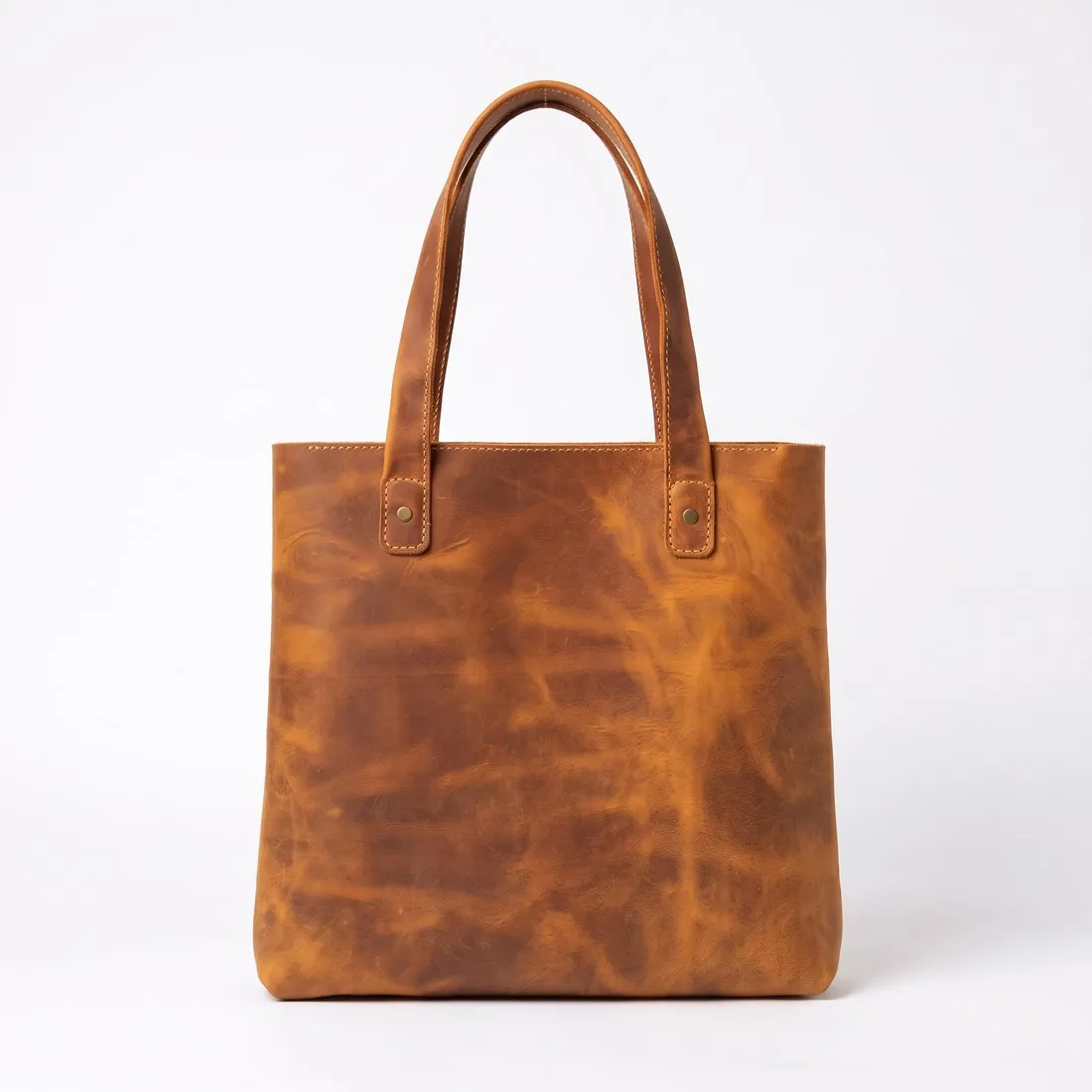
The brown leather tote alone on a white studio background, front view
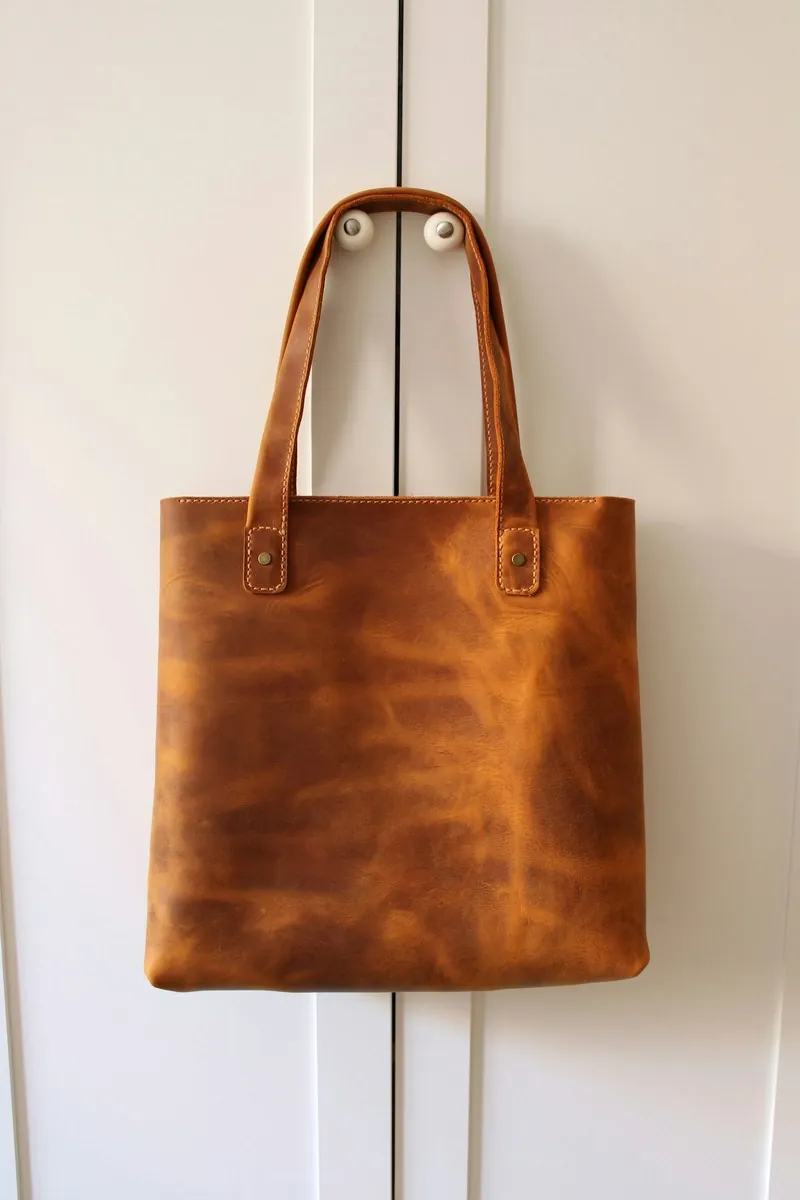
Source photo: On a door. Made with Herofab · Packshot studio
Worldwide

All Amazon A+ Content image requirements

Source: Amazon Seller Central — A+ content guidelines; A+ Content; Create A+ content; Amazon A+ Content Design Guide. Checked 12 October 2026.

Number
Up to five modules per project with Basic A+, or up to seven with Premium A+
File size
Seller Central, which requires a sign-in, lists a limit of 2 MB per image file
Formats
Seller Central lists .jpg, .bmp and .png in the RGB colour space

Designing for the module, not the gallery

Basic A+ allows up to five modules per project, and Premium A+ up to seven. The modules extend the detail page below the gallery, so a project is planned as a short sequence in which each module answers one question a shopper has before buying, rather than as a repeat of the main images.

A+ is the place for what the gallery does not show: the product in use, a close view of materials, a comparison of sizes within the brand's own range, or the contents of the box. Choosing the subject of each module before any image is made keeps the project within the five or seven modules available.

Where the image specifications are published

Amazon's public A+ Content material sets the number of modules, but the image file specifications for each module are published only inside Seller Central. The sizes, file types and limits shown next to each template box there are the ones that apply, and they are read from the account before images are exported.

Because those specifications sit behind the seller login, the file size and formats listed on this page name Seller Central as their source and are confirmed there. A wide banner image is planned with room to crop, so it can be fitted to the template box once its exact size is known.

Wide banners and generated people

A portrait product photo can be widened into a banner by extending the scene around it, and the result is then cropped to the template box shown in Seller Central. The product stays near the centre of the crop, and any text in the image is kept away from the edges that the crop may remove.

Any requirement for AI-generated people in A+ images is checked in Seller Central before upload, since the public A+ material behind this guide does not set one. A file that already carries a machine-readable AI marker in its metadata keeps that marker when it is cropped to a module.

Herofab

What Amazon A+ Content asks for, covered.

A+ banner modules are wide, and wider formats than 16:9, Herofab's widest ratio, have to be cropped from a Herofab image. Extend frame widens a portrait product or on-model image into a wide banner first. When an image shows a person Herofab generated, the contains-synthetic-performer keyword is written into the file, together with the IPTC marker for AI-generated media.

01

Cropped to the module

A banner module wider than 16:9, Herofab's widest ratio, is cropped from the delivered image.

02

From portrait to banner

Extend frame generates the scene around a portrait image and places the original pixels back on top.

03

Synthetic people tagged

When an image shows a person Herofab generated, the contains-synthetic-performer keyword is written into the file.

Questions

Amazon A+ Content, answered.

What image size is right for Amazon A+ Content?

Amazon's public A+ Content material allows up to five modules per project with Basic A+ and seven with Premium A+; image file specifications are published only inside Seller Central.

How many images can be used in Amazon A+ Content?

Up to five modules per project with Basic A+, or up to seven with Premium A+. Source: Amazon Seller Central — A+ content guidelines; A+ Content; Create A+ content; Amazon A+ Content Design Guide, checked 12 October 2026.

How large can an image file be for Amazon A+ Content?

Seller Central, which requires a sign-in, lists a limit of 2 MB per image file. Source: Amazon Seller Central — A+ content guidelines; A+ Content; Create A+ content; Amazon A+ Content Design Guide, checked 12 October 2026.

Which image formats can be used for Amazon A+ Content?

Seller Central lists .jpg, .bmp and .png in the RGB colour space. Source: Amazon Seller Central — A+ content guidelines; A+ Content; Create A+ content; Amazon A+ Content Design Guide, checked 12 October 2026.

How many modules can an Amazon A+ Content project have?

Up to five modules per project with Basic A+, and up to seven with Premium A+, according to Amazon's public A+ Content material.

Where are the Amazon A+ Content image sizes published?

Only inside Seller Central, next to each template box. Amazon's public A+ Content pages give the number of modules but not the image file specifications, so the sizes are read from the account.

Can I check my images before uploading?

Yes. The free image size checker reads each file in your browser and tests it against these rules; the image is not uploaded.

Where do these figures come from?

From Amazon Seller Central — A+ content guidelines; A+ Content; Create A+ content; Amazon A+ Content Design Guide, read on 12 October 2026. Platforms update their specs; the official page is the final reference.

Glossary
Get started

Your next collection, shot this week.

20 credits at sign-up, no card required. Images made with free credits carry a watermark. Herofab also removes the watermark from those images once credits are purchased.