Allegro product image requirements
At least 500 px on the longer side, up to 26 MP, shown at up to 2,560 × 2,560; JPG or PNG. Fashion thumbnails: plain white or light grey.
At a glance
- File
- JPG, JPEG or PNG (WEBP also through the API or a file); any proportions, such as 1:1, 4:3 or 16:9; only the sRGB profile for full colour fidelity
- Number
- 10 images on a regular account; 16 on a business account in all categories except classifieds; 40 in a classified
All Allegro image requirements
Source: Allegro — Rules for images in the gallery and in descriptions. Checked 10 October 2026. Read again · 13 October 2026
- Size
- At least 500 pixels on the longer side; uploads up to 26 megapixels; images are shown at up to 2,560 × 2,560 pixels, and larger ones are scaled down proportionally
- File
- JPG, JPEG or PNG (WEBP also through the API or a file); any proportions, such as 1:1, 4:3 or 16:9; only the sRGB profile for full colour fidelity
- Background
- The thumbnail — the first image — on white, RGB 255.255.255; in Fashion (clothing, footwear, accessories, jewellery and watches, haberdashery) and Sports and Travel (luggage, travel clothing, footwear, backpacks), a uniform white or uniform light grey (HSV value V of at least 0.8); other gallery images may use any background colour
- Models
- Models may appear with the product in any category; images in which Allegro recognises a face are hidden from the Allegro Product Catalog and the product change request form
- Not allowed
- On the thumbnail: logos, text, icons or graphics, borders or other adornments; in gallery images: added text such as the store name or logo
- Number
- 10 images on a regular account; 16 on a business account in all categories except classifieds; 40 in a classified
- Sets
- Several products can be shown in the thumbnail when they are sold as a set
- Packaging
- A product sold in the original manufacturer's packaging may be shown with it, but the packaging photo must not carry your store's logo
- Text on images
- Gallery images may show text that is on the product or its original packaging, and product dimensions as figures with units; no added text about product features
Main image
- Background colour
- Light, neutral background
Source: help.allegro.com, Allegro — Rules for images in the gallery and in descriptions · checked 10 October 2026
What Allegro asks for, covered.
Background removal or the product studio shows shoes, jewellery, bags and eyewear alone on white, a thumbnail background Allegro accepts in every category, and virtual try-on shows clothing on a model, which Allegro allows with the product in any category. Every image carries IPTC AI-generated metadata.
Clothing on a model
Virtual try-on shows the garment on a model; Allegro allows models with the product in any category.
Products alone on white
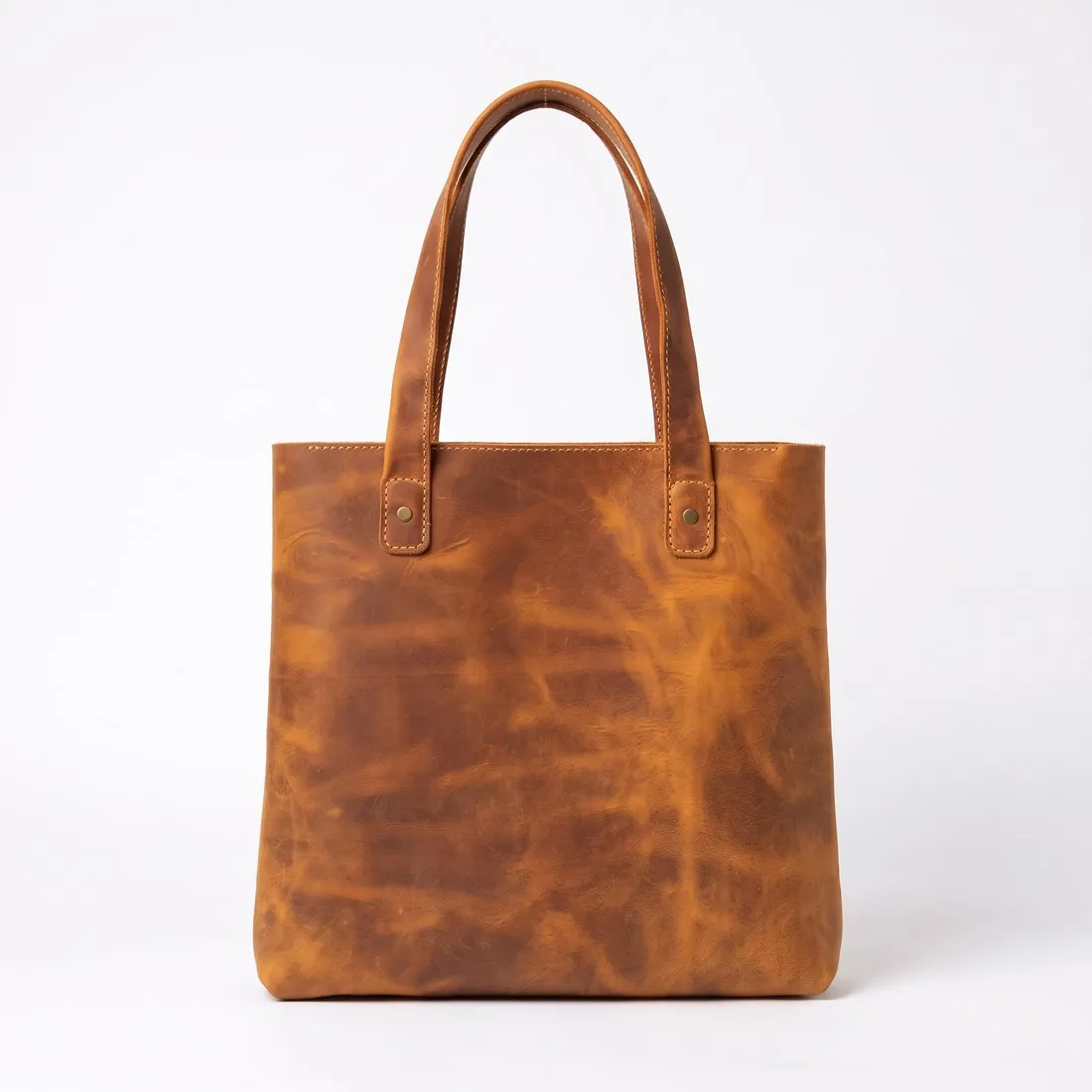
Background removal and the product studio show shoes, jewellery, bags and eyewear alone on white.
IPTC AI marker
Every image carries IPTC AI-generated metadata.
Allegro, answered.
What size should Allegro product images be?
At least 500 px on the longer side, up to 26 MP, shown at up to 2,560 × 2,560; JPG or PNG. Fashion thumbnails: plain white or light grey.
What background should product images have on Allegro?
The thumbnail — the first image — on white, RGB 255.255.255; in Fashion (clothing, footwear, accessories, jewellery and watches, haberdashery) and Sports and Travel (luggage, travel clothing, footwear, backpacks), a uniform white or uniform light grey (HSV value V of at least 0.8); other gallery images may use any background colour. Source: Allegro — Rules for images in the gallery and in descriptions, checked 10 October 2026.
What is not allowed in product images on Allegro?
On the thumbnail: logos, text, icons or graphics, borders or other adornments; in gallery images: added text such as the store name or logo. Source: Allegro — Rules for images in the gallery and in descriptions, checked 10 October 2026.
How many images per product on Allegro?
10 images on a regular account; 16 on a business account in all categories except classifieds; 40 in a classified. Source: Allegro — Rules for images in the gallery and in descriptions, checked 10 October 2026.
Can I check my images before uploading?
Yes. The free image size checker reads each file in your browser and tests it against these rules; the image is not uploaded.
Where do these figures come from?
From Allegro — Rules for images in the gallery and in descriptions, read on 10 October 2026. Marketplaces update their rules; the official page is the final reference.
Your next collection, shot this week.
20 credits at sign-up, no card required. Images made with free credits carry a watermark. Herofab also removes the watermark from those images once credits are purchased.