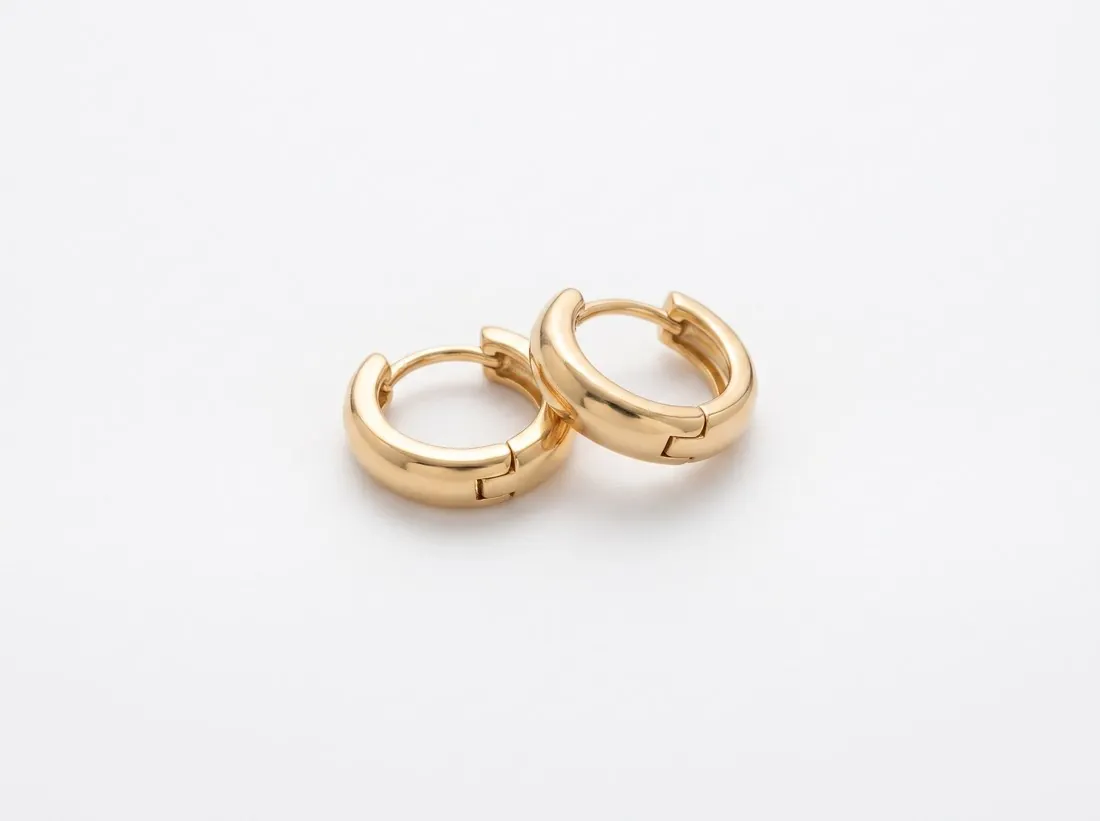
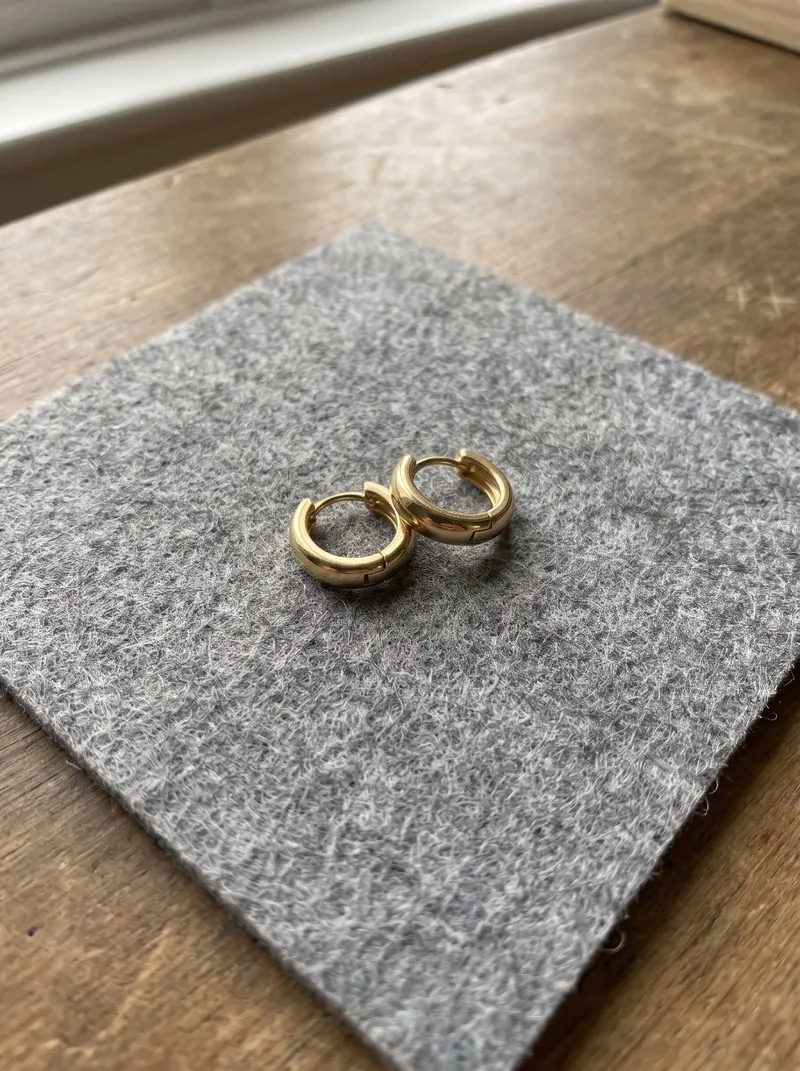
A product cut out and set on pure white has no contact with any surface, and the eye reads it as hovering. A shadow restores that contact. A natural shadow is the one the product really cast when it was photographed; a drop shadow is added afterwards; a reflection mirrors the product on a glossy surface beneath it.
A shadow is part of the image, so it decides whether the background is plain white throughout. Marketplace rules treat shadows differently, and at least one excludes them outright, which makes the shadow a setting to check for each channel. A convincing shadow agrees with the light on the product: it falls on the side away from the brightest edge.
Contact shadow, cast shadow and shadows from above
Product shadows fall into a few types. A contact shadow is the narrow dark line directly under the product, where it meets the ground. A cast shadow extends to one side and shows where the light came from and how tall the product is. Most convincing shadows combine the two: a dark, tight contact area that opens into a paler, softer cast.
The camera angle decides which type fits. A product photographed from the front stands on its shadow. A product photographed from above, such as a flat lay, lies on it, and the shadow becomes a soft rim along one or two edges that shows the thickness of the product. A garment shown as if it were hanging in the air is usually left without a ground shadow, since there is no ground under it.
Keeping the photographed shadow or building one
The shadow a product really cast fits it exactly, whatever the shape of its base. It can be kept when the photo was taken on a clean white surface under soft light: the retoucher separates product and shadow, cleans the ground and lays the original shadow back under the cut-out. A shadow photographed on a coloured or textured table carries that colour and texture and is better replaced.
A built shadow starts from one of two shapes. An ellipse, darkened and blurred, suits products with a round or compact base, such as bottles, jars and boxes. For shoes, bags and furniture, whose base is irregular or which touch the ground at several points, the shadow is derived from the outline of the product itself, flattened onto the ground and blurred.
What a shadow changes in the file
A shadow makes the picture wider than the product. A long cast shadow moves the product away from the centre, and an automatic trim that crops to everything that is not background counts the shadow as part of the product. The product then appears smaller in the frame than in a version without a shadow, which matters where a channel expects the product to fill most of the picture.
Soft shadows are also sensitive to compression and to size. They are smooth gradients from grey to the ground colour, and strong JPEG compression can break such a gradient into visible steps or blocks. A very faint shadow can disappear altogether when the picture is reduced to the size of a search result, so a shadow is judged at the size at which it will be seen as well as at full size.
Drop shadow and related terms
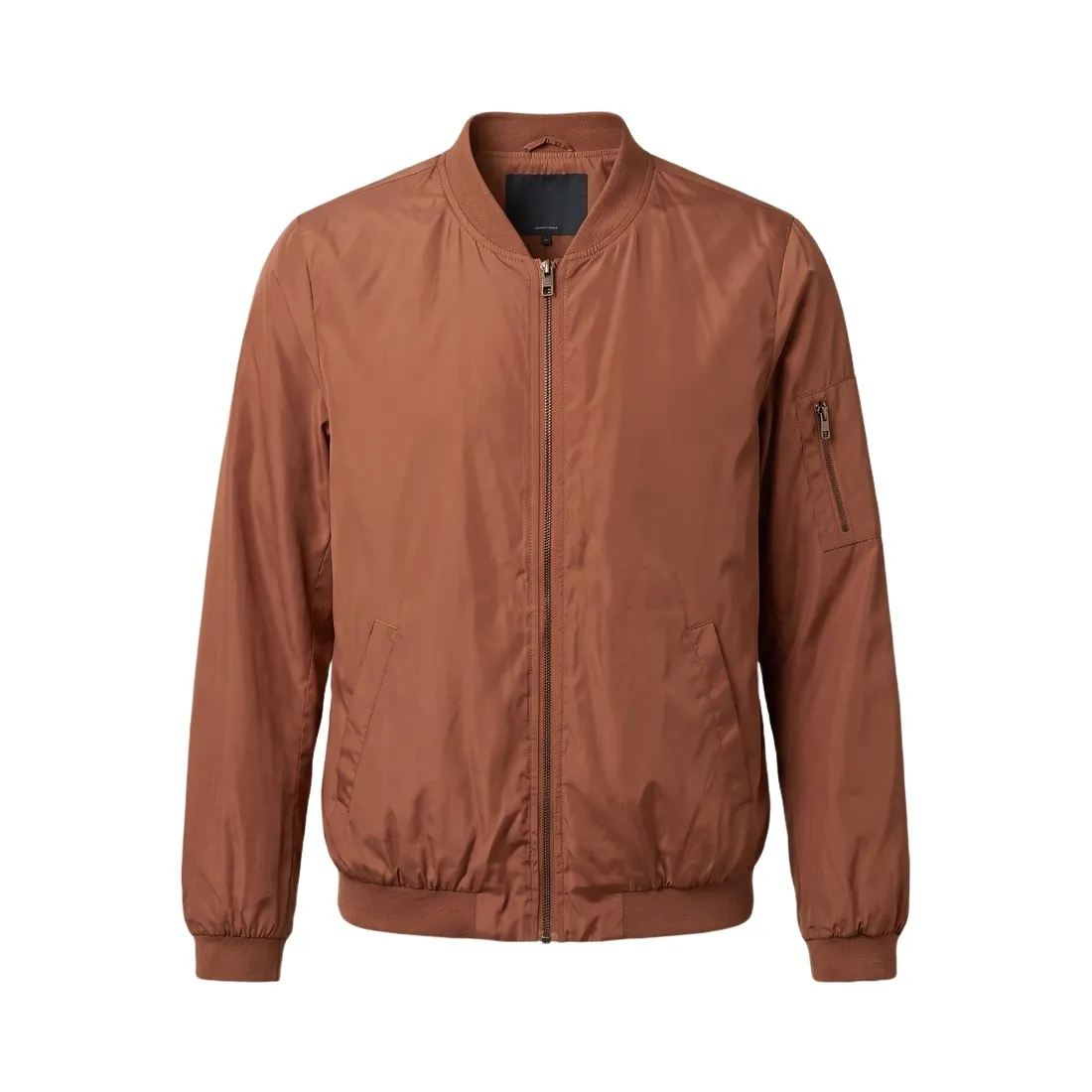 Cut-out image
- A cut-out image is the product with its background removed, and the photographed shadow normally goes with the background. A drop shadow is the usual repair: it gives the cut-out a ground to stand on again.
- Pure white background
- A pure white background has the highest white value in every background pixel. A shadow is darker than that wherever it falls, so a picture with a shadow is not pure white throughout, and the rule of each sales channel decides whether that is accepted.
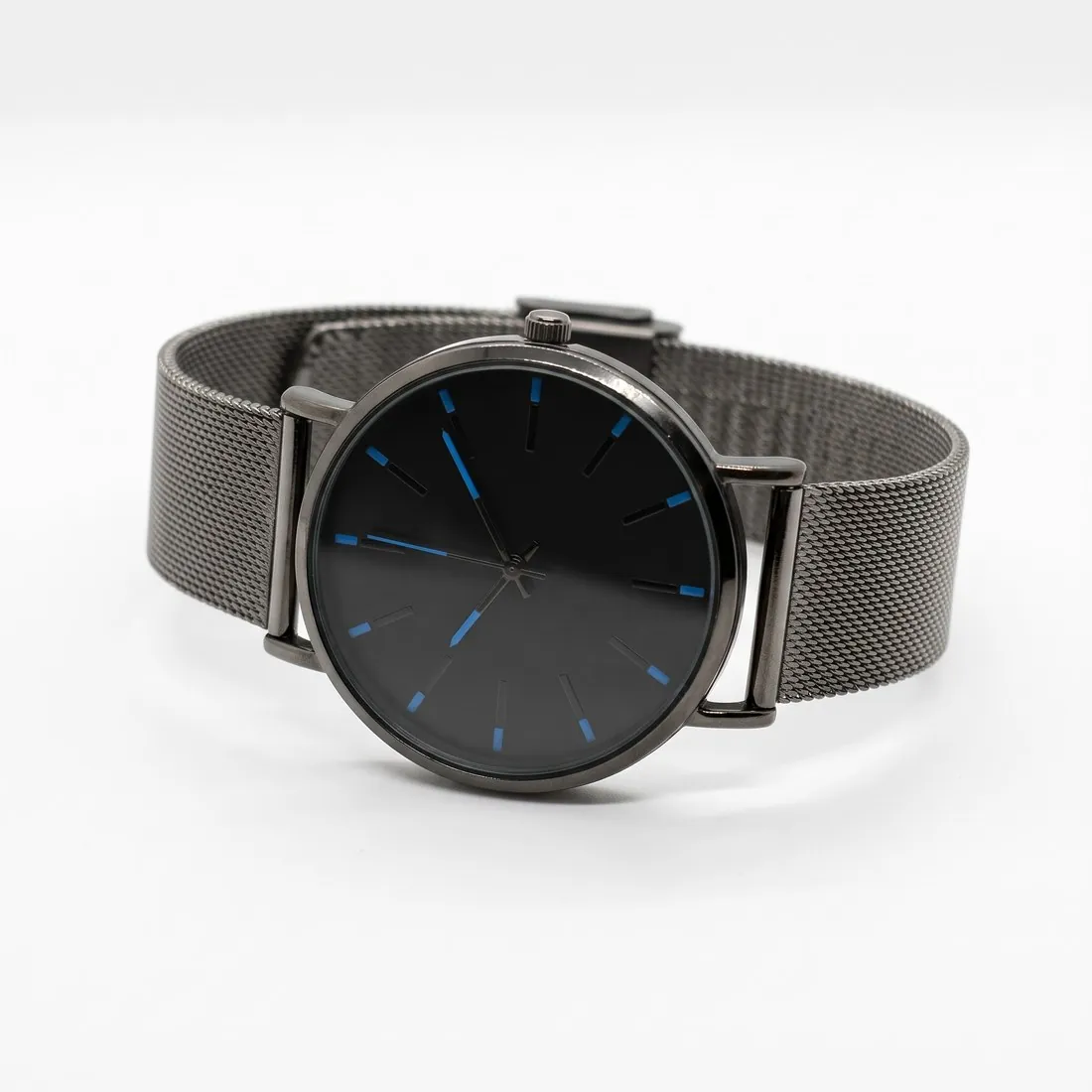 Packshot
- A packshot is the product-only photo on a plain ground. The shadow is one of its few style decisions, and a catalogue usually settles it once for all products: none, a soft contact shadow or a reflection.
- Neutral background
- A neutral background is a plain ground in a quiet light tone such as light grey or beige. A shadow on it has to be a darker shade of that same tone; a neutral grey shadow made for white looks like a stain on beige.
A checklist for a product shadow
- The shadow touches the product: no strip of clean ground lies between the base and the darkest part of the shadow.
- The shadow lies on the side away from the light seen on the product, and every product in the series casts it in the same direction.
- The shadow fades into the ground before it reaches the edge of the picture and is not cut off by the frame.
- The shadow carries no trace of the surface the product was photographed on: no colour, grain or table edge.
- On a transparent file the shadow consists of partly transparent pixels, so that it darkens a coloured ground instead of covering it with grey.